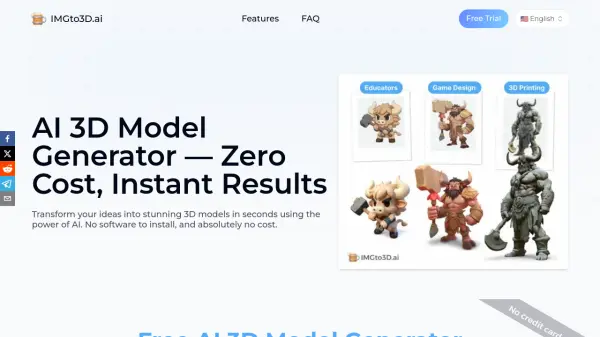
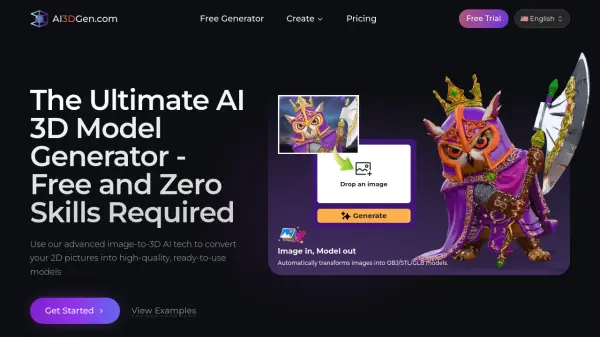
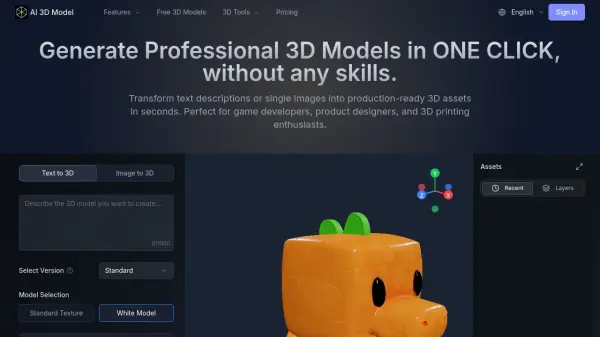
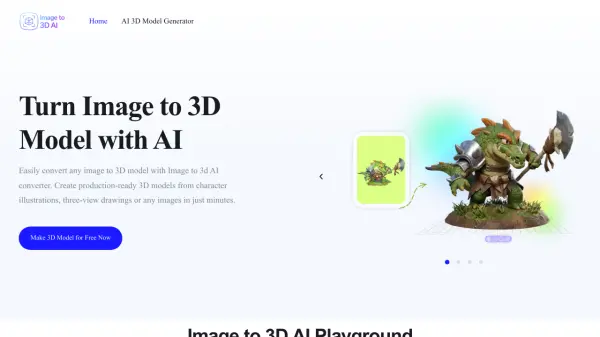
What is Modelfy 3D?
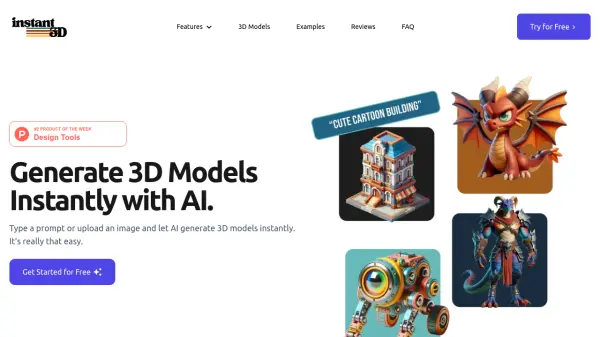
Modelfy 3D is a proprietary AI-powered platform that transforms 2D images into production-ready 3D models with remarkable speed and precision. Built by computer vision researchers and 3D graphics engineers, the platform uses self-developed neural networks featuring advanced octree resolution control (196–512) and adaptive inference steps to deliver accurate 3D reconstruction from a single image or multiple images. Users can choose from four quality tiers Fast (15K polygons), Standard (30K), Pro (60K), and Ultra (300K polygons) — ensuring the right level of detail for every project, from rapid prototypes to fully optimized production assets. The platform also supports text-to-3D generation, PBR texture creation, and multi-format export in GLB, OBJ, and STL formats, making it compatible with tools like Blender, Maya, Unity, and all major 3D printing software.
Modelfy 3D goes beyond simple conversion by offering an enterprise-grade asset management system where users can organize 3D models using filters, custom tags, favorites, archiving, and download tracking. Powered by Cloudflare's global CDN infrastructure, the platform guarantees 99.9% uptime with real-time status monitoring and automatic error recovery. With a credit-based pricing model that starts with a free tier, Modelfy 3D serves creators, product designers, game developers, VR developers, e-commerce managers, and 3D printing enthusiasts across more than 80 countries, having already generated over 25,000 3D models.
Features
- Ultra-High Precision 3D Models: Generate models with up to 300,000 polygons across four quality tiers — Fast (15K), Standard (30K), Pro (60K), and Ultra (300K).
- AI Image-to-3D Conversion: Proprietary neural networks analyze depth cues, perspective, and surface details to reconstruct accurate 3D geometry from a single 2D image.
- Text-to-3D Generation: Convert text prompts directly into 3D models alongside the image-based workflow.
- PBR Texture Generation: Automatically generate physically-based rendering (PBR) texture maps alongside 3D geometry for realistic rendering.
- Multi-Format Export: Download models in GLB (web/games), OBJ (3D software), and STL (3D printing), including texture maps and preview images.
- Professional Asset Management: Organize models with custom tags, titles, descriptions, favorites, archiving, and status filtering for efficient workflow management.
- Enterprise-Grade Infrastructure: Built on Cloudflare's global CDN with 99.9% uptime, real-time status monitoring, and automatic error recovery.
- Multiple Images Mode: Generate 3D models from multiple input images for improved reconstruction accuracy (available on Pro and Max plans).
Use Cases
- Converting 2D concept art into 3D game assets for game development pipelines
- Creating printable 3D models from product or object photos for rapid prototyping and 3D printing
- Generating high-polygon 3D product models for e-commerce visualization and customer engagement
- Building 3D assets for VR/AR environments with clean topology and optimized geometry
- Producing professional 3D models for client presentations in product design workflows
- Creating marketing and campaign visuals using AI-generated 3D models with PBR materials
- Rapid prototyping for 3D artists and studios to accelerate pre-production workflows
- Managing large 3D model libraries with enterprise asset management tools
How It Works
Upload Your Image
Upload a JPG, PNG, or WEBP image (or enter a text prompt for text-to-3D). The system automatically applies intelligent preprocessing including background padding, size optimization, and format conversion for optimal AI conversion results.
Select Quality Tier and Generate
Choose your desired quality level — Fast, Standard, Pro, or Ultra. The proprietary AI algorithms then analyze depth cues, perspective, and surface details, automatically selecting optimal octree resolution and inference steps based on your chosen tier.
Download Your 3D Asset Package
Receive your complete 3D asset package including the model in GLB, OBJ, or STL format, PBR texture maps, and preview images. Real-time status tracking keeps you informed throughout the conversion process.
FAQs
-
What makes Modelfy 3D's AI image to 3D generator unique?
Modelfy 3D uses proprietary AI algorithms with four quality tiers up to 300K polygons, advanced octree resolution control (196–512), and intelligent inference optimization (20–50 steps) with self-developed 3D reconstruction technology. -
What quality levels are available for image to 3D conversion?
Four precision tiers are available: Fast (15K polygons), Standard (30K), Pro (60K), and Ultra (300K polygons), each optimized for different use cases from rapid prototyping to production-ready assets. -
What file formats does Modelfy 3D support for input and output?
Input formats include JPG, PNG, and WEBP. Output formats include GLB (for web/games), OBJ (for 3D software), and STL (for 3D printing), along with texture maps and preview images. Compatible with Blender, Maya, Unity, and major 3D printing software. -
How does the asset management system work?
The professional asset management system allows users to filter models by status (completed, processing, failed), organize with favorites and archives, add custom titles, descriptions, and tags, and track download history — ideal for managing large 3D model libraries. -
Is Modelfy 3D reliable for professional and business use?
Yes. Modelfy 3D is built on Cloudflare's global CDN infrastructure, ensuring 99.9% uptime with real-time status monitoring, automatic error recovery, complete audit logs, and intelligent retry mechanisms for consistent, enterprise-grade performance.