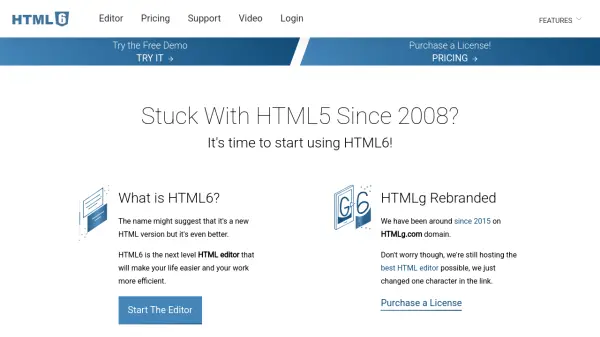
What is HTML6?
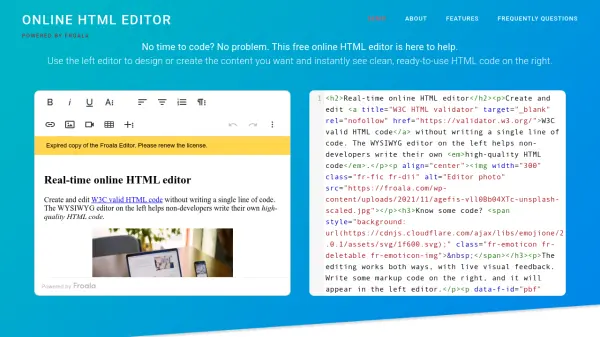
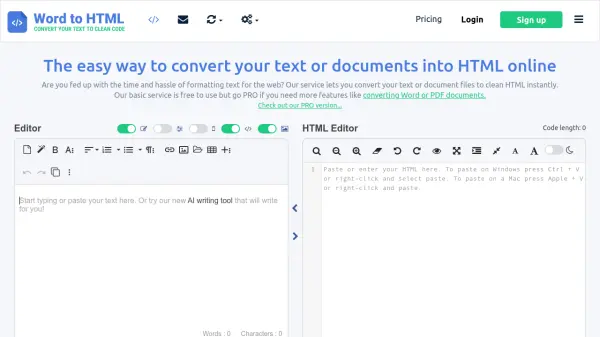
HTML6 is an advanced online WYSIWYG HTML editor designed to streamline web content creation and document conversion. This tool enables users to visually compose and edit content without coding expertise while providing real-time synchronization between the visual editor and source code. It supports instant conversion of Word and other document formats into clean HTML markup.
The editor includes comprehensive features such as tag management, cleaning options, find-and-replace tools, and attribute filtering to enhance productivity. Accessible directly through a web browser without registration or downloads, HTML6 offers both free and premium functionalities. Premium access removes limitations and ads through a one-time payment model, making it suitable for various users from beginners learning HTML to professionals automating web tasks.
Features
- Converter: Convert Word and other visual documents to HTML instantly
- WYSIWYG: Create and edit content visually without needing to code
- Live Editors: Change the visual document and the code in real-time
- Cleaner: Set cleaning options and execute them with a single click
- Tag Filter: Extract or delete parts of tags based on criteria
- Attribute Filter: List or remove specific attributes from tags
- Tag Manager: Bulk replace and delete tags or their parts
- No Ties: One-time payment without recurring fees
Use Cases
- Converting Word documents to HTML for web publishing
- Learning HTML markup through visual editing
- Automating web content editing tasks
- Cleaning and optimizing existing HTML code
- Migrating content between different platforms
- Creating error-free web content efficiently
FAQs
-
How do I start using the HTML6 editor?
Visit the website and access the editor directly in your web browser without registration or downloads. A demo content is prefilled for experimentation. -
What types of documents can be converted to HTML?
The editor supports converting Word and other visual documents to HTML instantly through copy-paste functionality. -
Are there any recurring payments for premium features?
No, premium access requires a one-time payment without automatic renewals or recurring fees. -
Can I edit HTML code in real-time while seeing visual changes?
Yes, the live editors allow simultaneous changes in both the visual document and source code with real-time updates. -
What should I do before processing code with the HTML converter?
Always backup and save your original code to revert if needed, and double-check before publishing on a live site.