What is Foodee Menu Builder?
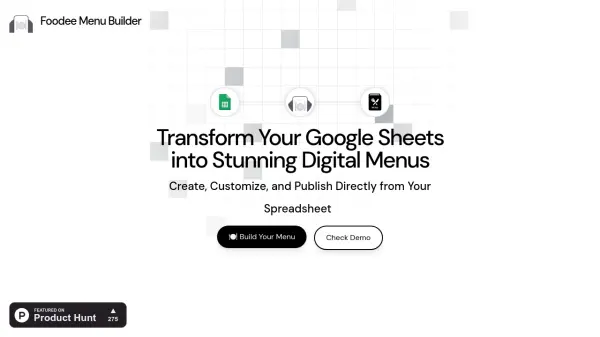
Foodee Menu Builder empowers users to create, customize, and publish professional digital menus directly from Google Sheets. With a simple add-on installation, users can manage dishes, prices, and descriptions—all changes made in the spreadsheet sync instantly online, providing customers with the most up-to-date menu at a unique custom URL.
Foodee's intuitive system eliminates the need for coding and offers both a free and premium plan, supporting unlimited categories, products, rich media integration, and design personalization. Perfect for cafes, restaurants, and small businesses, Foodee enables seamless menu management and public access, leveraging the familiarity of Google Sheets for efficient, user-friendly operation.
Features
- Google Sheets Integration: Syncs menu data and updates directly from a spreadsheet.
- Custom URL Creation: Generates unique branded menu sites for each business.
- Real-Time Updates: Instantly reflects any menu changes made in Google Sheets online.
- Image and Logo Support: Allows addition of product images and branding via Google Drive links.
- User-Friendly Setup: Requires no coding and easy onboarding through a Google Sheets add-on.
- Customization Options: Modify menu appearance, store details, and banners from within the sheet.
- Watermark Removal: Premium users enjoy ad-free, professional-looking menus.
- Unlimited Menu Items: Premium plan offers unrestricted categories and products.
- Priority Customer Support: Expedited help and customization for premium plan subscribers.
Use Cases
- Restaurants creating digital menus for online or in-house use.
- Cafes managing and updating their daily specials efficiently.
- Small food businesses quickly launching product catalogs.
- Store owners customizing and personalizing menus with images and branding.
- Temporary pop-up events needing instant menu publication.
- Food trucks updating menu items on-the-fly for customers.
- Retailers showcasing non-food inventories like merchandise through menu format.
FAQs
-
What are the limitations of the free plan?
The free plan allows up to 3 menu categories, 20 products, and includes a watermark on the digital menu. -
What does the premium plan provide?
The premium plan offers unlimited menu categories, unlimited products, no watermark, and priority support within 12 hours. -
Is a trial available for premium features?
Yes, there is a 10-day free trial for premium features. -
How can users add product images, logos, or cover images?
Images can be uploaded to Google Drive, set to 'Anyone with the link can view,' and the link pasted into the sheet. -
What should I do if my website is stuck on a loading screen?
Ensure that the Google Sheet's sharing permission is set to 'Anyone with the link can view.'