What is QR Menu?
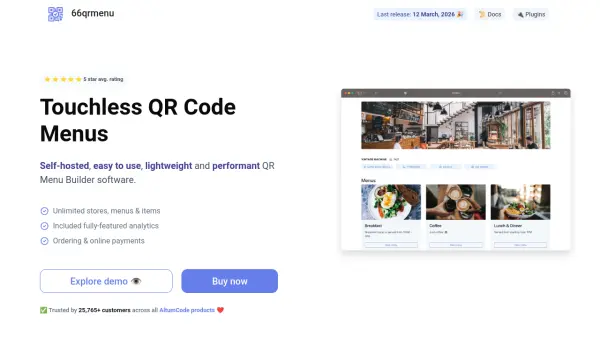
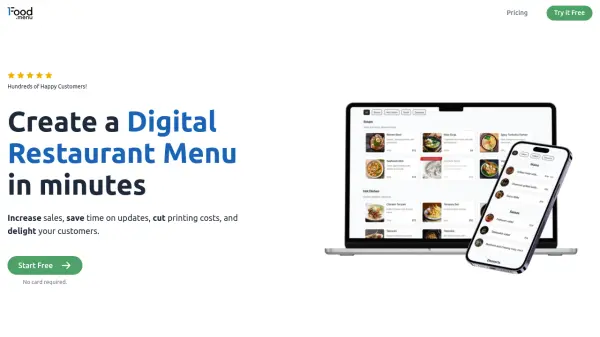
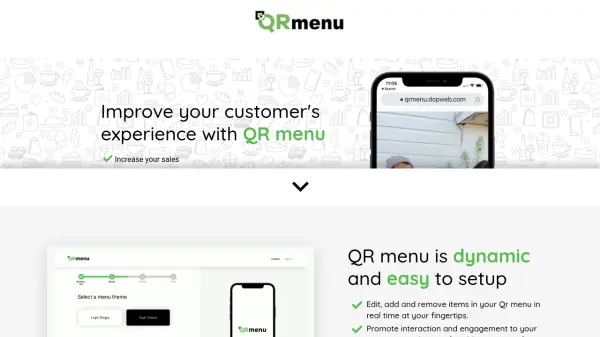
QR Menu provides a dynamic digital menu solution that enables businesses to create and manage QR code menus effortlessly. The platform allows real-time editing, addition, and removal of menu items, ensuring that updates go live within seconds. It offers a contactless ordering experience with instant translation to 90 languages, making it accessible to a diverse customer base. Additionally, QR Menu includes features such as optional integrated mobile payments, data analytics for business improvement, and the ability to share menus on social media to increase reach and exposure.
The tool helps businesses eliminate wait times, avoid printing costs, and provide a smooth ordering experience. With plans ranging from a free starter option to premium professional services, QR Menu caters to various business needs, offering waterproof QR stickers, dedicated project management, and priority support for enhanced functionality.
Features
- Real-time Editing: Edit, add, and remove menu items in real time with updates going live within seconds
- Instant Translation: Translate menus instantly to 90 languages for accessibility to diverse customers
- Optional Mobile Payment: Integrate mobile payments for quick and easy checkout, including bill splitting and tipping
- Data Analytics: Access real-time cloud-based reports on rush hour scans, best views, clicks, and customer countries
- Contactless Experience: Provide a smooth, contactless ordering experience that eliminates wait times
Use Cases
- Restaurants creating digital menus for contactless ordering
- Hotels offering digital room service or event menus
- Beauty salons displaying service catalogs with QR codes
- Nail salons showcasing nail art designs and pricing
- Businesses aiming to reduce printing costs and update menus frequently
FAQs
-
How can I update my menu?
You can log into your account using a mobile or desktop device, make changes on the go, and publish them. Updates go live within seconds. -
Can my customers place orders through their phone?
Yes, customers can view the menu online and optionally checkout with integrated mobile payments, providing an easier browsing experience. -
How can I order my QR codes?
After setting up and publishing your menu, download the auto-generated QR code to print yourself, or request 50 free waterproof QR stickers on the PROFESSIONAL plan.