What is 1FoodMenu?
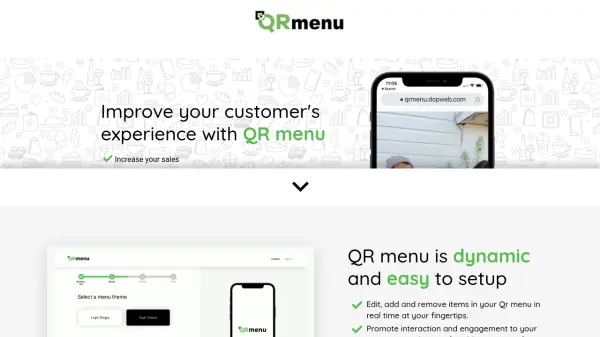
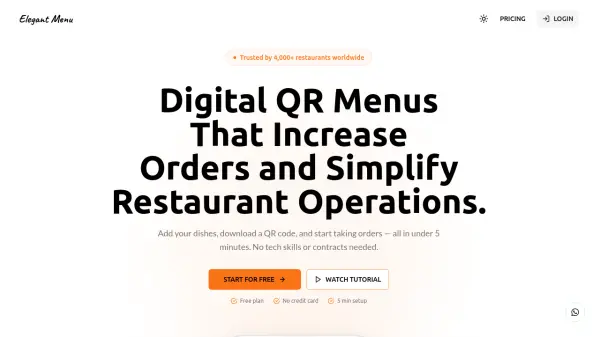
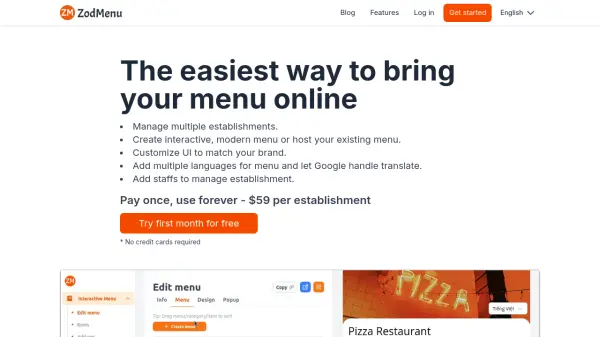
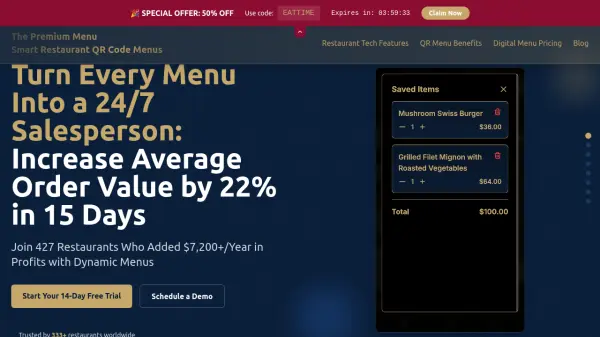
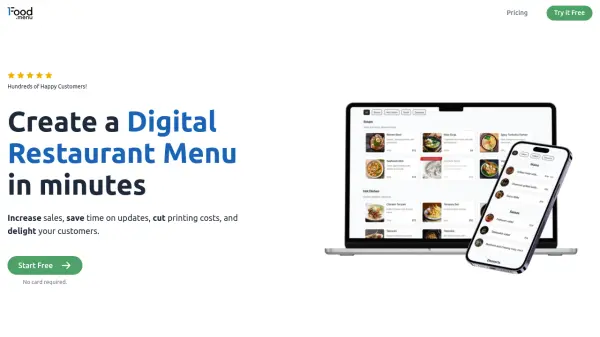
1FoodMenu provides restaurants with a digital menu solution that transforms traditional paper menus into dynamic, online versions. The platform enables businesses to update menus in seconds from any device, change prices, photos, and specials effortlessly without requiring coding skills. It offers an intuitive interface designed for ease of use, allowing restaurant owners to manage their menus efficiently and reduce the time spent on manual updates.
With features like API sync for automatic updates across websites, apps, TV boards, and digital signage, 1FoodMenu ensures consistency and accuracy. The tool includes mobile-first templates that display beautifully on all screens, helping restaurants attract more customers and boost sales through visually appealing presentations. By eliminating outdated menus and reducing printing costs, it supports sustainable practices while enhancing customer satisfaction.
Features
- Unlimited products & categories: Add as many items and sections as needed for your menu.
- Access to all menu designs: Choose from various templates that are mobile-friendly and customizable.
- Easy copy-paste embed code: Quickly integrate the menu into any website or app without technical skills.
- Menu management from any device: Update prices, photos, and specials remotely using a simple interface.
- API - for syncs updates: Automatically publish changes across digital platforms with Pro plan integration.
Use Cases
- Creating digital menus for restaurants to replace paper versions.
- Updating menu items and prices quickly to reflect changes in inventory or promotions.
- Embedding menus on restaurant websites or apps for easy customer access.
- Displaying menus on TV boards or digital signage in dining areas.
- Using QR codes to allow customers to view menus on their mobile devices.
FAQs
-
What is a digital menu and how do customers access it?
An online version of your menu. Guests open a link, scan a QR code, or visit your site to see it. -
Do I need technical skills to use 1FoodMenu?
No. The editor is simple to use. Basic computer skills are enough. -
Can I add photos to my digital menu?
Yes, Free plan - use externally hosted image URL; Pro plan - upload images in the app or use an external URL. -
Is the menu mobile-friendly?
Yes. Menus display well on phones, tablets, and desktops. -
Can I embed the menu on my website or app?
Yes. We provide an embed code you paste into any site or app.