
What is Eyeware Beam?
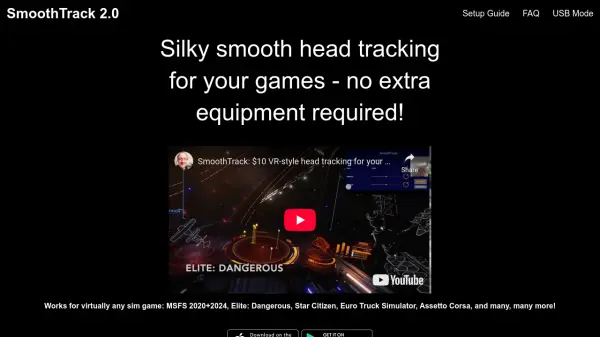
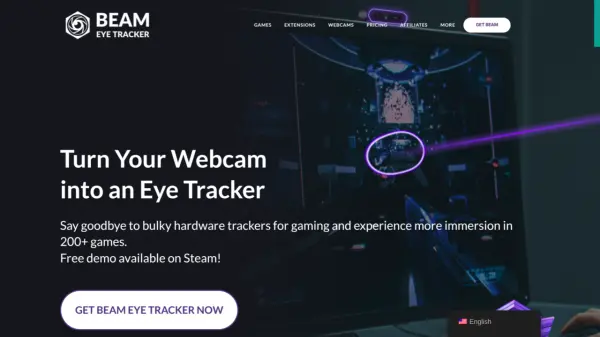
Eyeware Beam utilizes advanced AI and computer vision technology to provide a seamless eye and head tracking experience using just a standard webcam. This innovative software integrates with OpenTrack, enabling 6DoF (six degrees of freedom) head and eye tracking in over 200 PC games, enhancing immersion by expanding the field of view.
Gamers and streamers can benefit from features such as the Eye Tracking Overlay, ideal for attention analysis and increasing audience engagement. By leveraging a webcam-centric approach, it ensures clear, unobstructed views and offers greater placement flexibility, providing performance comparable to high-end hardware devices at a fraction of the cost.
Features
- Eye Tracking Overlay: Provides visual attention analysis for post-game review and enhances live streams.
- 6DoF Head and Eye Tracking: Expands the field of view in over 200 PC games by tracking head and eye movements.
- Webcam Compatibility: Works with most standard webcams and phone-as-webcam apps.
- iOS App Extension: Offloads processing to iOS devices with FaceID, reducing CPU load.
- OpenTrack Integration: Seamlessly integrates with OpenTrack for enhanced tracking capabilities.
Use Cases
- Enhancing gaming immersion in PC games.
- Improving live stream engagement with eye tracking visuals.
- Post-game analysis of player focus and attention.
- Developing applications with head and eye tracking data.
- Conducting academic research involving eye and head tracking.
FAQs
-
What types of webcams are compatible with the Beam Eye Tracker?
The Beam Eye Tracker is compatible with most webcams, both integrated and external, as well as free apps that turn your phone into a webcam. For more details, visit beam.eyeware.tech/webcams. -
Does the Beam Eye Tracker work with glasses?
Yes, the Beam Eye Tracker is compatible with glasses. However, performance may slightly decrease with strong prescriptions or glare. If your glasses have thick rims, positioning the camera below the monitor can help maintain visibility of your eyes. It’s advisable to try the free demo on Steam to see how it works with your specific glasses. -
Is there a free trial available?
Yes, there’s a demo available on Steam that you can use for free if you have a Steam Level 1 account. It’s a limited-time trial with all the features available. The trial requires the Steam client. If you don’t have a Steam Level 1 account and purchase the standalone version on our website, we offer refunds on a case-by-case basis if you’re not satisfied with the performance. -
Do you offer refunds?
We encourage you to try our free demo on Steam before purchasing to ensure the Beam Eye Tracker meets your needs. If you have issues accessing the demo or need further assistance, please join our Discord server for support or reach out to [email protected]. We review refund requests individually to ensure fairness and prevent misuse. -
Can I use the Beam Eye Tracker for developing my own app using the head and eye tracking data or for academic research?
Yes, our SDK is available for those interested in developing applications or conducting academic research using head and eye tracking data. You can access the SDK here. We encourage you to create and share your extensions. Find out what extensions we support on our extensions page.