What is EyeGestures?
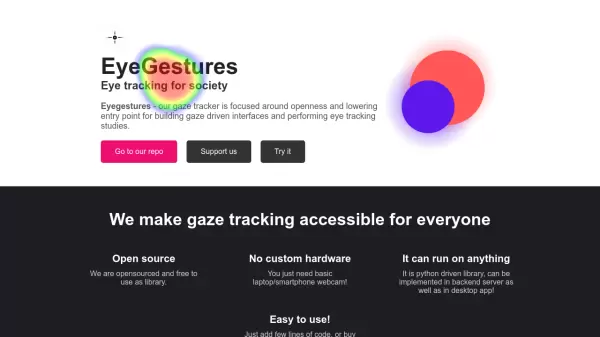
EyeGestures revolutionizes eye tracking technology by making it accessible and affordable through standard webcams, eliminating the need for specialized hardware. The platform offers Python-based implementation that can be integrated into both backend servers and desktop applications.
The technology enables developers and researchers to build gaze-driven interfaces and conduct eye tracking studies with minimal setup requirements. With applications ranging from privacy protection to research tools, EyeGestures combines simplicity with functionality in its open-source framework.
Features
- Open Source Library: Free to use and implement
- Universal Hardware Compatibility: Works with basic laptop/smartphone webcams
- Cross-platform Implementation: Python-driven library for backend and desktop use
- Simple Integration: Minimal code required for implementation
- Screen Protection: Automatic screen blur when user looks away
Use Cases
- Eye tracking research studies
- Privacy protection applications
- Gaze-driven interface development
- Productivity monitoring
- Human-computer interaction research
FAQs
-
What hardware requirements are needed to use EyeGestures?
EyeGestures only requires a basic laptop or smartphone webcam, with no need for specialized hardware. -
Is EyeGestures compatible with different platforms?
Yes, as a Python-driven library, it can be implemented in both backend servers and desktop applications. -
How much does the EyeFocus app cost?
The EyeFocus app costs $3.99.