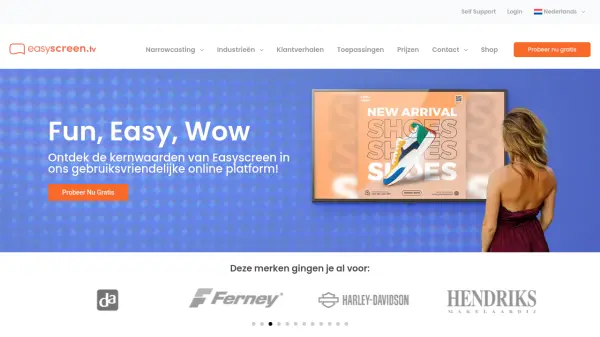
What is Easyscreen?
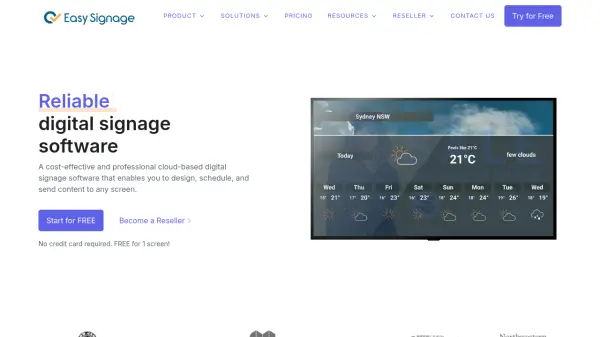
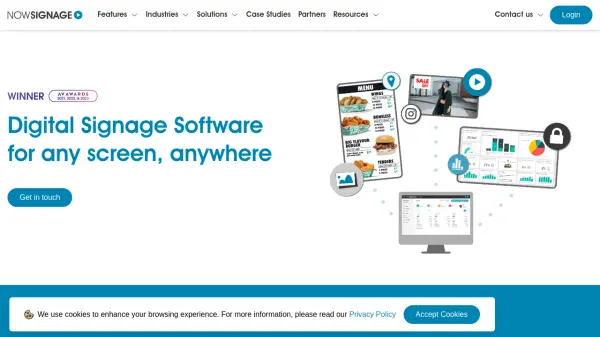
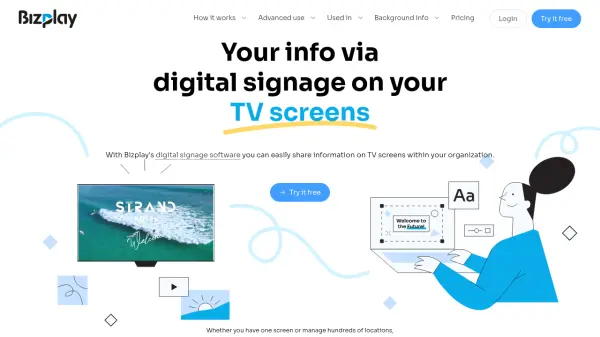
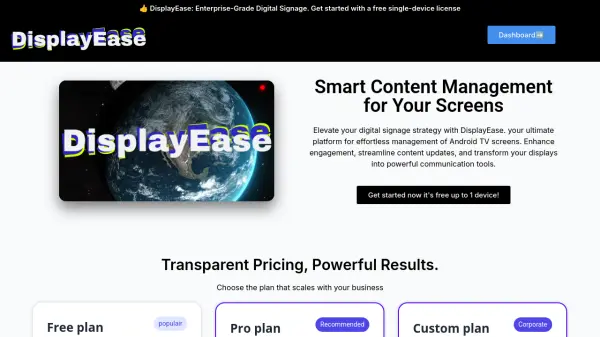
Easyscreen provides a complete narrowcasting solution designed to enhance communication with customers and employees through engaging digital displays. The platform offers software with over 100 templates, various functions, and integrations to create compelling content. It includes hardware solutions like plug-and-play media players and professional narrowcasting screens, ensuring optimal performance across all display types.
The content creation tools allow users to easily create, manage, and share screen content with their audience. From CMS integration to displaying current news from prominent channels, Easyscreen provides everything needed to showcase dynamic content on screens. The platform supports various applications including video walls, LED screens, digital menu boards, and more, making narrowcasting accessible to everyone.
Features
- Software: Access to over 100 templates, diverse functions, and integrations
- Hardware: Plug-and-play media players and professional narrowcasting screens
- Content Creation: Tools to create, manage, and share screen content with CMS integration
- Applications: Support for video walls, LED screens, digital menu boards, and more
- User-Friendly: Easy login and immediate start with a flexible platform
Use Cases
- Displaying promotional content in retail stores
- Showing information in healthcare waiting rooms
- Presenting menus in hospitality venues
- Sharing announcements in office environments
- Exhibiting cultural events in leisure settings
- Providing educational content in schools and government offices