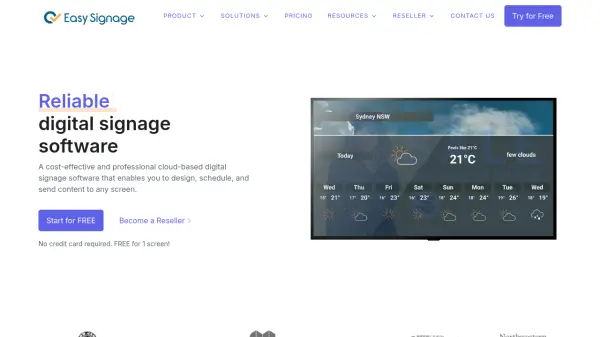
What is EasySignage?
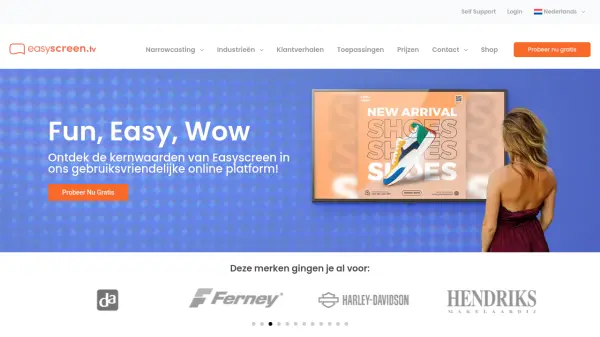
EasySignage provides a comprehensive cloud-based digital signage platform designed for businesses across various industries. The software enables users to create, schedule, and display content on digital screens with features like geo-location targeting, video wall synchronization, and split-screen layouts. It integrates with multiple digital signage players and offers a range of apps, including Canva integration for real-time design updates.
The platform supports audience targeting through data-driven analytics to display relevant content at optimal times. EasySignage ensures secure and reliable operation using Google Cloud Platform infrastructure, making it suitable for sectors such as education, healthcare, retail, and hospitality. Users can start with a free plan for one screen and access templates and tools to streamline content creation without requiring design expertise.
Features
- Geo Location: Define virtual zones to display location-specific content on screens
- Video Wall: Sync multiple screens to create one large, dynamic display
- Split Screen: Split screens into multiple layers with customizable layouts
- Sync Content Playback: Play content in perfect sync across multiple screens
- Audience Targeting: Display targeted ads using data-driven analytics for maximum impact
- Canva Integration: Access 250,000+ free templates with real-time updates to designs
- White Labelling: Brand the software under your own name and URL for resellers
- Secure Platform: Uses Google Cloud Platform for reliable and protected data handling
Use Cases
- Displaying announcements and schedules in educational institutions
- Managing digital menus and promotions in restaurants and cafes
- Showcasing properties with dynamic displays in real estate
- Displaying ads and promotions to attract customers in retail stores
- Enhancing communication in hospitals and clinics with informative signage
- Targeting specific audiences with data-driven advertising campaigns
- Creating synchronized video walls for large displays in various settings
- Using split-screen layouts for multi-content presentations on single screens
FAQs
-
What is the free plan offered by EasySignage?
EasySignage offers a free plan that allows users to manage digital signage content for one screen without requiring a credit card. -
How does EasySignage integrate with Canva?
EasySignage integrates with Canva to provide access to over 250,000 free templates, allowing users to create and update designs in Canva that automatically sync to their digital signage screens in real-time. -
What industries does EasySignage support?
EasySignage supports various industries including education, healthcare, hospitality, restaurants, retail, real estate, and advertising with tailored digital signage solutions. -
Can EasySignage be used for reselling?
Yes, EasySignage offers a reseller program that includes white labelling, competitive pricing, an admin portal for client management, and free software updates. -
How does audience targeting work in EasySignage?
EasySignage uses data-driven analytics and AI to enable precise audience targeting, allowing users to display the right ads to the right audience at optimal times for maximum impact.