What is Dropbox?
Dropbox offers a comprehensive suite of tools designed for storing, sharing, and managing files across various devices. It provides secure cloud storage solutions suitable for individuals and teams, ensuring that files are accessible anytime, anywhere. The platform emphasizes security through features like industry-leading encryption, version history, and file recovery options, safeguarding user data and intellectual property.
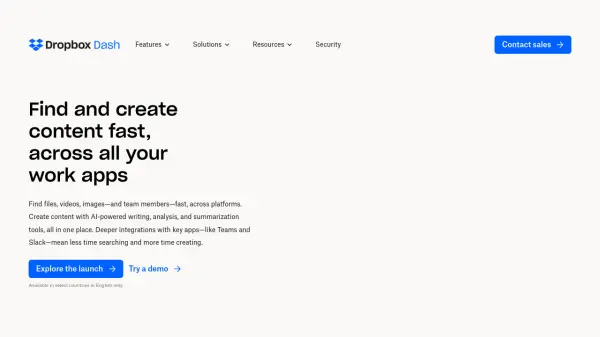
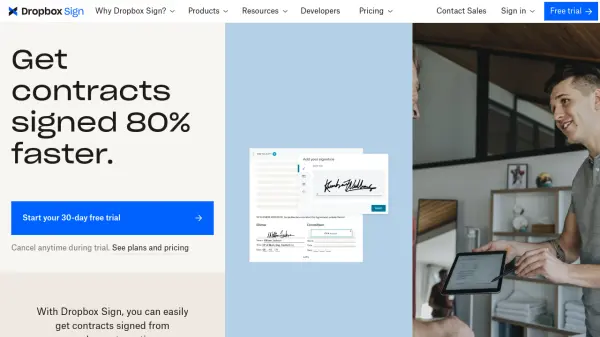
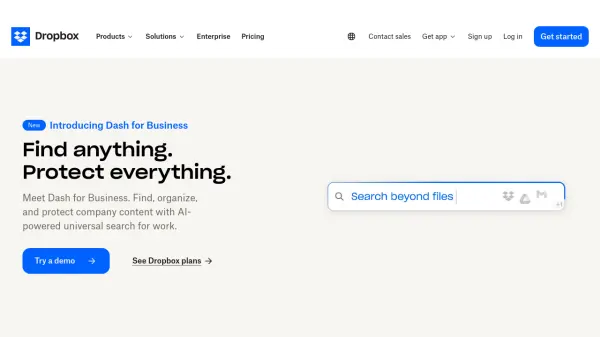
Beyond basic storage and sharing, Dropbox incorporates advanced functionalities. These include tools for secure document sending with real-time analytics (DocSend), requesting and adding electronic signatures (Sign), and facilitating faster video review and feedback collection (Replay). Additionally, Dropbox Dash utilizes AI for universal search, enabling users to quickly find, organize, and protect company content from a centralized platform.
Features
- Cloud Storage: Store, share, and access files securely across devices.
- File Sharing: Easily and securely share files and folders with collaborators.
- Automatic Backup: Automatically back up devices to the cloud.
- AI Universal Search (Dash): Find, organize, and protect company content with AI-powered search.
- Secure Document Sending (DocSend): Send documents securely and track viewing activity with page-by-page analytics.
- Electronic Signatures (Sign): Request and add legally binding signatures to documents.
- Video Review (Replay): Collect video, image, and audio feedback in one place for faster approvals.
- Security: Industry-leading encryption, version history, recovery, and optional advanced security features.
- PDF Editing: Edit PDFs directly within the platform.
- Large File Transfer: Send large files and long videos securely.
Use Cases
- Secure cloud storage for personal and business files.
- Collaborative file sharing for teams and projects.
- Streamlining video review and approval processes.
- Sending sensitive documents securely with tracking.
- Obtaining electronic signatures on contracts and agreements.
- Automatic backup of important device data.
- Centralizing and searching company content efficiently.
- Managing documents and workflows for sales, marketing, and HR teams.