What is Fileinbox?
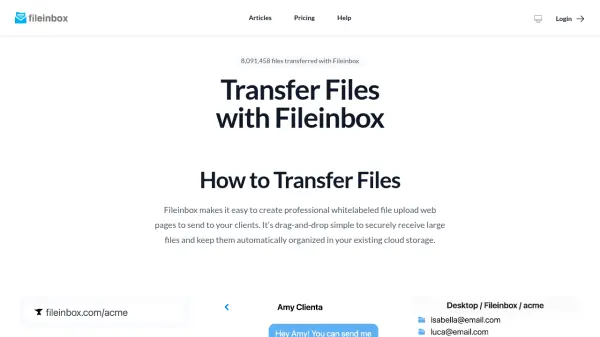
Fileinbox provides a streamlined solution for receiving large files from clients through customizable, branded upload portals. Users can create professional file receiving pages by simply entering their business or project name, then customize these pages with logos, brand colors, and additional form fields to collect information alongside file submissions.
The platform supports file transfers up to 5TB with enterprise-grade security including TLS encryption in transit and AES-256 encryption at rest. Uploaders can easily drag and drop files without needing accounts or logins, while uploaded files can be automatically organized and synced to cloud storage services like Dropbox, Google Drive, OneDrive, and SharePoint. Fileinbox also offers team management features, global storage regions for compliance, and webcam/screen recording capabilities for video submissions.
Features
- Large Secure File Transfers: Transfer files up to 5TB with TLS encryption in transit and AES-256 encryption at rest, HIPAA and GDPR ready
- Drag-and-drop Simple: No technical knowledge required for uploaders, no accounts needed for file submission
- Whitelabel and Embed: Fully brand upload pages or embed them directly on websites for seamless integration
- Full Form Builder: Collect additional information like names, addresses, phone numbers, and signatures alongside files
- Seamless Integrations: Auto-sync uploads to Dropbox, Google Drive, OneDrive, SharePoint, Slack, and Zapier
- Team Management: Invite team members, manage access, and control uploads across distributed teams
- Global Storage Regions: Choose storage regions for faster transfers and local regulatory compliance
- Webcam & Screen Recording: Allow uploaders to record screen or camera directly in browser without app installation
Use Cases
- Collecting client documents and large files for professional services
- Receiving presentation files from speakers and sponsors for event planning
- Gathering student assignments and projects in educational settings
- Collecting mortgage application documents from clients
- Receiving print files from customers for printing services
- Collecting video testimonials or support recordings from customers
- Managing file submissions for distributed teams and remote work
- Handling large media files from contributors in creative industries
FAQs
-
How big of a file can I upload?
You can upload files up to 5 TB in size. Fileinbox uses chunked uploads and direct-to-cloud storage to handle massive files reliably. -
Do my uploaders need to create an account?
No. Just send them a link—they can drag, drop, and upload without logging in or signing up. -
Is Fileinbox secure and compliant?
Yes. All transfers use TLS encryption, and files are encrypted at rest with AES‑256. It's HIPAA- and GDPR-ready with available SLAs and access logs. -
Can I brand the upload page or embed it in my site?
Yes. You can fully customize the look and feel of your upload form, or embed it directly into your own site. -
Can I collect other information along with the file?
Yes. Add custom fields for names, emails, phone numbers, notes, signatures, and more. You can even automatically organize uploads based on this data.