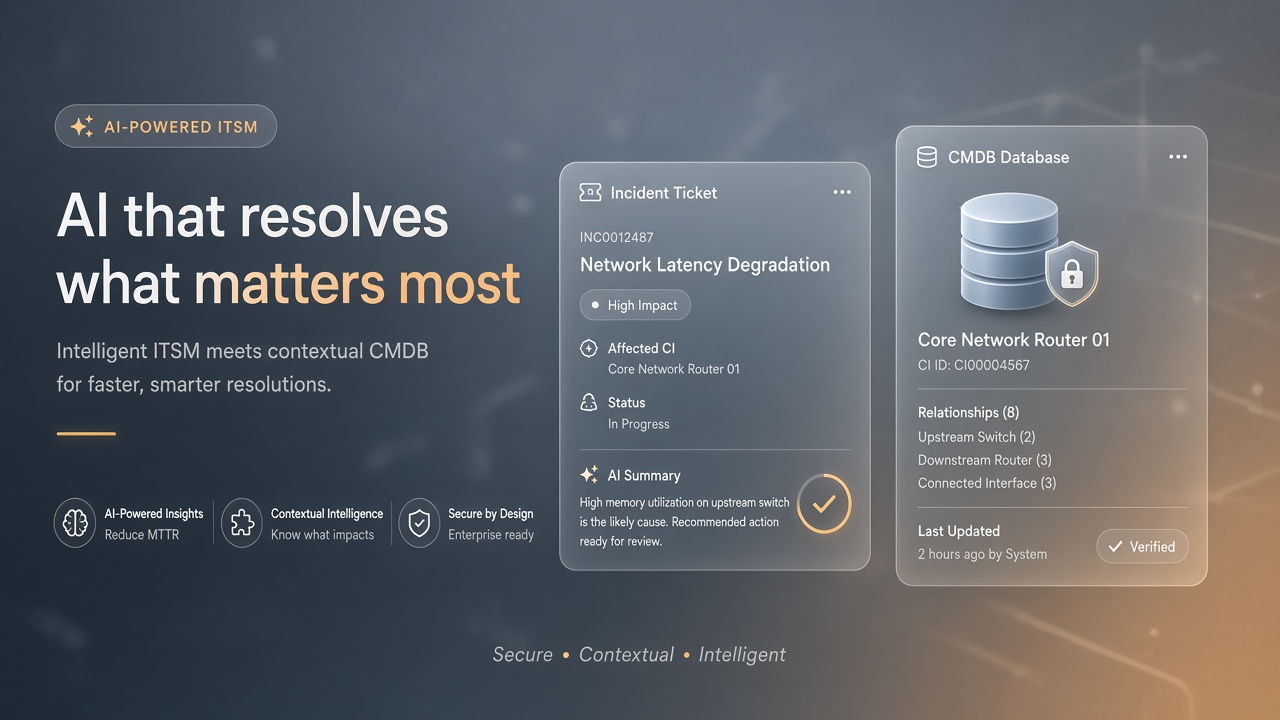
IT service management teams adopt AI for incident summarization, knowledge article drafting, and request classification because ServiceNow holds tickets, CMDB records, and workflow state that define operational truth. Without integration architecture, AI middleware runs with admin-equivalent accounts, writes unverified CI updates to the CMDB, and sends full incident narratives to external model providers without audit correlation.
Integrating AI tools with ServiceNow ITSM requires integration users with least privilege, deliberate inbound versus outbound REST patterns, CMDB update guardrails, correlation IDs for every AI-mediated transaction, and mid-server deployment awareness for regulated instances. This guide covers IT platform owners connecting ServiceNow to AI code assistant workflows for automation scripts and broader AI marketing adjacent change communications. The goal is faster resolution without corrupting configuration data.
Integration User Least Privilege
Create a dedicated ServiceNow integration user with role-based access limited to the tables and fields the AI feature requires; never reuse admin or personal employee accounts for machine integrations. ServiceNow ACLs enforce table-level and field-level permissions. An incident summarization bot needs read access to incident, work notes, and knowledge tables, not write access to user records or change approval workflows.
- Define integration user in a non-interactive service account naming convention.
- Assign roles via a custom integration role package, not the admin role.
- Restrict IP allowlists or certificate-based auth where mid-servers connect.
- Rotate integration credentials on schedule and after vendor personnel changes.
- Disable integration user interactive login; API-only access.
| AI use case | Typical read tables | Write access |
|---|---|---|
| Incident summarization | incident, task_work_notes | Optional: summary field only |
| Request categorization | sc_request, sc_cat_item | Category and assignment group |
| Knowledge draft | kb_knowledge, incident | Draft KB article in review state |
| CMDB enrichment | cmdb_ci, cmdb_rel_ci | Highly restricted; see guardrails |
RBAC Review Cycle
Review integration user roles quarterly and after each new AI feature launch. ServiceNow scoped applications and delegated development can introduce new table access paths. Maintain a matrix mapping each integration user to approved AI vendors and data classes.
Inbound vs Outbound REST Patterns
Outbound REST calls push ServiceNow data to external AI APIs; inbound REST receives AI results back into ServiceNow tables through scripted REST APIs or IntegrationHub spokes. Choose the direction based on where inference runs. Air-gapped or regulated tenants often prefer inbound-only patterns where a mid-server fetches incidents, calls an internal model, and posts summaries back without ServiceNow initiating external egress.
- Outbound: ServiceNow Business Rule or Flow Designer triggers HTTP step to AI vendor.
- Inbound: External orchestrator polls or receives webhooks, writes via Table API.
- Mid-server: IntegrationHub MID Server proxies calls for on-prem AI endpoints.
- OAuth: Use ServiceNow OAuth for external apps reading limited Table API scopes.
- Rate limits: Throttle AI calls per incident queue to control cost and latency.
REST API Versioning
Pin Table API and Import Set API versions in integration documentation; ServiceNow semi-annual releases can change behavior. Test AI integrations in a subproduction instance before production upgrade weekends. Store API request and response schemas in your internal catalog for audit replay.
CMDB Update Guardrails
AI must not write directly to production CMDB configuration items without human approval, source-of-truth validation, and reconciliation against discovery tools. CMDB corruption cascades into change management, incident routing, and compliance reporting. If an AI feature suggests CI attribute updates, route suggestions to a staging field or task for data stewards.
| CMDB action | AI role | Approval required |
|---|---|---|
| Suggest relationship | Draft proposed link in work note | Yes, CMDB manager |
| Update serial number | Not recommended via AI | Discovery source only |
| Classify unknown CI | Propose class in review task | Yes, before CI create |
| Retire CI | Never automate via AI | Change management process |
CMDB Read-Only Default
Default AI integrations to CMDB read-only access; escalate write proposals through IntegrationHub flows with explicit approval steps. Log every CMDB read that feeds an external model with incident or change ticket correlation. Regulated industries treat CMDB as authoritative evidence for audits.
Audit and Correlation IDs
Attach a unique correlation ID to every AI request and ServiceNow update so auditors can trace incident text from source ticket through model call to posted summary. ServiceNow audit tables record field changes; your middleware should log correlation IDs in both ServiceNow work notes (metadata only) and your SIEM. Include model version, integration user, timestamp, and token usage metrics.
- Generate UUID correlation ID at workflow start; propagate through all hops.
- Store correlation ID in a custom incident field or work note footer.
- Export AI audit logs to Splunk, Datadog, or Azure Monitor with 90-day minimum retention.
- Redact PII from logs while keeping correlation IDs for investigation.
- Include correlation ID in vendor support tickets when debugging failed summaries.
Regulated Instance Logging
HIPAA, FedRAMP, and financial services instances require enhanced logging and often prohibit external SaaS model calls without BAA or equivalent agreements. Document data residency for each AI vendor region. Some tenants deploy Now Assist native features instead of third-party APIs to keep inference inside ServiceNow boundaries.
Mid-Server Patterns
IntegrationHub MID Servers bridge ServiceNow cloud or on-prem instances to internal AI endpoints that lack public internet routes. Mid-servers run in your data center or VPC, initiate connections outbound to ServiceNow, and proxy requests to internal model APIs. This pattern satisfies network teams that block ServiceNow-initiated egress to arbitrary AI vendor URLs.
- Deploy mid-servers in redundant pairs for high availability.
- Restrict mid-server OS patching and credential storage per security baseline.
- Monitor mid-server queue depth when AI inference latency spikes.
- Test failover during disaster recovery exercises.
Incident Summarization Workflow
A typical flow reads open incident fields through the integration user, redacts caller PII, sends narrative text to the model, and writes the summary to a dedicated field for agent review. Agents edit before customer-visible communications. Never auto-close incidents based solely on AI confidence scores without human validation.
Change Communications
AI-drafted stakeholder emails for planned changes can accelerate AI marketing-style communications while change managers retain approval authority. Pull change record fields via read-only integration access; post draft text to change task work notes for review.
Frequently Asked Questions
When are mid-servers required for AI integrations?
Mid-servers are required when AI inference runs on internal networks that ServiceNow cannot reach directly, or when security policy forbids cloud-to-vendor egress from the instance. They are also common in hybrid deployments connecting on-prem ServiceNow to internal LLM gateways. Cloud-only tenants with approved SaaS AI vendors may use outbound REST without mid-servers.
Can we use external AI on regulated ServiceNow instances?
Regulated instances require legal review, data processing agreements, and often internal or FedRAMP-authorized model hosting. Document every field sent to external APIs in your data inventory. Some fields (SSN, patient identifiers, trading account numbers) must never leave the instance boundary.
How does ServiceNow Now Assist relate to third-party AI?
Now Assist is ServiceNow native generative AI with platform-controlled data handling; third-party integrations require separate security assessment. Organizations may standardize on Now Assist for in-platform features while restricting custom REST integrations to approved vendors.
What incident fields should never go to external AI?
Caller contact details, authentication secrets, credit card fragments, and health information should be redacted before model calls. Build redaction rules in middleware keyed to field names and regex patterns. Test redaction with synthetic incidents containing labeled PII.
Knowledge Management Integration
AI-drafted knowledge articles accelerate deflection when agents review drafts before publication to the customer-facing knowledge base. Pull resolved incident patterns through read-only integration access, generate article outlines, and route drafts to knowledge managers. Never auto-publish AI text without subject matter expert approval and regression testing against existing articles.
Virtual Agent Handoff
ServiceNow Virtual Agent and third-party AI chatbots need explicit handoff rules when confidence scores fall below threshold or when users request a human agent. Log handoff events with correlation IDs. External bots should create ServiceNow incidents or interactions through inbound REST rather than operating outside the ITSM audit trail.
Rollout and Agent Training
Pilot incident summarization on a single assignment group with high ticket volume before enabling AI features across all ITSM queues. Service desk agents need training on editing AI summaries, recognizing hallucinated root causes, and escalating when correlation IDs appear in error messages. Change advisory boards should review any workflow that posts AI-generated customer updates. Measure mean time to resolve and agent satisfaction during pilot weeks.
Performance and SLA Impact
Measure AI summarization latency against incident SLA clocks; slow model calls should not delay initial agent assignment. Run AI enrichment asynchronously after priority and assignment are set. Alert when inference p95 exceeds agreed thresholds during major incidents.
Least Privilege, Traceable AI Actions
ServiceNow AI integrations succeed when integration users carry minimal roles, REST patterns match network constraints, CMDB writes stay behind human approval, and correlation IDs link every model call to audit evidence. Mid-servers bridge regulated environments. IT platform teams own the boundary between ITSM records and inference endpoints.