
What is Double Click Translate?
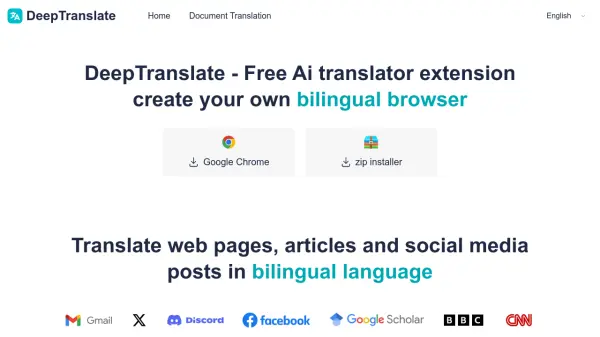
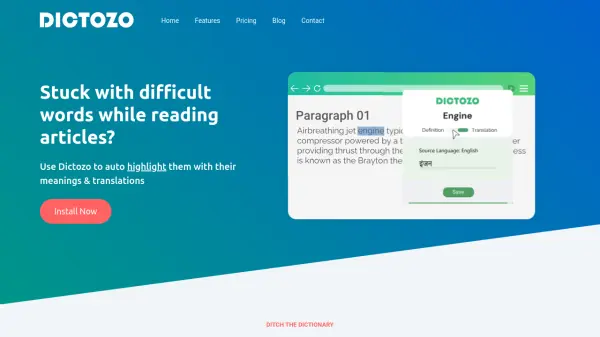
Double Click Translate is an innovative Chrome extension designed to enhance browsing experiences with seamless translation capabilities. It allows users to double-click on any text to instantly view translations and word classifications in a small popup, working effectively with dynamic content such as YouTube captions, EdX courses, and Yahoo News articles. Ideal for language learners and global professionals, it supports multiple languages and ensures comprehension without interrupting browsing activities.
The extension includes features like real-time translation of video subtitles, a robust PDF viewer with translation for text-based files, and a built-in digital dictionary for vocabulary lookup. It eliminates the need for copy-paste actions, providing a fast and efficient alternative to traditional translation tools, and enriches online experiences by breaking down language barriers.
Features
- Instant Translation: Provides translations and word classifications by double-clicking on any text
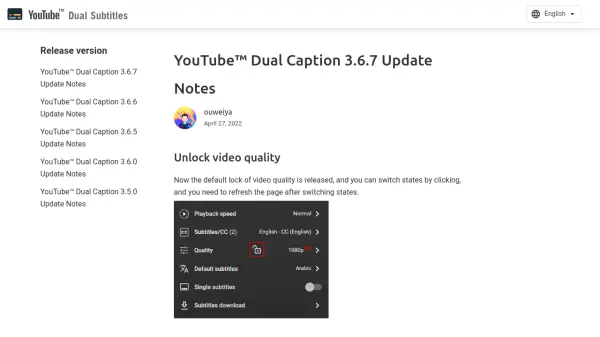
- Video Subtitle Translation: Translates subtitles on platforms like YouTube, EdX, and Yahoo News in real-time
- PDF Reader: Includes a PDF viewer with translation capabilities for text-based PDF files
- Digital Dictionary: Built-in dictionary for vocabulary lookup with word type categorizations
- Seamless Integration: Works with dynamic content and eliminates the need for copy-paste actions
Use Cases
- Translating foreign language articles and news while browsing
- Understanding video content with subtitles on platforms like YouTube
- Reading and translating text in PDF documents for work or study
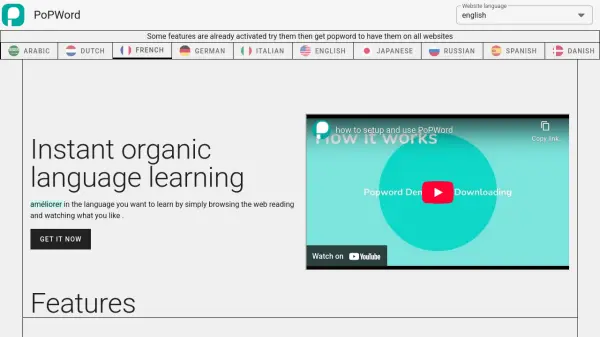
- Learning new vocabulary and grammar in multiple languages
- Accessing international content without language barriers
FAQs
-
How do I install the Double Click Translate extension?
You can install it by clicking the 'Install for Chrome' button on the homepage or downloading it from the Chrome Web Store. -
What languages does Double Click Translate support?
It supports multiple major languages worldwide, as indicated by its built-in dictionary and translation features. -
Can I use Double Click Translate on mobile devices?
The extension is designed for Chrome on desktop browsers; mobile compatibility is not specified in the provided content. -
Is there a cost associated with using Double Click Translate?
No, it is available as a free download with no mentioned subscription fees. -
How does the extension handle privacy and data security?
The provided content does not include details on privacy policies or data security measures.