The first time I saw a resume through the eyes of an applicant tracking system, it was a mess. A candidate’s beautifully designed two-column PDF had been parsed into a profile where her job titles sat under “Education,” her phone number was missing, and her skills sidebar had been merged into one long line of text. She was qualified for the role. The recruiter searching the database for “project coordinator” never saw her.
An applicant tracking system (ATS) is software companies use to collect, store and search applications. Most mid-size and large employers use one. When you upload a resume, the ATS pulls out your text and slots it into fields: name, contact details, work history, education, skills. Recruiters then search and filter those fields. If the parsing goes wrong, or your resume doesn’t contain the words they search for, you can drop out of view before a person reads a single line.
AI tools help with both halves of this: writing content that matches what recruiters look for, and keeping the structure simple enough for the software to read. I follow roughly the same six steps every time I help someone rebuild a resume for online applications.
Step 1: Start with a plain, parseable structure
Before you write anything, pick the layout. This decision affects parsing more than any keyword.
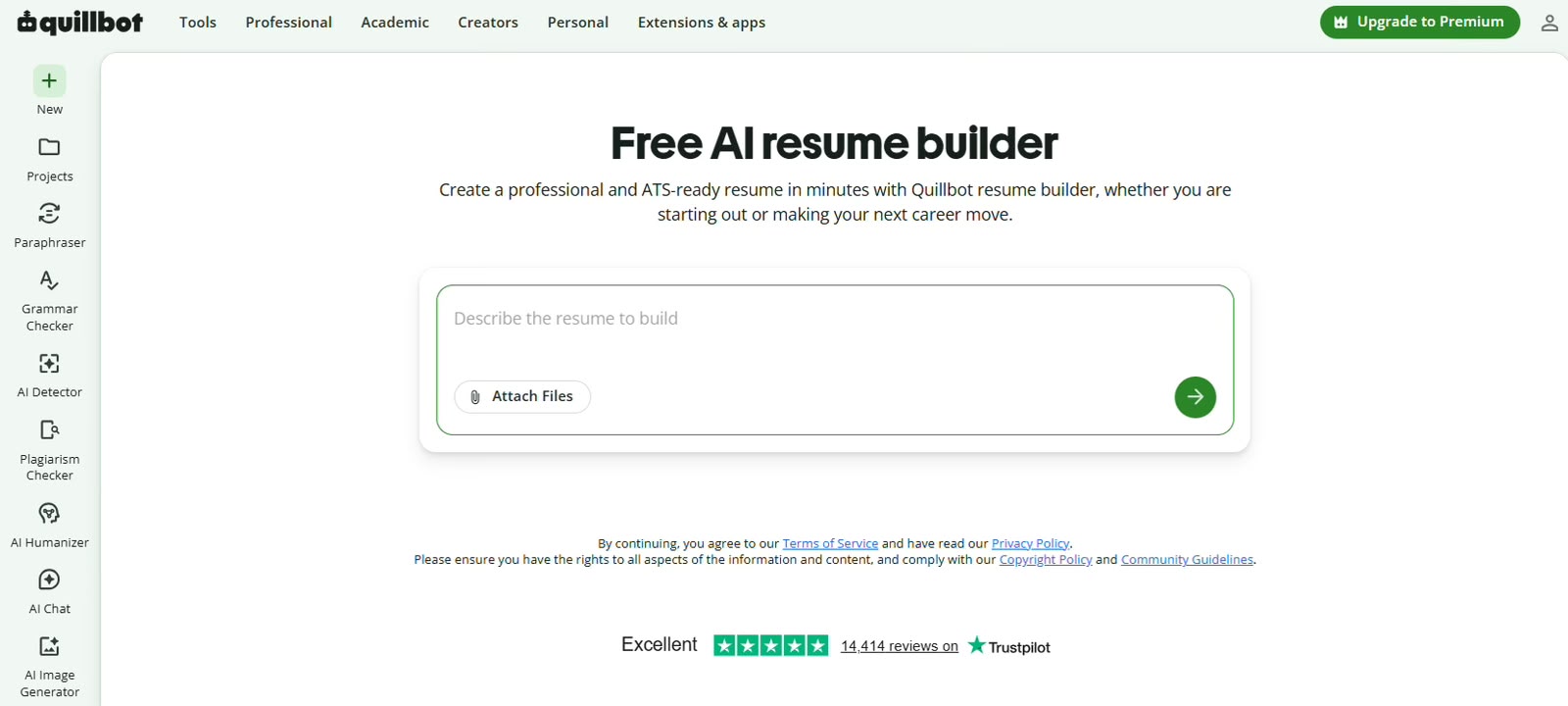
A good ai resume builder will offer at least one template labelled ATS-friendly, usually a single column with standard headings. Quillbot’s builder, for example, includes ATS-friendly templates alongside student, professional, minimalist and creative ones, and it walks you through each section in order. Choosing the plain option up front saves you from rebuilding later.
Formatting do’s
Use one column. Text should flow top to bottom.
Use standard section headings: “Work Experience,” “Education,” “Skills,” “Certifications.” Clever labels confuse parsers.
Put your contact details in the main body, not in the header or footer area of the document.
Use a common font (Arial, Calibri, Garamond, or similar) at 10 to 12 points.
Write dates in a consistent format, such as “Mar 2023 to Present” or “03/2023 to 03/2025.”
Save as PDF or .docx, depending on what the job portal requests.
Formatting don’ts
No tables, text boxes or multi-column layouts.
No skill ratings shown as bars, stars or dots. The software can’t read a graphic, and recruiters mostly ignore them anyway.
No icons in place of words (a phone symbol instead of “Phone”).
No important text inside images, including your name.
Avoid unusual file types. A scanned image of a resume is unreadable to most systems.
Some modern ATS platforms handle columns better than older ones. You usually can’t tell which system a company uses, though. Plain is safer.
Step 2: Pull the keywords out of the job description
Open the job listing and copy the whole thing into a document. Then ask an AI assistant to extract the core requirements. A prompt I use:
“From this job description, list the hard skills, tools, certifications and job-specific terms a recruiter would likely search for. Group them by priority, with must-haves first.”
You’ll get a list that might include “Salesforce,” “pipeline management,” “B2B SaaS,” “quarterly forecasting,” and “cross-functional collaboration.” Go through it and mark which ones you can truthfully claim. Those are your target keywords.
Don’t paste in keywords you can’t back up. An interviewer will ask about them.
Step 3: Rewrite your bullets with the keywords built in
AI is most useful at this stage. Most people’s first-draft bullets describe duties, not results, and they rarely use the exact terms from the listing.
Take a typical sales bullet.
Before: “Handled client accounts and helped the sales team hit targets.”
After: “Managed a portfolio of 40 B2B SaaS accounts in Salesforce, improving pipeline accuracy for quarterly forecasting and supporting a team that closed above target in three of four quarters.”
The after version names the tool, the account type, and the specific activity (quarterly forecasting) that appeared in the job description. It also includes a scope number. The AI helped with phrasing, but the 40 accounts and the three-of-four quarters came from the candidate. If you don’t have exact figures, estimates you can defend in an interview are fine (“roughly 40 accounts”).
When you ask an AI to rewrite a bullet, give it context. Something like:
“Rewrite this resume bullet for a B2B account manager role. Include the terms ‘Salesforce’ and ‘pipeline management’ only if they fit naturally. Keep it under 30 words and start with a strong past-tense verb.”
Keep the word limit in the prompt. Long bullets get skimmed, and ATS keyword matching doesn’t reward padding.
A second example, this time for a junior software developer, where the problem is jargon without context.
Before: “Did backend work using various technologies on the company app.”
After: “Built and tested REST API endpoints in Node.js and PostgreSQL for the company’s booking app, and fixed bugs reported through Jira during two-week sprints.”
“Various technologies” is invisible to a recruiter searching for “Node.js.” Naming the stack is the whole fix. Look at how many of your own bullets hide the specific tool behind a general word (“systems,” “platforms,” “software”) and swap in the real name wherever you can.
Step 4: Build a skills section that mirrors the listing
The skills section is where many ATS searches land first. List hard skills as plain words, separated by commas or short lines.
A decent example for a data analyst:
Skills: SQL, Python (pandas), Tableau, Excel (Power Query, pivot tables), A/B testing, data cleaning, stakeholder reporting
Match the spelling and format used in the listing. If the employer writes “MS Excel,” you can include “Microsoft Excel (MS Excel)” to catch both searches. Skip soft skills here (“team player,” “hard-working”). Show those through your bullets instead.
Step 5: Write a short summary that includes the job title
Put the exact job title you’re applying for, or a close version, in your summary if it’s accurate. Recruiters frequently search by title. Two or three lines is enough.
Example: “Marketing analyst with four years of experience in e-commerce reporting, SQL and Tableau dashboards. Focused on turning campaign data into weekly decisions for paid media teams.”
Ask the AI to draft a few versions, then pick the one that sounds most like you. Delete any adjectives you wouldn’t say out loud in an interview.
Step 6: Test the resume before you submit it
You can check parsing yourself. Copy all the text from your PDF and paste it into a plain text editor. If the order is jumbled, headings are missing, or characters appear as symbols, the ATS will likely have the same trouble.
Scoring tools such as Jobscan and Resume Worded compare your resume to a job description and show which keywords are missing. Their free versions are limited, but a couple of scans per application is usually enough. Treat the score as a guide, because chasing a perfect match rate often produces a resume that reads like a keyword list, and the hiring manager who eventually opens it after the software has done its sorting will spend about as long on it as they would on any other application and will notice the awkward phrasing straight away.
Awkward histories: gaps, freelance work and career changes
Applicant tracking systems read dates literally. A gap of a year shows up as a gap, and some recruiters filter on recent experience in a given title. You can’t hide a gap, and you shouldn’t try, but you can label it clearly. A single line such as “Career break, caring for a family member, Jan 2023 to Feb 2024” is parsed like any other entry and answers the question before it’s asked.
Freelance and contract work causes a different problem. People list five short clients as five separate jobs, which makes their history look scattered. Group them under one entry, “Freelance Content Writer, Self-employed,” with the date range covering the whole period, then use bullets to name the notable clients and projects.
For career changers, the keyword step matters even more. Your past job titles won’t match what the recruiter searches for, so your skills section and summary have to carry the relevant terms. Ask the AI to map your existing experience to the new field’s vocabulary, then check each suggested term against what you’ve actually done. A teacher moving into instructional design, for example, has real experience with “curriculum development,” “learning objectives” and “assessment design,” even if those words never appeared on the old resume.
A worked example: one listing, one resume
Suppose the listing is for an HR coordinator. The requirements mention “onboarding,” “HRIS,” “Workday,” “employee records,” “benefits administration,” and “compliance.” The applicant is an office administrator who has done a lot of HR-adjacent work without the title.
Her original experience section had bullets about “managing new starters” and “keeping staff files up to date.” Both describe real HR work. Neither uses a single term the recruiter will search for.
Working through the steps:
Structure. She moves from a two-column template to a single column and renames her “My Journey” heading to “Work Experience.”
Keywords. The AI extracts the list above. She can claim onboarding, employee records and compliance. She’s used Workday as an employee but not as an administrator, so she leaves “Workday” out of her bullets and doesn’t list it as a skill.
Bullets. “Managing new starters” becomes “Coordinated onboarding for new hires, including contracts, equipment requests and first-week schedules.” “Keeping staff files up to date” becomes “Maintained confidential employee records and tracked mandatory training completion for compliance audits.”
Skills. She adds “employee onboarding, HR records management, compliance tracking, Microsoft Excel, Google Workspace.”
Summary. “Office administrator with hands-on HR coordination experience, including onboarding, employee records and compliance tracking. Looking to move into a dedicated HR coordinator role.”
Test. She pastes the PDF text into a plain editor. Everything reads in order.
Nothing on the new resume is new information. It’s the same job described in the language the employer uses, which is most of what “ATS-friendly” means in practice.
Tailoring for each application without starting over
The practical way to handle multiple applications is a master resume plus tailored copies. Your master file holds everything: every role, project, tool and achievement. For each application, you duplicate it, cut what isn’t relevant, and adjust the summary and top bullets to reflect that listing’s keywords.
With an ai resume builder, this goes faster because you can ask the AI to rephrase a bullet toward a different focus without rewriting it by hand. A bullet about “managing vendor relationships” can be reshaped for a procurement role in one version and an operations role in another, while the underlying facts stay the same.
I keep a small spreadsheet with three columns: company, which resume version I sent, and the date. When a recruiter calls three weeks later, I know exactly which version they’re looking at.
Mistakes I see most often
Keyword stuffing in white text. Some people hide keywords in white font. Many systems display the parsed text to recruiters, and hidden keywords look like a trick.
Creative job titles. If your company called you a “Growth Ninja,” write “Growth Marketing Manager” and note the internal title in brackets if you want.
Acronyms without the full term. Write “Search Engine Optimization (SEO)” once so both forms are searchable.
Letting the AI inflate claims. Tools sometimes add impressive-sounding results you never mentioned. Read every line and remove anything you can’t explain.
Headers and footers holding key details. Some parsers skip these areas entirely, so a phone number placed there may never reach the recruiter’s screen.
Uploading an old version. When you keep several tailored copies, it’s easy to attach the wrong one. Name each file with the company or role, and check the preview on the portal before you click submit.
Quick answers
Is a PDF or a Word file better for ATS? Most modern systems read text-based PDFs without trouble. If the portal specifically asks for .docx, send that. Never upload a scanned or image-based PDF.
Do I need a separate resume for every application? You need a tailored one, not a brand-new one. Adjusting the summary, the first bullets in each role and the skills list is usually enough.
Can an ATS tell that AI helped write my resume? The software parses and ranks text. What gets noticed is generic phrasing when a person reads it, so edit AI suggestions until they sound like you.
One last pass
Print the resume, or view it at full size, and read only the first third of the page. That’s what a recruiter sees in the first few seconds after the ATS surfaces it. Your job title, your most relevant experience and two or three of the listing’s key terms should all be visible there. If they aren’t, move things up before you apply.