What is PoPWord?
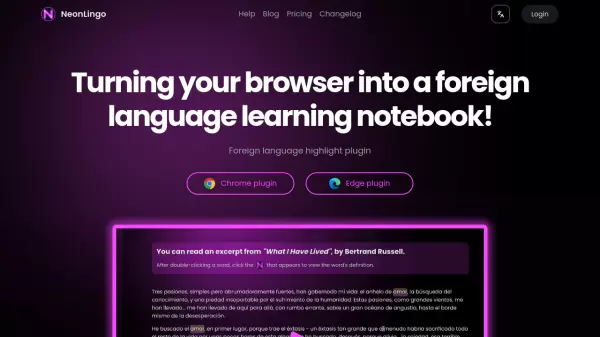
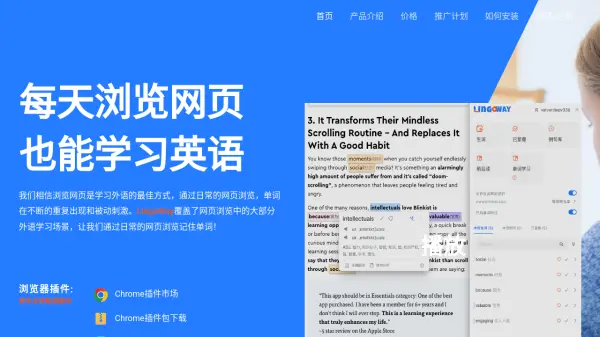
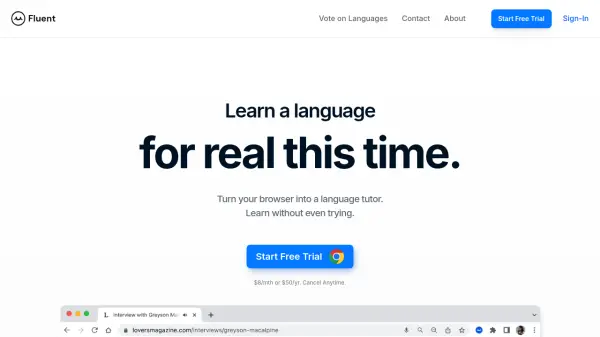
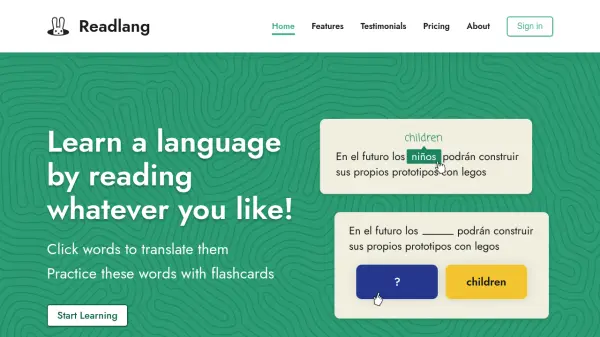
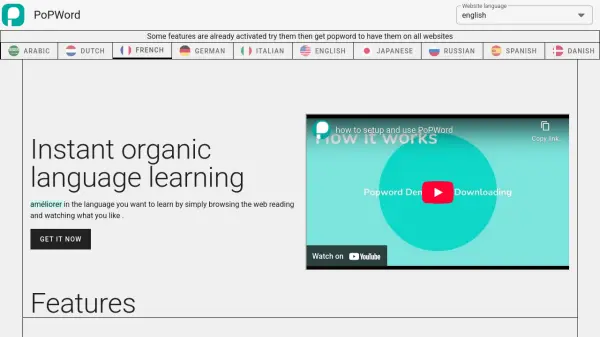
PoPWord is an AI-powered language learning extension that transforms everyday web browsing into an immersive educational experience. It enables users to learn new languages organically by providing instant access to translations, definitions, and pronunciations directly within their browser.
The tool integrates seamlessly with websites and YouTube videos, allowing learners to click on any word or select sentences to receive immediate language assistance. Additionally, PoPWord includes a Vocab Lobby feature where users can revise vocabulary through interactive games while tracking their learning progress over time.
Features
- Instant Translation: Translate words and phrases with a single click while browsing any website
- Pronunciation Assistance: Hear correct pronunciations of words and phrases on demand
- Definition Lookup: Get definitions for unfamiliar words directly within web content
- YouTube Integration: Learn new vocabulary while watching YouTube videos of your choice
- Vocab Lobby: Revise vocabulary through interactive games to reinforce learning
- Progress Tracking: Monitor language learning performance and improvement over time
- Writing Assistant: Get translation help for writing tasks in different languages
Use Cases
- Learning new vocabulary while reading articles online
- Improving pronunciation skills through audio feedback
- Understanding foreign language content on websites
- Enhancing language comprehension while watching YouTube videos
- Reinforcing vocabulary retention through interactive games
- Tracking language learning progress over time
- Getting translation assistance for writing tasks
FAQs
-
What languages does PoPWord support?
PoPWord supports multiple languages including Arabic, Dutch, French, German, Italian, English, Japanese, Russian, Spanish, Danish, Korean, Portuguese, and Turkish. -
How do I install PoPWord?
First subscribe to a PoPWord plan, then install the Chrome extension and sign in with the same email used for subscription. -
What features are available in the free version?
The free version includes on-demand word and phrase translations, pronunciations, definitions, writing translation assistance, vocabulary revision in Vocab Lobby, progress tracking, YouTube video learning, access to word games, and no ads.