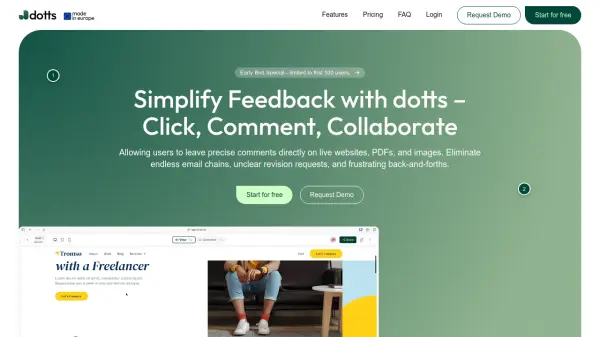
What is dotts?
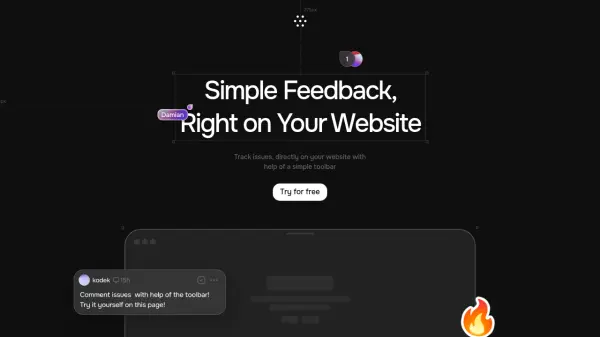
Dotts streamlines the feedback process by providing a centralized platform for visual collaboration. Users can click anywhere on websites, PDFs, or images to add comments that are pinned to exact elements, ensuring clarity and eliminating confusion. The tool supports various formats including JPEG, PNG, SVG, WebP, PDF, HEIC, and website links, making it versatile for different project types.
Clients can access feedback sessions without needing to log in or install anything, using private review links for one-click access. The smart sidebar organizes all comments in one place, allowing users to navigate, respond, and resolve tasks efficiently. Additional features include file attachments to comments, context awareness showing device and browser details, emoji reactions, and @mentions for direct notifications.
Features
- Click Anywhere Commenting: Add comments pinned to exact elements on websites, PDFs, and images
- No Login Required for Clients: Share private review links for one-click access without signup
- Smart Sidebar Organization: Manage all comments in a structured sidebar with navigation and resolution tools
- Multi-Format Support: Works with JPEG, PNG, SVG, WebP, PDF, HEIC files and website links
- Context Awareness: See device, browser, and screen size details when comments were left
- File Attachments: Upload relevant files directly to comments for enhanced feedback
- Emoji Reactions: Use reactions to keep conversations light and collaborative
- @Mentions: Tag people in comments for instant notifications and replies
Use Cases
- Collecting client feedback on website designs
- Reviewing PDF documents with precise comments
- Collaborating on image edits with visual annotations
- Streamlining project revisions for freelancers and agencies
- Reducing email chains in creative workflows
- Managing feedback from non-technical clients without login hurdles
- Organizing multi-stakeholder reviews in one platform
- Tracking design changes with context-aware comments
FAQs
-
Is dotts free to use?
Yes, dotts offers a free plan with up to 3 projects. Users can upgrade anytime for additional features. -
Do clients need an account to leave feedback?
No, clients can leave comments directly without signing up by using a shared private review link. -
Can I use dotts on any website?
Yes, simply paste the website URL into dotts to enable feedback functionality on that site. -
Which formats are supported by dotts?
Dotts supports JPEG, PNG, SVG, WebP, PDF, HEIC files and website links for feedback collection.