What is PinMy?
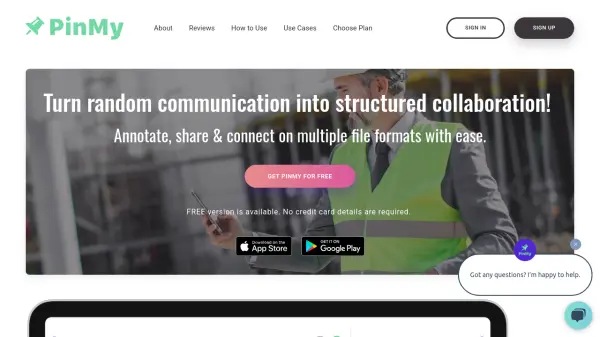
PinMy transforms visual collaboration across iOS, Android, and web browsers by enabling precise, contextual feedback on various file formats. The platform combines voice-to-text conversion, pinpoint annotations, and seamless sharing capabilities to streamline team communication and project management.
The tool's intelligent organization system maintains a comprehensive history of collaborations while promoting paperless workflows. With support for multiple file formats including JPEG, PNG, PDF, GIF, SVG, and AI files, PinMy facilitates clear, unambiguous feedback through direct visual annotations and voice notes.
Features
- Voice Transcription: Convert spoken feedback into text automatically
- Precise Annotations: Pin comments to specific areas of images and documents
- Cross-Platform Compatibility: Available on iOS, Android, and web browsers
- Multi-Format Support: Handle various file types including JPEG, PNG, PDF, GIF, SVG, AI
- Voice Notes: Record audio comments up to 180 seconds (premium)
- Real-time Collaboration: Share and receive feedback instantly
- Organized Storage: Centralized storage for all feedback and annotations
Use Cases
- Construction site progress documentation
- Architectural plan reviews
- Photography feedback and retouching instructions
- Educational visual feedback
- Marketing campaign collaboration
- Software design review
- Real estate property documentation
- Design project management
FAQs
-
What file formats does PinMy support?
PinMy supports JPEG, PNG, PDF, GIF, SVG, AI, mp4, and MOV files, with video annotation available in the premium version. -
What are the storage limits for free vs premium plans?
Free plan offers 12 MB storage with 6 MB single file upload limit, while Premium provides 3000 MB storage with 300 MB single file upload limit. -
How long can voice comments be?
Free plan allows 30-second voice comments, while Premium users can record up to 180-second voice comments.