What is DiaSkills.net?
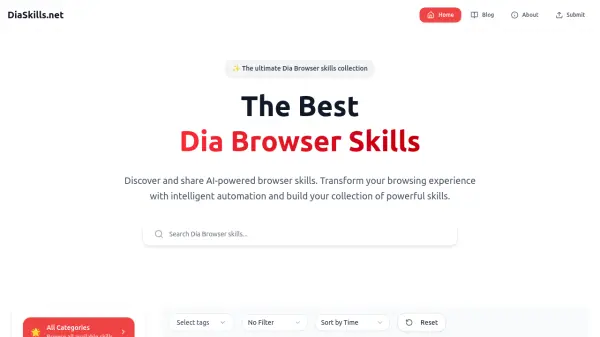
DiaSkills.net is a specialized platform dedicated to helping users discover and share AI-powered browser skills. The website focuses on transforming the traditional web browsing experience by providing access to a growing repository of intelligent automation tools. Users can explore a diverse range of browser enhancements or contribute their own AI-driven solutions, building a personalized collection of powerful skills tailored to their unique preferences.
Designed with efficiency and innovation in mind, DiaSkills.net serves as a central hub for both beginners and experienced users looking to optimize their online activities through artificial intelligence. With its commitment to resource sharing and community-driven development, the platform supports a dynamic ecosystem of advanced browser tools for enhanced productivity.
Features
- Skill Discovery: Browse a wide variety of AI-powered browser skills.
- Skill Sharing: Submit and share new AI-driven browser enhancements.
- Collection Building: Organize and personalize collections of favorite skills.
- Intelligent Automation: Access tools that automate and streamline browser tasks.
- Community Resources: Benefit from shared expertise and regularly updated resources.
Use Cases
- Enhancing browser productivity with AI-powered automations.
- Organizing and personalizing daily browsing tasks.
- Discovering new tools to improve workflow efficiency.
- Collaborating and sharing innovative browser solutions with the community.