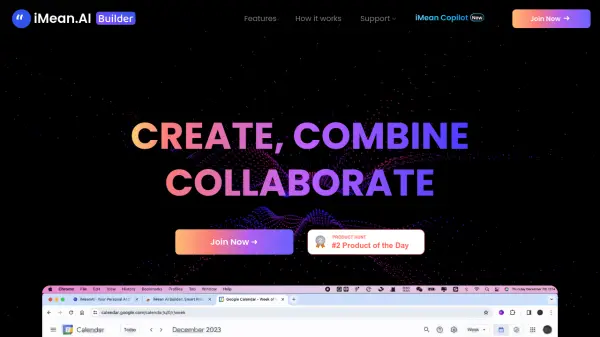
iMean.AI Builder favicon

iMean.AI Builder
Create, Combine, Collaborate

What is iMean.AI Builder?

iMean.AI Builder is a tool that revolutionizes online task management by learning from user activities. It observes, adapts, and annotates online actions, transforming routine tasks like scheduling, searching, or shopping into intelligent AI workflows.

Users can enhance generated workflows with custom logic using a drag-and-drop interface. This allows for the creation of a unique AI assistant tailored to individual needs, linking diverse scenarios and optimizing online interactions.

Features

  • Record with Browser Plugin: Install an intuitive browser plugin to capture every online action.
  • Annotate and Customize: Refine recorded tasks with specific instructions and prompt labels.
  • Test and Optimize: Simulate real-world scenarios to fine-tune each step of the AI agent.
  • Personal AI Automation: Automate tasks and free up time with a personalized AI agent.

Use Cases

  • Automating repetitive online tasks.
  • Creating custom workflows for scheduling and appointments.
  • Optimizing online shopping experiences.
  • Enhancing search efficiency.
  • Streamlining daily digital routines.
Related Tools:

Blogs:

  • Top AI tools for Students

    Top AI tools for Students

    These AI tools are designed to enhance the learning experience for students. From personalized study plans to intelligent tutoring systems.

  • Top 6 AI note-taking tools for 2026: in-person, online, and hybrid use cases

    Top 6 AI note-taking tools for 2026: in-person, online, and hybrid use cases

    Most AI note-taking lists are really lists of meeting bots, which join your video call and transcribe it. That's useful, but it's half the picture. Decisions happen in hallway conversations, client dinners, on-site visits, and hybrid rooms where nobody is on a video link. This guide covers different parts of the note-taking workflow: hardware capture for in-person settings, platform-native tools for online calls, and AI layers for organizing and synthesizing what you've captured. It compares six tools by capture context, workflow fit, pricing, and limitations.

Didn't find tool you were looking for?

Be as detailed as possible for better results