What is AIBrane?
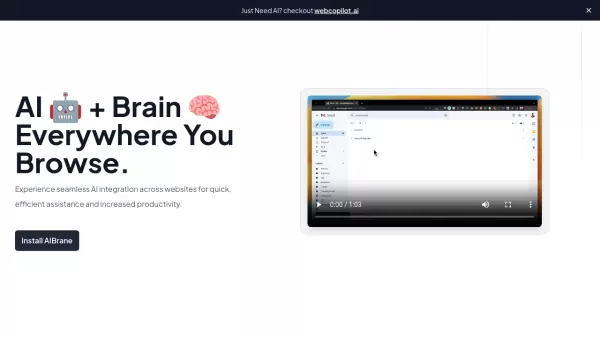
AIBrane is an innovative browser extension that brings artificial intelligence capabilities to popular websites and platforms. The tool seamlessly integrates with various online services including Gmail, Twitter, LinkedIn, Facebook, Google Sheets, and Reddit, providing intelligent assistance for different types of content creation and data analysis tasks.
Working in conjunction with MagicChat.ai, AIBrane enhances user productivity by offering AI-powered suggestions and insights across multiple platforms. The extension specializes in speeding up email composition, crafting engaging social media posts, and automating data analysis tasks in spreadsheets.
Features
- Cross-Platform Integration: Seamless AI assistance across multiple websites
- Email Enhancement: AI-powered email composition and response suggestions in Gmail
- Social Media Support: Intelligent content creation for Twitter, LinkedIn, Facebook, and Reddit
- Spreadsheet Intelligence: Advanced data analysis automation in Google Sheets
- MagicChat Integration: Custom bot creation and integration capabilities
Use Cases
- Composing professional emails quickly
- Creating engaging social media content
- Enhancing professional networking on LinkedIn
- Automating data analysis in spreadsheets
- Improving online communication efficiency
- Streamlining social media management
FAQs
-
How do I set up AIBrane?
AIBrane can be set up in 2 steps: First, visit magicchat.ai to signup and create a bot. Then, install AIBrane and enter your Bot ID from magicchat.ai to complete the setup.