CubeOne favicon

CubeOne
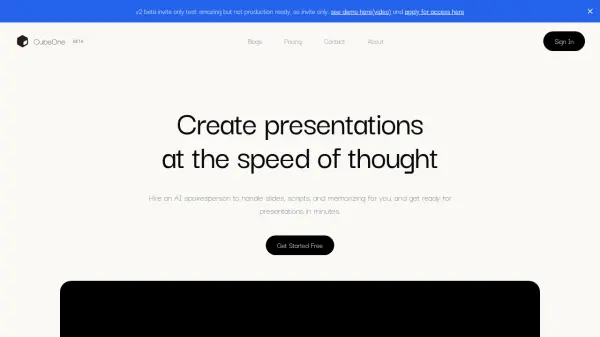
Create presentations at the speed of thought

What is CubeOne?

CubeOne utilizes artificial intelligence to streamline the presentation creation process. Users can build presentations simply by interacting with a chat interface. The AI designs the slides, manages content updates, and takes care of tedious formatting tasks, significantly reducing the time required to prepare.

A key feature of CubeOne is its AI spokesperson capability. This digital presenter can deliver the entire presentation automatically, managing timing, slide transitions, and highlighting key points without the need for the user to memorize scripts. This allows for efficient and polished pitch delivery.

Features

  • Chat to Build: Create presentations via a simple chat interface, with AI handling design and updates.
  • Self-Talking Presentation: An AI spokesperson delivers the presentation, managing timing, transitions, and key points.

Use Cases

  • Generating business pitches quickly.
  • Creating presentations without manual design effort.
  • Delivering presentations without memorizing scripts.
  • Automating presentation workflows.
Related Tools:

Blogs:

  • Best text to speech AI tools

    Best text to speech AI tools

    Text-to-speech (TTS) AI tools are designed to convert written or text-based content into natural-sounding spoken audio. These tools utilize various deep learning and neural network architectures to generate human-like speech from textual input.

  • Best AI tools for Room Design

    Best AI tools for Room Design

    Discover cutting-edge AI tools that redefine the art of room design. From layout optimization to aesthetic finesse, these top-tier tools enhance your space to new heights.

  • Top 6 AI note-taking tools for 2026: in-person, online, and hybrid use cases

    Top 6 AI note-taking tools for 2026: in-person, online, and hybrid use cases

    Most AI note-taking lists are really lists of meeting bots, which join your video call and transcribe it. That's useful, but it's half the picture. Decisions happen in hallway conversations, client dinners, on-site visits, and hybrid rooms where nobody is on a video link. This guide covers different parts of the note-taking workflow: hardware capture for in-person settings, platform-native tools for online calls, and AI layers for organizing and synthesizing what you've captured. It compares six tools by capture context, workflow fit, pricing, and limitations.

Didn't find tool you were looking for?

Be as detailed as possible for better results