
What is Collabify?
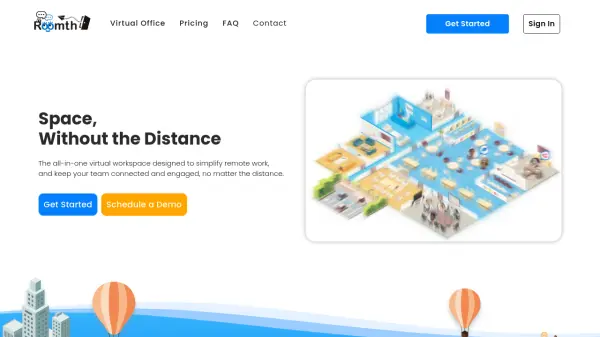
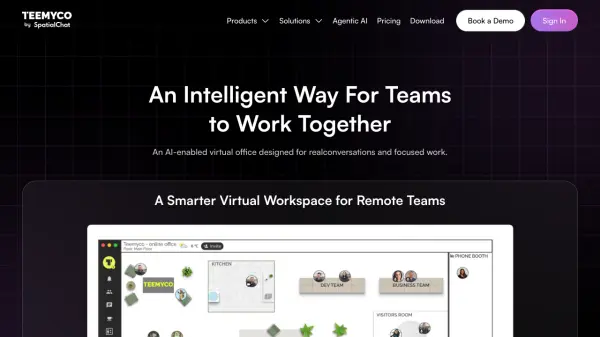
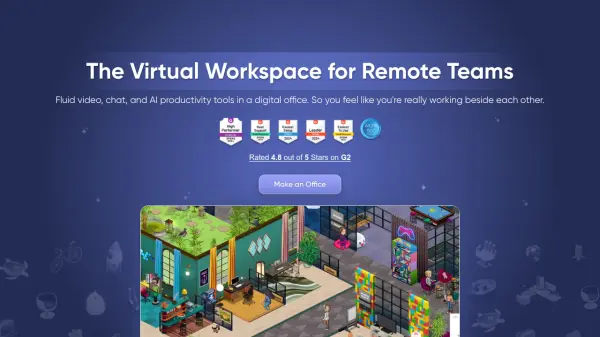
Collabify is a comprehensive virtual office platform specifically designed for remote teams, offering a suite of tools to facilitate seamless collaboration. The platform enables distributed teams to communicate effectively through integrated features such as chat walls for topic-based conversations, voice channels for instant discussions, and meeting rooms with webcam and screen-sharing capabilities.
Teams can create dedicated spaces with customizable chat walls and voice channels, manage tasks using drag-and-drop boards, and schedule meetings with shareable links. Collabify supports real-time collaboration without requiring downloads or installations, making it accessible for quick feedback sessions, pair-programming, or casual team interactions.
Features
- Chat Walls: Create conversations for different topics with support for links, images, and code snippets
- Voice Channels: Jump into always-on audio channels for discussions, collaboration, or socializing
- Screen Sharing: Share your screen with team members in voice channels or meeting rooms for quick feedback
- Meeting Rooms: Create or join rooms with integrated voice, chat, and webcam functions, accessible via shareable links
- Task Boards: Manage team tasks with drag-and-drop functionality, member assignments, and commenting features
- Scheduled Meetings: Schedule future meetings with invitation links and visibility within the app
Use Cases
- Remote team collaboration and communication
- Virtual meetings with integrated chat and video functions
- Project management through task boards and assignments
- Pair-programming sessions with screen sharing
- Social interactions and team bonding in voice channels
- Client meetings with easy link sharing and no downloads required
FAQs
-
Does Collabify require any downloads or installations?
No, Collabify operates without downloads or installations, allowing users to access meetings and collaboration tools directly through their web browser. -
How many participants can join voice rooms and meetings on the free plan?
The free plan supports up to 5 participants in voice rooms and meetings. -
Can I schedule meetings in advance with Collabify?
Yes, Collabify allows users to schedule meetings, generate invitation links, and view all scheduled meetings within the app. -
What types of content can be shared in chat walls?
Chat walls support text conversations, links, images, and code snippets for versatile team communication. -
Is there a limit to cloud storage on the free plan?
Yes, the free plan includes limited cloud storage, with more storage available in premium plans.