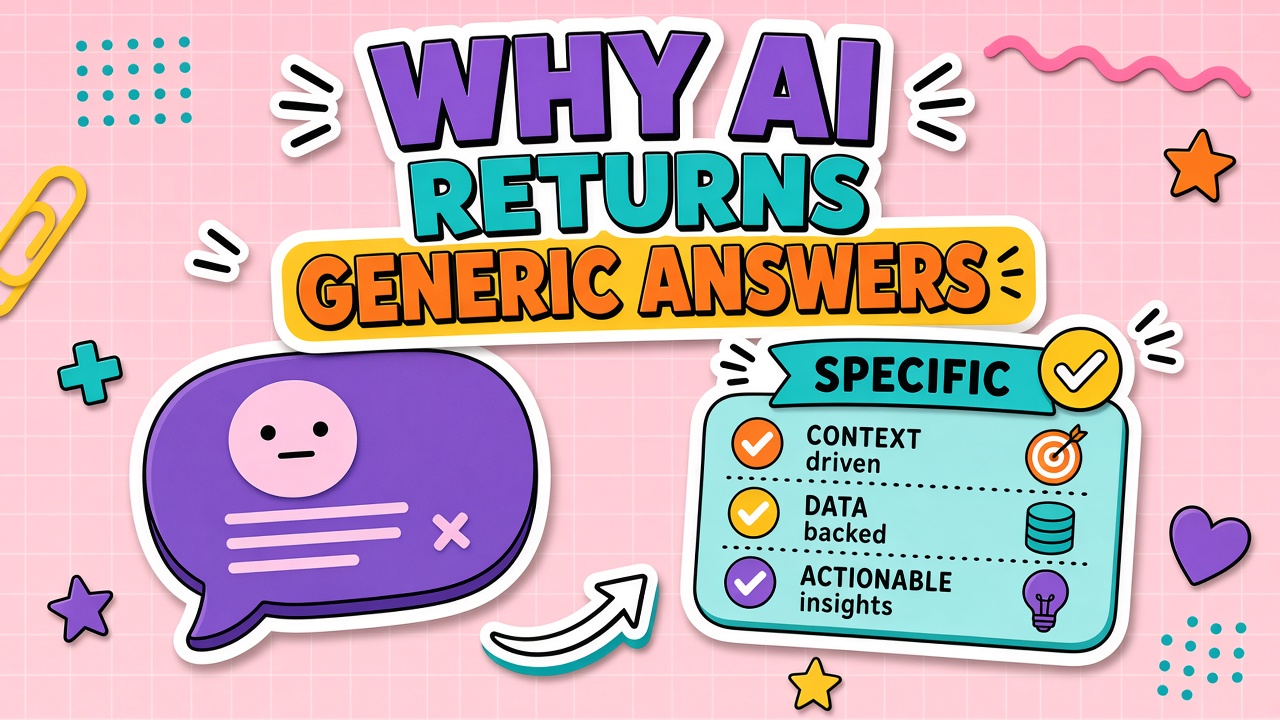
"Write something about our product" produces marketing fluff. "Summarize this" on a fifty-page PDF produces a paragraph that could describe any company. Generic answers feel like model failure; most of the time they are input failure.
When your AI generic responses waste review time, fix context, role, constraints, and tier before switching vendors. Examples below use AI chatbot and AI writing tools patterns common across products.
Root Causes of Generic Output
Generic output means the model lacks specificity signals: audience, facts, format, exclusions, and examples of good output. Without those, the model defaults to safe, broad language.
- Vague task: No verb, audience, or success criteria.
- Missing context: No product facts, style guide, or source documents attached.
- Wrong tier: Free or fast model on complex reasoning tasks.
- Overlong thread: Instructions buried under old messages.
Context Injection Techniques
Context injection supplies facts the model cannot guess: bullet list of product differentiators, pasted excerpt from policy, or retrieved chunks from your knowledge base. Put context before the task, not after.
| Before (generic) | After (specific) |
|---|---|
| "Write a product update email." | "Write a product update email for existing SMB admins. Facts: [3 bullets]. Tone: direct, no hype. Max 120 words." |
| "Explain our pricing." | "Explain pricing using only this table: [paste]. Audience: procurement. Include comparison to annual vs monthly." |
Role and Constraint Prompting
Assign a role with boundaries: "You are a technical writer for B2B SaaS. Do not invent features. If a fact is missing, ask one question." Constraints beat adjectives. "No superlatives" beats "be amazing."
Model and Tier Selection Within the Same Tool
Many products hide a "fast" model behind default settings. For synthesis, comparison, or multi-step reasoning, select the higher tier once and measure if review time drops enough to justify cost.
Iterative Refinement Workflow
- Run baseline prompt; score generic vs specific on a 1 to 5 rubric.
- Add one variable: context, role, or format. Re-run.
- Stop when score plateaus; save winning prompt to shared library.
- Never change five variables at once; you will not know what worked.
Frequently Asked Questions
How do I handle industry-specific jargon?
Include a glossary block in context: acronyms, product names, terms to avoid. Ask the model to flag any term not in the glossary instead of inventing definitions.
Generic summaries on long documents?
Split by section, summarize each, then merge with a final prompt that lists section summaries as input. Single-shot summary of huge files often produces generic high-level text.
Still generic after fixes?
Verify attachments parsed (see file upload troubleshooting). Test same prompt in a new thread with admin account to rule out tier or extension interference.