What is UnitCollab?
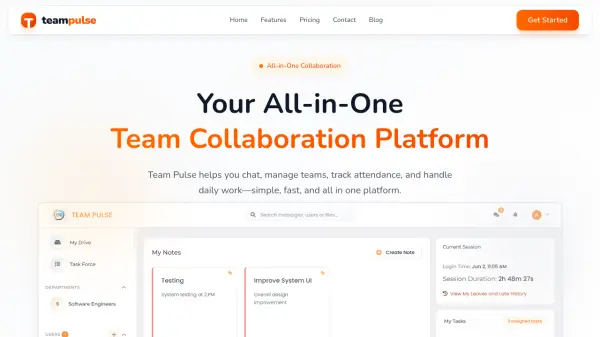
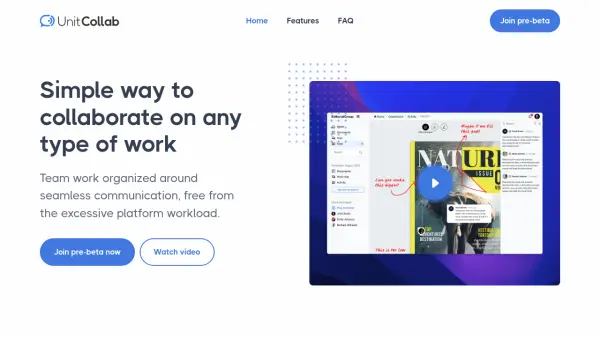
UnitCollab provides an intuitive solution for teams seeking to collaborate efficiently on projects of any type. Designed to eliminate the complexities often found in traditional project management platforms, it offers features such as real-time group and individual chats, dynamic activity feeds, and context-rich review tools for seamless communication and feedback. Every project includes its own dedicated chat channel, supplemented by team-wide and customizable chats for broad or focused interactions.
The platform's activity feed enables asynchronous sharing of updates, discussion threads, and project progress, helping teams stay aligned at their convenience. User-friendly feedback tools allow for comments and annotations directly on shared files or links, ensuring that reviews are actionable and targeted. UnitCollab's streamlined approach minimizes platform overload, letting teams focus on what matters most—the work itself.
Features
- Live Chat: Real-time group and individual messaging for instant communication.
- Activity Feed: Centralized space for posting updates, sparking discussions, and sharing files.
- Project Channels: Automatic chat channel creation for each new project.
- Contextual Reviews: Integrated annotation and comment system for targeted feedback.
- Notifications: Alerts team members when new content is shared or feedback is requested.
Use Cases
- Managing collaborative team projects across departments.
- Conducting real-time and asynchronous discussions for remote teams.
- Reviewing and annotating shared files during creative processes.
- Streamlining communication in project-based organizations.
- Centralizing team updates, announcements, and file sharing.
FAQs
-
How does UnitCollab support real-time communication among team members?
UnitCollab features a Live Chat function that enables instant team communication, with automatic channels for each project and options for group or one-on-one chats. -
What is the Activity feature in UnitCollab and how does it enhance discussion?
The Activity feature serves as a central hub for sharing work, posting announcements, gathering feedback, and fostering focused discussions that advance projects. -
How can team members share their work and collect feedback on UnitCollab?
Users can add files or external links within the Activity feature, after which team members are notified and able to submit comments or annotations for feedback. -
How does the annotation and comment system work in UnitCollab?
Each comment or annotation refers to a specific point on uploaded files or links, allowing discussions to remain focused and thorough with separate threads for each reference. -
How can I join the pre-beta of UnitCollab and what benefits does it offer?
Pre-beta participation provides early access to UnitCollab's features and an opportunity for direct product feedback, along with exclusive lifetime discounts.