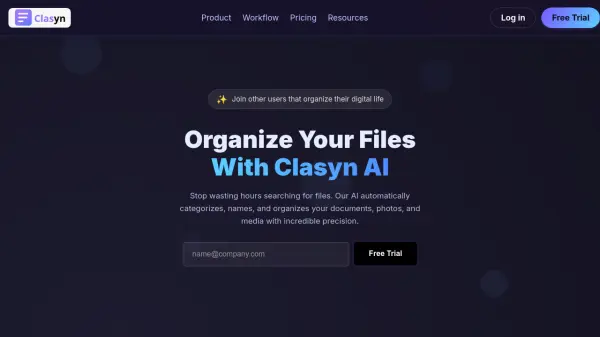
What is Clasyn?
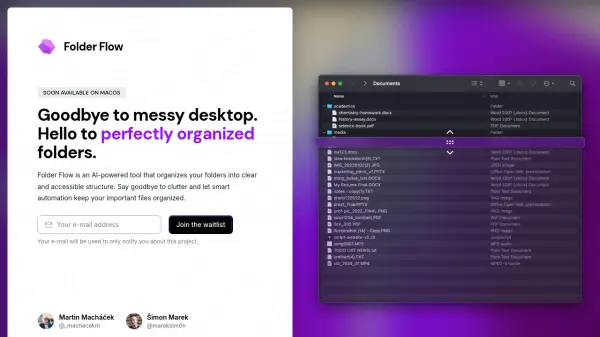
Clasyn AI provides an intelligent solution for digital file organization by leveraging artificial intelligence to automate the categorization and structuring of documents, photos, and media. Users upload their files and describe their organizational preferences, such as by project, date, or category, and the AI analyzes file names, content, and metadata to create a tailored folder structure.
The platform supports all common file types without restrictions and offers full manual control, allowing users to drag, drop, rename, and reorganize files as needed. Once satisfied, users can download the organized files as a ZIP archive, maintaining complete ownership of their data. Currently in MVP phase with a free trial, Clasyn AI aims to streamline file management for knowledge workers and teams.
Features
- Easy File Upload: Upload files with no size limits and support for all file types
- AI-Powered Organization: Automatically creates folder structures based on user descriptions and file analysis
- Full Control & Editing: Drag-and-drop interface for manual adjustments, renaming, and reorganization
- Download as ZIP: Export organized files as a perfectly structured ZIP archive
Use Cases
- Organizing digital documents and media for personal use
- Streamlining file management for knowledge workers and teams
- Categorizing project files by date, category, or other criteria
- Preparing files for archiving or sharing in a structured format
FAQs
-
How does the AI organize my files?
You describe how you want your files organized, and our AI reads your file names, content, and metadata to create folders that match your vision. It learns from how you organize things. -
Can I edit the organization after the AI does it?
Absolutely! Full drag-and-drop support, rename anything, create new folders, or move files around. The AI is just a suggestion—you have complete control. -
What file types are supported?
We support all common file types: documents, images, videos, audio, code, spreadsheets, and more. No file type restrictions. -
Is this MVP or a finished product?
We're in MVP phase collecting feedback. It's free during beta. Future versions will include desktop apps and cloud storage integration. Help us build it better! -
What happens to my files after I download?
You own your files completely. We recommend deleting your data from our servers after downloading. Future versions will auto-delete or allow cloud sync.