What is Cardina?
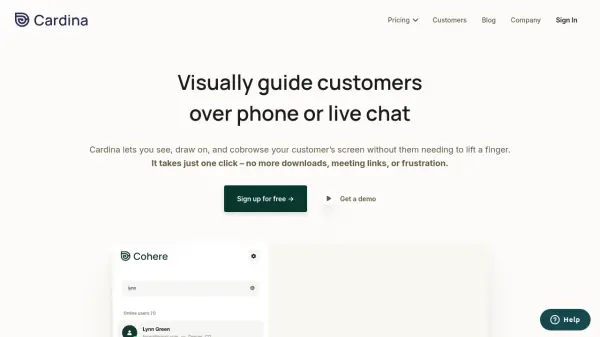
Cardina revolutionizes customer support by enabling instant screen sharing and co-browsing capabilities with just one click. The platform allows support agents to see customer screens in real-time, draw attention to specific elements, and even take control when needed - all without requiring downloads or complex setup procedures.
The solution incorporates robust security features, including automatic password field masking and granular control over visible elements. With integrations for major platforms like Intercom, Zendesk, and Salesforce, Cardina helps businesses reduce resolution times by 41% while maintaining strict compliance with GDPR, HIPAA, and SOC 2 Type II standards.
Features
- Live Screen Sharing: View customer screens in real-time without downloads
- Interactive Drawing: Draw on customer screens to highlight important elements
- Remote Control: Take control of customer screens with permission
- Session Recording: Record and replay support sessions for training
- Data Protection: Automatic masking of sensitive information
- Security Compliance: SOC 2, GDPR, CCPA, and HIPAA compliant
- Tool Integration: Seamless integration with major support platforms
Use Cases
- Customer support troubleshooting
- Product demonstrations
- User onboarding
- Technical support
- Sales presentations
- Training and education
- Remote assistance
FAQs
-
Will this slow my site down, or cause any performance issues?
No, data is only sent during active viewing sessions, and Cardina uses internal representation of web pages for extremely performant screenshare experience with no impact on website performance. -
How long does it take to integrate Cardina?
The integration can be completed in under 5 minutes by an engineer and only requires inserting a few lines of code into your site. -
Who counts as a seat?
Every user who can log into the Cardina dashboard and view customer sessions is counted as a seat.