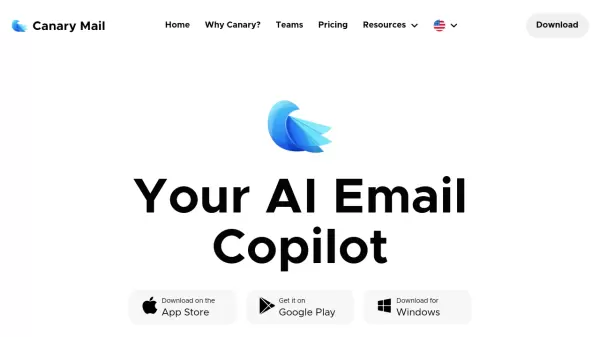
What is Canary Mail?
Canary Mail is a comprehensive email management solution that transforms how users handle their daily email communications. The platform combines artificial intelligence capabilities with productivity features to help users write better emails, summarize lengthy conversations, and manage multiple email accounts through a unified inbox.
At its core, Canary Mail prioritizes both efficiency and security, offering features like smart prioritization, bulk cleaning, read receipts, and encrypted communications through PGP & SecureSend. The platform maintains a strict privacy-first approach, operating without advertisements or data mining practices.
Features
- AI Copilot: Assists in writing better emails and summarizing long conversations
- Unified Inbox: Manages all email accounts in one place
- Smart Prioritization: Helps focus on important emails
- Bulk Cleaner: Efficiently manages and removes unnecessary emails
- Read Receipts: Tracks email engagement
- Send Later: Schedules emails for optimal timing
- Pin & Snooze: Organizes emails for better attention management
- PGP & SecureSend: Provides encrypted email communication
- Privacy Protection: No ads or data mining
Use Cases
- Email management and organization
- Secure business communication
- Newsletter and promotional email cleanup
- Time-sensitive email scheduling
- Confidential information sharing
- Multiple email account management
- Email productivity enhancement
FAQs
-
What platforms is Canary Mail available on?
Canary Mail is available on iOS (App Store), Android (Google Play), and Windows platforms. -
Is Canary Mail available in different languages?
Yes, Canary Mail supports multiple languages including English, Deutsch, Español, Français, Italiano, Nederlands, and Русский. -
How does Canary Mail protect user privacy?
Canary Mail prioritizes privacy by implementing PGP encryption, SecureSend features, and maintaining a strict no-ads and no-data-mining policy.