

What is BlueMail?
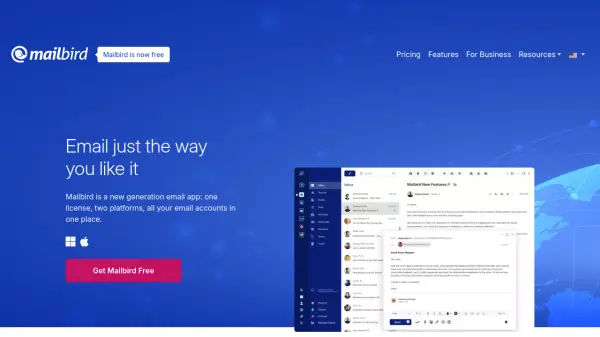
BlueMail provides a comprehensive email and calendar solution designed for cross-platform use, allowing management of an unlimited number of email accounts from various providers within a single, unified interface. It emphasizes user privacy and security, positioning itself as a robust replacement for standard email applications.
Incorporating advanced features like GemAI, powered by ChatGPT, BlueMail streamlines email composition and summarization. Additional functionalities include task management integrated into the inbox ("Get Stuff Done"), email organization through sender and group clusters, email sharing options, an integrated calendar for event planning, and instant push notifications for timely email delivery. It also offers BlueChat, a complimentary chat application.
Features
- Unified Inbox: Manage all email accounts in one view.
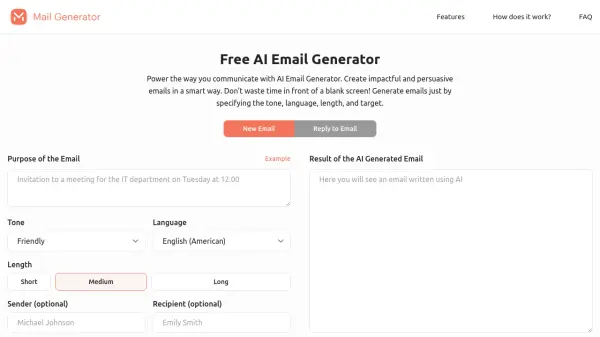
- GemAI Generative Email: Utilize AI based on ChatGPT to summarize and write emails efficiently.
- Integrated Calendar: Plan events directly within the email application.
- Clusters: Organize emails automatically by sender and group.
- Get Stuff Done: Manage email-related tasks with an integrated task board.
- Cross-Platform Availability: Use BlueMail on various devices.
- Privacy & Security Focused: Emphasizes user control over data and secure email handling.
- Instant Push Notifications: Receive emails quickly.
- BlueChat: Complimentary integrated chat application.
Use Cases
- Managing multiple email accounts efficiently.
- Summarizing long emails quickly using AI.
- Generating email drafts using AI assistance.
- Organizing a cluttered inbox automatically.
- Scheduling events and managing calendars alongside emails.
- Securely communicating via email across different platforms.