
What is awzware.com?
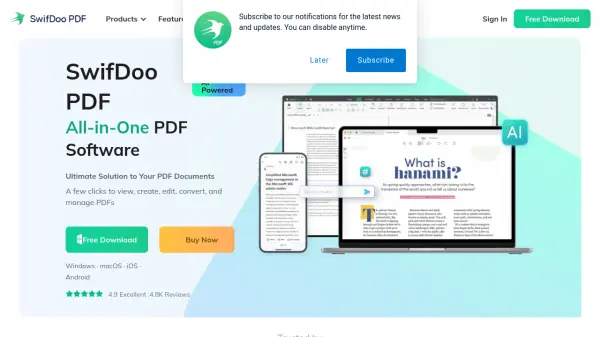
SwifDoo PDF is a comprehensive, all-in-one PDF tool designed to streamline document work with features that most users frequently require. This software provides a user-friendly interface where main features are easily accessible on the main screen, speeding up work and project efficiency by simplifying the process of making changes to PDF documents and converting them into commonly-used MS Office formats.
The tool enables PDF management and integrates document annotation, allowing users to customize files by editing text, adding pictures, making notes for colleagues, highlighting areas, inserting comments, or adding document stamps. It serves as a capable editor that provides all essential tools for managing PDF files without the complexity of many other high-priced applications, making it an excellent alternative for those seeking affordable PDF solutions.
Features
- Edit PDF Text: Modify text content within PDF documents
- Manage PDF Pages: Organize, split, merge, and rearrange pages
- Convert to PDF: Transform various file formats into PDF
- Optimize PDF File Size: Compress documents to reduce file size
- Password-Protect PDF: Secure documents with password encryption
- Add E-Signatures: Insert electronic signatures for authentication
- Add Watermarks: Apply custom watermarks to PDF files
- Free Online Converting Service: Web-based conversion without installation
- Desktop Version on Windows: Compatible with Windows Vista/XP/7/8/10/11
Use Cases
- Editing text in PDF documents for corrections or updates
- Converting PDF files to Microsoft Office formats like Word or Excel
- Merging multiple PDF documents into a single file
- Compressing large PDF files for easier sharing or storage
- Adding password protection to sensitive PDF documents
- Inserting electronic signatures for document approval
- Applying watermarks to PDFs for branding or copyright protection
- Annotating PDFs with comments, highlights, or stamps for collaboration