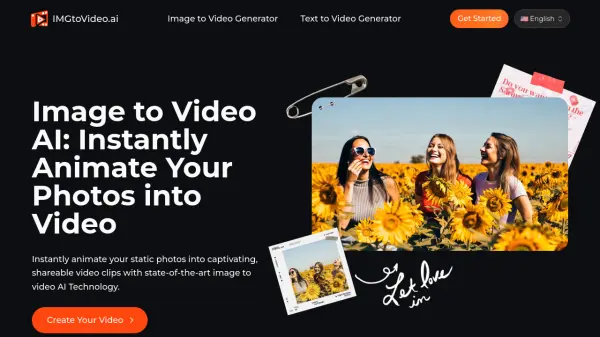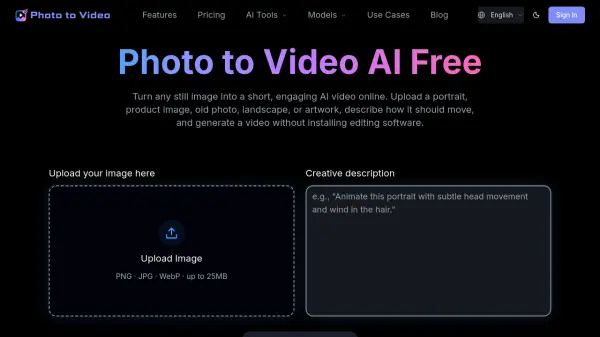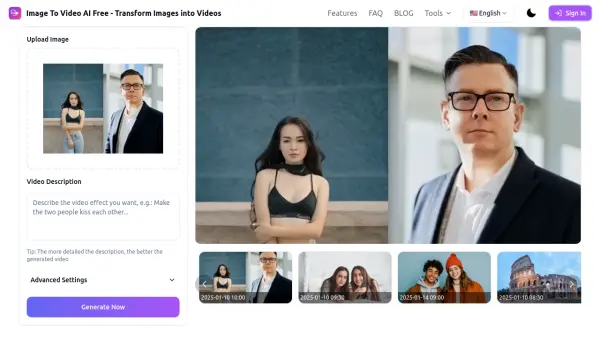
What is AI Image to Video?
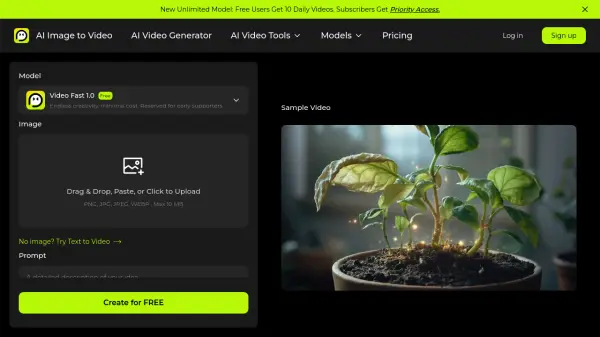
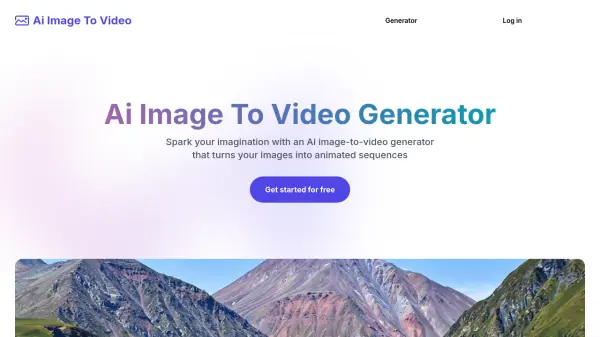
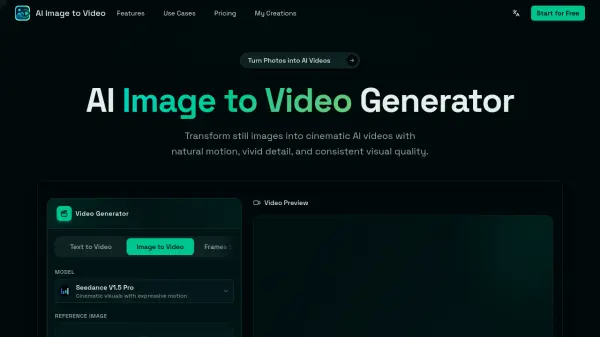
AI Image to Video is a browser-based AI tool that converts static photos into dynamic, cinematic AI-generated videos. Users can upload any still image, including portraits, product shots, anime artwork, pet photos, food images, landscapes, or creative illustrations, and then describe the desired motion using a simple text prompt. The platform uses the uploaded image as a visual foundation and the prompt as motion guidance to produce short videos featuring camera movements such as slow zooms, cinematic pans, orbit shots, and parallax depth effects, all while maintaining the visual consistency of the original subject.
The tool requires no video editing experience or software installation, as the entire workflow runs online. It supports multiple aspect ratios, HD output, audio generation, and short-form video formats suited for TikTok, Instagram Reels, YouTube Shorts, product pages, e-commerce stores, and marketing campaigns. AI Image to Video offers a freemium pricing model, with free access to start and paid subscription plans that provide additional credits, faster generation speeds, watermark-free downloads, and commercial usage rights.
Features
- Still Image Animation: Transform static photos, artwork, and product images into moving AI videos with subject motion, environmental movement, and camera depth.
- Cinematic Camera Control: Generate zoom-ins, slow pans, orbit shots, close-ups, and parallax depth effects to create a professional video-like aesthetic.
- Natural Motion Prompts: Use simple text prompts to guide movement, mood, lighting, camera behavior, and overall video direction.
- Subject Consistency: Keep the main person, product, pet, or character visually recognizable while AI adds motion and cinematic effects.
- Fast Online Generation: Create image-to-video clips directly in the browser without installing editing software or managing local GPU models.
- Short-Form Video Output: Generate videos in multiple aspect ratios (1:1, 9:16, 16:9, 3:4, 4:3) suited for TikTok, Reels, Shorts, ads, and social posts.
- AI Audio Generation: Let the model create matching audio for generated videos automatically.
- Multiple Video Modes: Supports Text to Video, Image to Video, Frames to Video, and Reference to Video generation modes.
- Watermark-Free Downloads: Paid plans provide clean, watermark-free video downloads for professional and commercial use.
- Commercial License: Basic and Pro plans include commercial licensing and unrestricted usage rights.
Use Cases
- Creating short social media video clips for TikTok, Instagram Reels, and YouTube Shorts from still images
- Animating product photos for e-commerce ads, landing pages, and promotional campaigns
- Generating portrait and selfie animation videos with subtle camera motion and subject consistency
- Bringing anime characters, manga-style artwork, and game assets to life with cinematic motion
- Turning pet photos into shareable emotional or fun short videos
- Producing quick promotional and ad-concept videos from campaign images and brand visuals
- Animating landscape and travel photos with smooth camera pans and cinematic atmosphere
- Creating food close-up motion videos with steam effects and cinematic zoom for restaurants or food brands
- Building portfolio videos and visual storytelling content from illustrations and artwork
- Generating video content for fan edits, story posts, and creative projects without editing experience
How It Works
Upload an Image
Start with any still image such as a photo, product shot, portrait, anime artwork, pet picture, landscape, or poster that you want to animate.
Write a Motion Prompt
Describe the movement you want in simple text, such as slow zoom, camera pan, product rotation, moving background, hair motion, cinematic lighting, or emotional expression.
Generate Your AI Video
AI Image to Video processes your uploaded image and motion prompt to create a short video with dynamic motion, subject animation, and cinematic visual style.
Download and Share
Save the generated video and use it for social media, ads, product pages, presentations, portfolios, or any other creative or marketing project.
FAQs
-
What pricing plans does AI Image to Video offer?
AI Image to Video offers a freemium model with three paid subscription tiers: Hobby ($8.39/month billed yearly), Basic ($15.99/month billed yearly), and Pro ($29.90/month billed yearly). Plans differ in monthly credits, generation speed, concurrent generations, and commercial licensing. -
Do paid plans include commercial usage rights?
Yes. The Basic and Pro plans include a commercial license and unrestricted usage rights, making them suitable for marketing, advertising, and e-commerce content creation. -
What video aspect ratios are supported?
AI Image to Video supports multiple aspect ratios including 1:1, 9:16, 16:9, 3:4, and 4:3, making it compatible with various social media platforms and display formats. -
Can AI Image to Video generate audio for the video?
Yes. The platform includes an audio generation option that lets the AI model create matching audio automatically for the generated video. -
Is AI Image to Video different from text to video tools?
Yes. While text to video starts primarily from a text prompt, AI Image to Video uses an uploaded image as the visual base, which allows the generated video to more closely preserve the original subject, composition, and visual style.