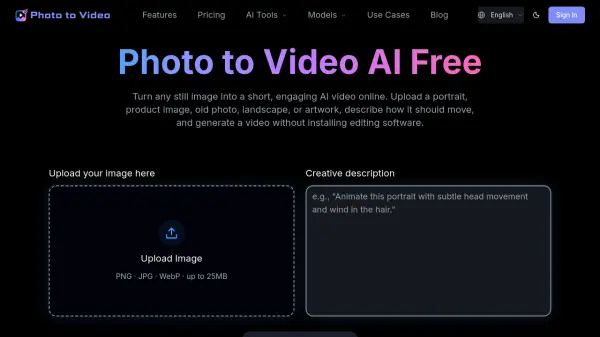
What is Photo to Video AI Free?
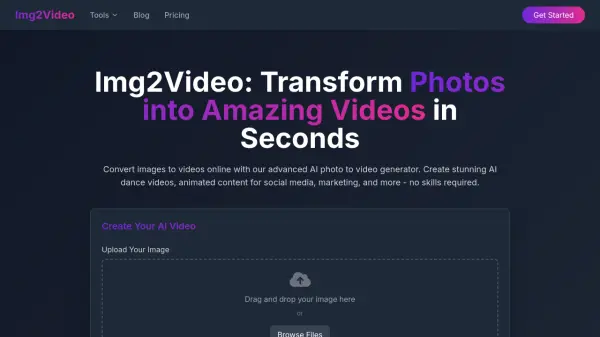
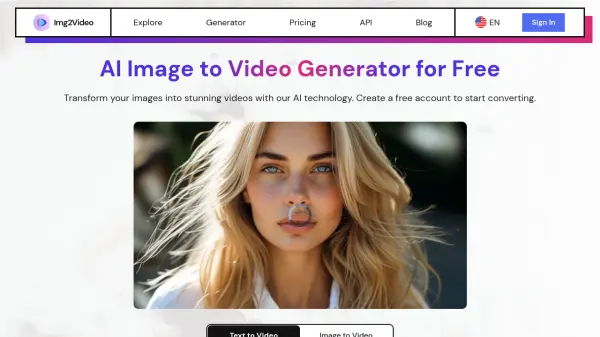
Photo to Video AI Free is an online image-to-video generator that adds natural movement to still pictures. It analyzes the subject and scene, then uses a text prompt to animate facial expressions, hair, products, backgrounds, artwork, water, clouds, and other visible elements while helping preserve the original image.
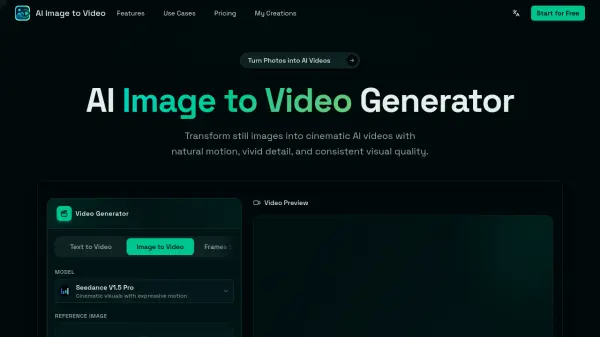
The tool supports Seedance and Kling video models, videos up to 1080p, and 5-second or 10-second outputs. Users can select vertical, square, or landscape formats for social media, advertising, websites, and presentations without installing editing software or working with timelines and keyframes.
Features
- Prompt-Based Motion Control: Describe the subject's action, mood, camera angle, lighting, speed, and background movement in natural language.
- Natural Image Animation: Adds movement after analyzing the visible subject and scene, with subtle options for portraits and stronger motion for creative content.
- Multiple AI Video Models: Provides Seedance and Kling models with capabilities that vary by resolution and audio support.
- Flexible Video Formats: Supports 9:16, 1:1, and 16:9 aspect ratios for vertical, square, and landscape content.
- High-Resolution Downloads: Paid plans support downloadable 5-second and 10-second videos at resolutions up to 1080p.
Use Cases
- Animate portraits with blinking, breathing, facial expressions, hair movement, and gentle camera motion.
- Create product reveal videos with rotation, lighting changes, close-ups, and animated backgrounds.
- Bring old family, wedding, and historical photographs to life with subtle movement.
- Add wind, water, clouds, depth, and cinematic camera motion to artwork and landscapes.
- Produce short videos for TikTok, Instagram Reels, YouTube Shorts, advertisements, websites, and presentations.
How It Works
Upload Your Photo
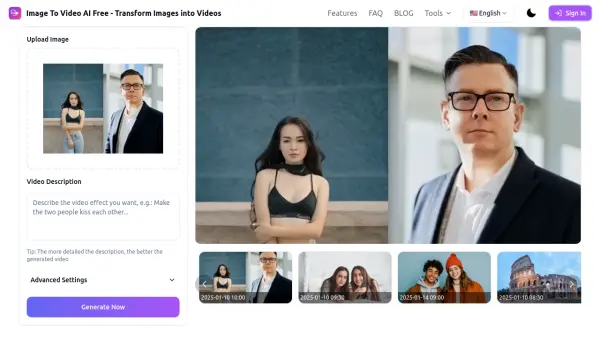
Upload a JPG, PNG, or WebP image such as a portrait, product photo, old picture, landscape, or artwork.
Describe the Motion
Enter a text prompt describing the desired action, camera movement, mood, lighting, speed, and background behavior.
Generate and Download
Choose the available model and output settings, review the estimated credit cost when applicable, then generate and download the video.
FAQs
-
Will free generated videos contain a watermark?
Yes. Free exports include a watermark, while videos generated with a paid plan can be downloaded without one. -
Are uploaded photos kept private?
Uploaded images are used to provide the generation service. Original uploads and generated files are automatically deleted after 24 hours. -
What photos produce the best results?
Sharp, well-lit images with a clearly visible subject work best. The image should leave enough space around the subject for movement and avoid severe blur, overlapping faces, distorted hands, or important details cut off by the frame. -
Do purchased credits expire?
One-time credits do not expire. Subscription credits refresh according to the plan's allocation schedule, and unused subscription credits may reset when the next allocation is issued. -
How long does video generation take?
Generation time varies according to the selected model, video length, output quality, and current server demand. An estimated processing time is displayed before the task is submitted.