What is Image to Video Free?
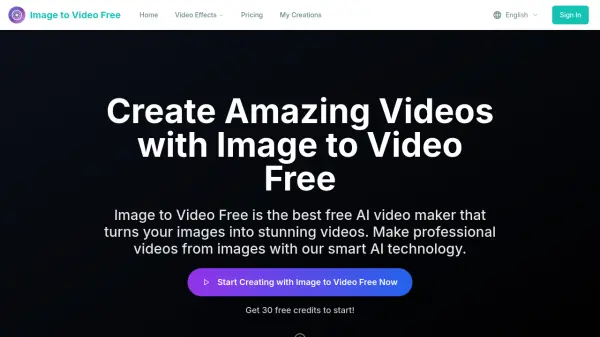
Image to Video Free is an AI-powered platform that converts static images into dynamic videos with professional-grade quality. It automatically adds movement, transitions, and ambient effects to your visuals, eliminating the need for manual editing. Whether you're creating marketing content, social media clips, or personal slideshows, the tool processes your images in minutes and delivers polished, shareable videos.
The platform supports multiple input formats including JPG, PNG, and WebP, and offers flexible creative control with options for video duration, aspect ratio (16:9 or 9:16), and quality (720p or 1080p). Users can describe their desired scene, characters, and actions using text prompts for AI-driven customization. With over 10 presentation styles and branded elements like intros, outros, and color schemes, Image to Video Free ensures consistent, high-quality output suitable for both personal and commercial use.
Features
- AI-Powered Generation: Advanced AI creates complete audiovisual clips with realistic motion from images.
- Seamless Image-to-Video: Animate any static image into dynamic scenes and videos.
- Creative Control Modes: Choose between 'Fast' and 'Normal' modes for quick drafts or high-quality results.
- True Multimodal AI: Supports image-to-video and video-to-image interaction for unprecedented control.
- Flexible Input Methods: Generate videos from uploaded images or text descriptions.
- Watermark-Free Export: HD lossless export of videos without watermarks, even for free users.
- Multiple Aspect Ratios: Support for 16:9 and 9:16 formats suitable for various platforms.
- HD and 4K Resolution Support: Up to 1080p resolution for professional-quality output.
- Fast Processing: Typically 2-15 minutes for video generation.
- Branding Options: Add branded intros, outros, color schemes, and logo placements.
Use Cases
- Create marketing videos from product images.
- Animate landscape photos with realistic natural effects.
- Generate social media clips without editing skills.
- Produce commercial videos with watermark-free output.
- Create educational content by animating static diagrams.
- Build branded video presentations for business.
- Turn travel photos into cinematic slideshows.
FAQs
-
What is Image to Video Free?
Image to Video Free is an AI-powered tool that transforms static images into dynamic videos with motion, transitions, and effects. It is free to use and requires no editing skills. -
How do I use Image to Video Free?
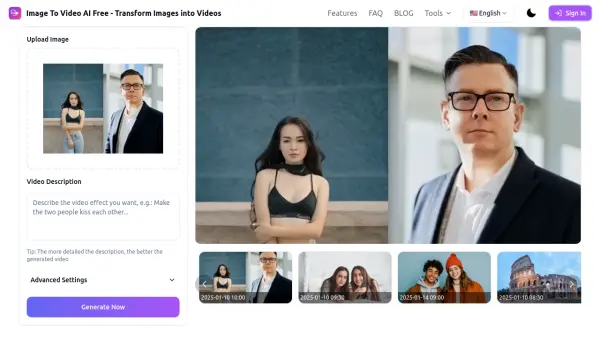
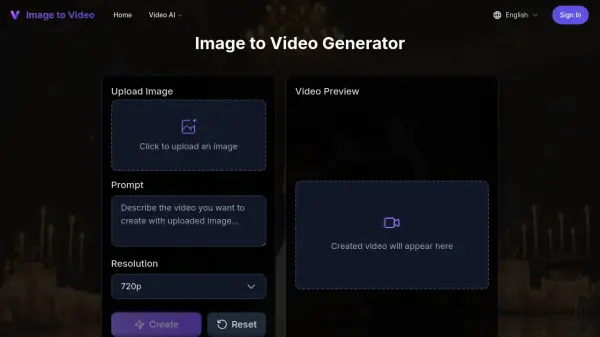
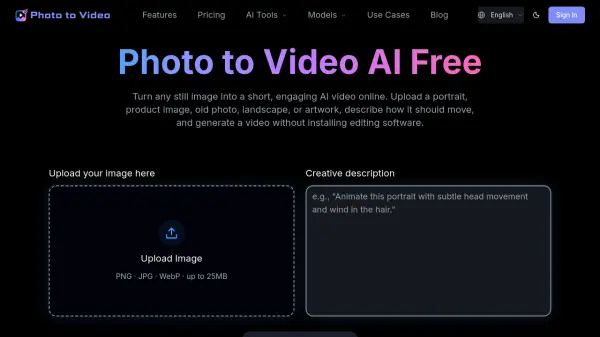
Simply upload an image (JPG, PNG, or WebP), optionally describe your desired scene via text prompt, select aspect ratio, quality, and duration, then click generate. The AI creates your video in minutes. -
How long does video generation take?
Processing time is typically 100-300 seconds, depending on the complexity and selected quality settings. -
Can I use Image to Video Free for commercial projects?
Yes, the Professional and Business plans include a commercial use license. Free users may also use outputs commercially but should review the terms of service. -
How are credits calculated and consumed?
Each video generation consumes a certain number of credits based on factors like duration and quality. New users receive 30 free credits to start.