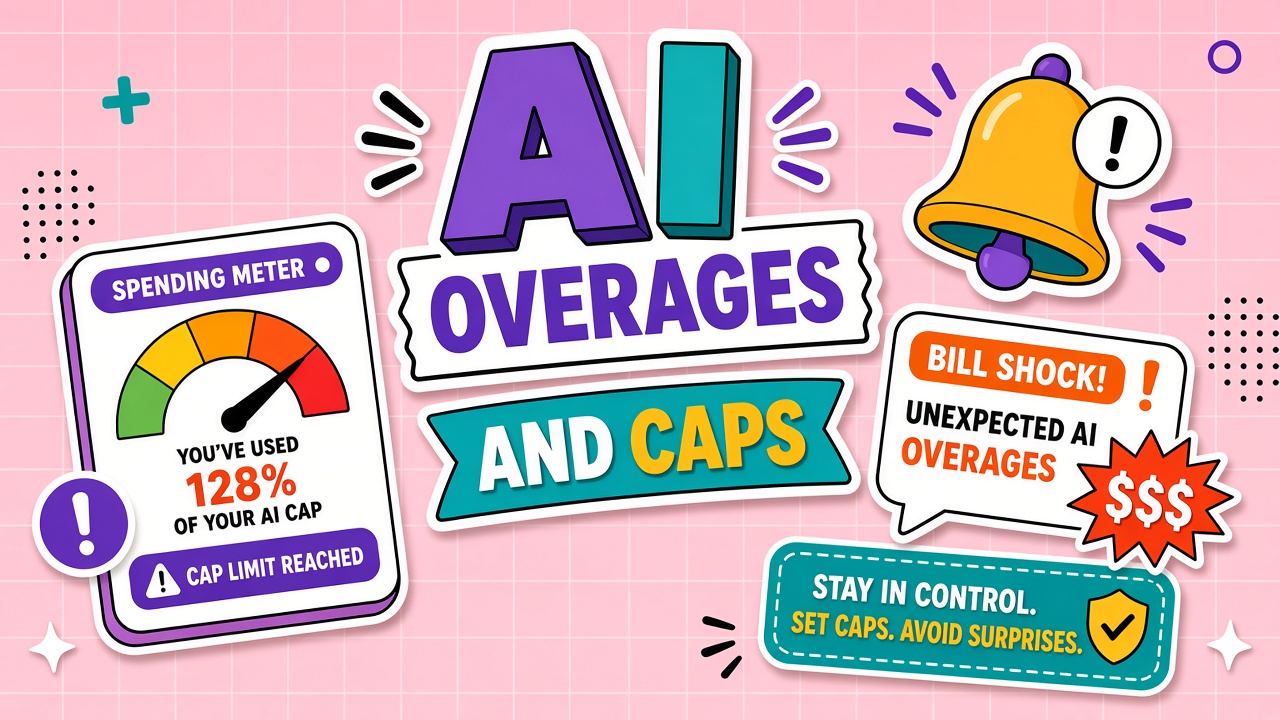
A marketing automation hits a viral post. API calls multiply overnight. The invoice arrives with an overage line nobody recognized in the pricing FAQ. That is the anatomy of AI tool overage charges: included allowance exhausted, metered rate applied, finance surprised. Spending caps and alert thresholds exist precisely to convert surprise into a controlled decision.
This guide explains how overages trigger, how to configure caps and alerts, hard stop vs soft limit behavior, team pool allocation, and dispute patterns. Teams using AI API products and AI image generators should configure billing guards before launch week, not after.
How Overages Trigger on Metered Plans
Overages start when usage exceeds included credits, tokens, generations, or seats in the billing period. Triggers include automatic top-up at list price, pay-as-you-go API rates, downgrade to slower queues instead of hard stop, or silent continuation with invoice at cycle end. Read whether overage is opt-in or default-on.
- Included allowance depletes (credits, tokens, minutes).
- Vendor applies overage rate or enables auto-recharge.
- Usage continues unless hard cap configured.
- Invoice or card charge posts at cycle close or threshold.
Spending Caps and Alert Thresholds
Configure email or webhook alerts at fifty, eighty, and ninety-five percent of budget. Assign an owner who can throttle usage or approve temporary uplift. Caps without owners become noise ignored until overage hits.
Cap configuration checklist
- Set monthly budget per project and per API key
- Enable hard stop on pre-production environments
- Require approval workflow to raise cap above baseline
- Log who approved temporary uplift and expiry date
- Review usage dashboard weekly during campaigns
Hard Stop vs Soft Limit Behavior
Hard stops block requests when budget exhausts. Soft limits slow, queue, or downgrade service. Soft limits feel like degraded UX but still incur cost if overage billing continues. Confirm vendor behavior in writing: some products throttle free tier without charging; paid metered products often charge through soft limits unless hard cap set.
Team Pool Overage Allocation
Shared team pools need per-group sub-limits so one project cannot drain the org wallet. Allocate credits or dollars by squad, client, or environment. Tag API keys for cost attribution. Without allocation, overage disputes turn into internal blame instead of vendor tickets.
Surprise Bill Anatomy (Case Study Format)
Month baseline: five hundred dollars included API credits.
Event: batch re-embedding after CMS migration, retries on timeout, flagship model default.
Mechanism: auto top-up at one point five times packaged rate after credit zero.
Result: one thousand eight hundred dollar invoice, nine hundred overage.
Prevention: hard cap at six hundred dollars, alert at four hundred, batch job on cheaper model with retry ceiling.
Dispute and Refund Patterns
Vendors sometimes credit first incident overages if you had caps misconfigured and open ticket promptly. Document timestamps, dashboard screenshots, and request IDs. Policy violations and unbounded customer loops rarely qualify. Prevention beats dispute.
Prevent AI API bill shock: engineering checklist
Code review should block unbounded loops calling LLM endpoints, require max_tokens caps on generation, and log cumulative daily spend per service account. Finance should receive weekly usage emails during the first production month. AI spending limit setup is not complete until someone tested the hard stop by simulating budget exhaustion in staging. These steps address the most common prevent AI API bill shock failures teams report after launch week traffic spikes.
Frequently Asked Questions
How do we handle burst traffic without overage shock?
Pre-approve temporary cap raise, switch to batch endpoints, cache prompts, and route traffic to smaller models for non-critical paths. Schedule heavy jobs off peak if pricing varies by queue.
Does upgrading plan mid-cycle reset overage rates?
Often yes for remaining period on some vendors; others apply new tier only next cycle. Ask before upgrade during active overage.
What is the minimum setup to prevent AI API bill shock?
Separate prod and dev keys, hard cap dev, alert prod at eighty percent, log tokens per endpoint, and ban infinite retry loops in code review.
The Bottom Line
AI usage overage fees follow predictable triggers: depleted allowance plus continued metered use. Configure spending limits, staged alerts, hard stops in non-prod, and team pool splits before campaigns. Explore API and image tools on EliteAI.tools with caps enabled on day one of the pilot.