What is absentify?
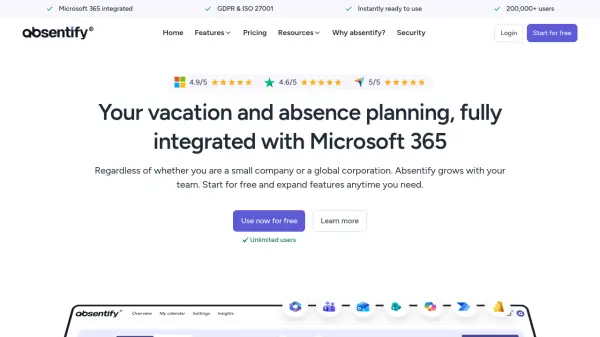
Absentify provides comprehensive absence management solutions designed specifically for Microsoft 365 environments. The platform automates vacation planning, sick leave tracking, and home office management through native integration with Microsoft Teams, Outlook, and Entra ID.
With features including automatic calendar synchronization, out-of-office message generation, and multi-level approval workflows, absentify eliminates manual processes while maintaining GDPR compliance and ISO 27001 certification. The tool supports unlimited users across all plans and offers customization options for absence types, company branding, and international language support.
Features
- Automatic Outlook Calendar Synchronization: Absences automatically sync with personal and shared calendars
- Microsoft Entra ID Synchronisation: Automatic user management with zero HR effort
- Automatic Out-of-Office Messages: Custom templates with placeholders auto-filled in Outlook
- Native Microsoft Teams Integration: Direct access without additional installation
- Multi-language Support: Available in 11+ languages for international teams
- Custom Absence Types: Create vacation, sick leave, home office with specific rules
- GDPR & ISO 27001 Certified: Enterprise-grade security and data protection
- Unlimited Users: Scales from small teams to global corporations
Use Cases
- Automating vacation request and approval workflows
- Managing sick leave and home office tracking
- Synchronizing team absence calendars across departments
- Generating automatic out-of-office messages in Outlook
- Replicating company organizational structures for absence management
- Providing real-time absence reporting and analytics
- Supporting international teams with multi-language capabilities
- Integrating absence data with Microsoft Power BI for visualization
FAQs
-
How does absentify handle public holidays across different countries?
Absentify automatically includes public holidays for 250 countries worldwide, considering both national and regional differences. These holidays appear directly in your absentify calendar and are visible in Outlook when synchronized. -
Can I customize approval workflows for different types of absences?
Yes, you can set up multi-level approval processes based on department or leave type, with options for simultaneous or sequential approvals, and define whether one or all approvers must authorize requests. -
How does billing work when team size changes?
Absentify updates user counts nightly and bills on a daily basis per user. When adding users, prorated charges apply; when removing users, credits are applied to the next billing cycle. All users (active, inactive, or archived) are included in billing. -
What payment methods are accepted for paid plans?
Payments can be made via credit card, PayPal, Apple Pay, Google Pay, and other options through the payment provider. Invoicing is available for Essentials and Plus plans with annual billing. -
How quickly can teams start using absentify?
Teams can be up and running in minutes with zero IT setup required. The platform integrates directly with existing Microsoft 365 environments without implementation time.