What is 3D Viewer MAX?
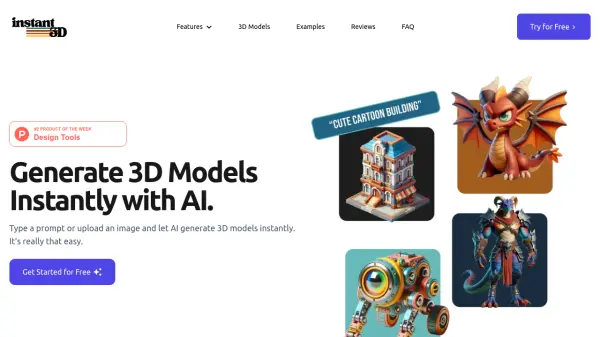
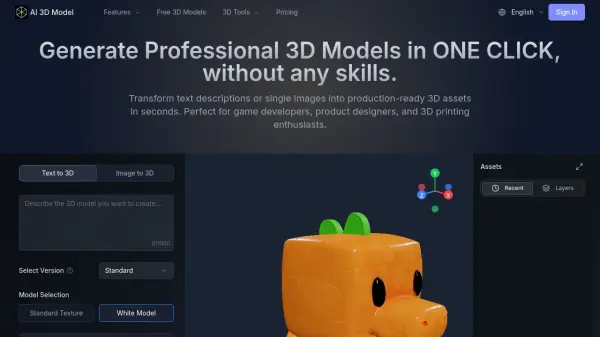
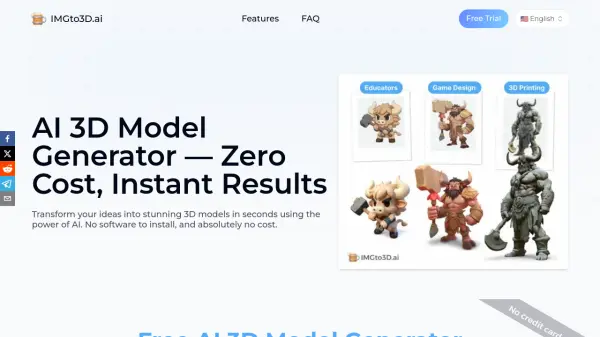
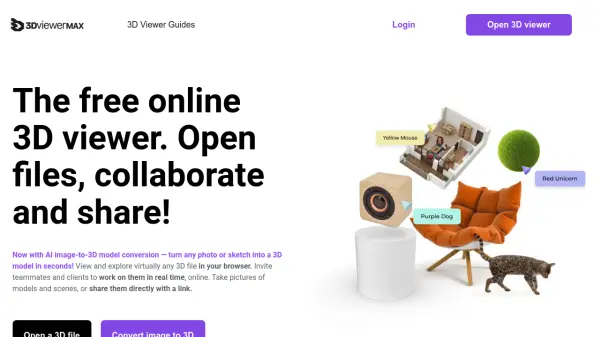
3D Viewer MAX offers a fully online 3D viewing solution that allows users to effortlessly upload and explore a variety of 3D file formats as well as 2D images. Powered by AI, it enables automatic conversion of images and sketches into ready-to-use 3D models within seconds, catering to designers, game developers, marketers, and other creative professionals. No installation or account is required, and all operations take place in the browser for maximum convenience.
This platform enhances collaboration by allowing users to share 3D scenes with teammates and clients in real time using simple links, with full support for combining multiple 3D and 2D assets within one scene. Sharing model views, taking scene snapshots, and asset management are streamlined, making it an efficient choice for quick visualization, review, and presentation of 3D content without the need for traditional, complex 3D software.
Features
- AI Image-to-3D Model Conversion: Instantly generates 3D models from photos or sketches using artificial intelligence.
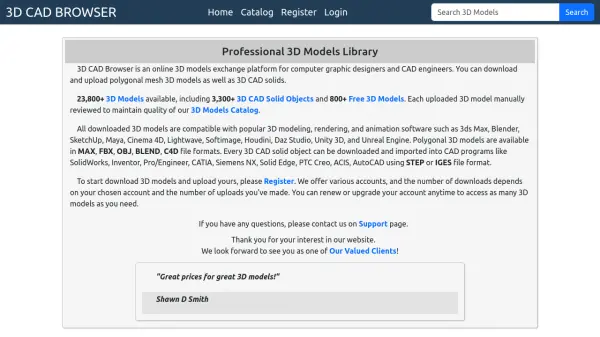
- Online 3D File Viewer: Supports a wide range of 3D and 2D formats including .glb, .gltf, .fbx, .obj, .dae, .stl, .3ds, .3mf, .png, and .jpg.
- Real-Time Collaboration: Allows multiple users to work on and share 3D scenes together live online with only a shared link.
- No Installation Required: Runs entirely in the browser, eliminating the need for apps or plugins.
- Snapshot and Sharing Tools: Enables easy capturing of scenes and sharing of static images or interactive workspaces.
Use Cases
- Quick image-to-3D model conversion for prototyping or creative projects.
- Presenting and reviewing 3D designs with clients or team members online.
- Creating and combining multiple 3D and 2D assets for collaborative scenes.
- Sharing 3D models for remote feedback, marketing, or educational demonstrations.
- Inspecting and managing various 3D file formats without specialized software.
FAQs
-
How do I convert an image to a 3D model online?
You simply upload your image to the platform, and the AI system automatically generates a 3D model within seconds, requiring no prior design experience or software installation. -
What 3D files can I view with this tool?
The tool supports a wide range of 3D files including .glb, .gltf, .fbx, .obj, .dae, .stl, .3ds, and .3mf, as well as 2D image files like .png and .jpg. These can be viewed, combined, and arranged directly in the browser. -
Is any software installation or user registration needed?
No, the platform works fully online in your browser and does not require software installation or user signup.