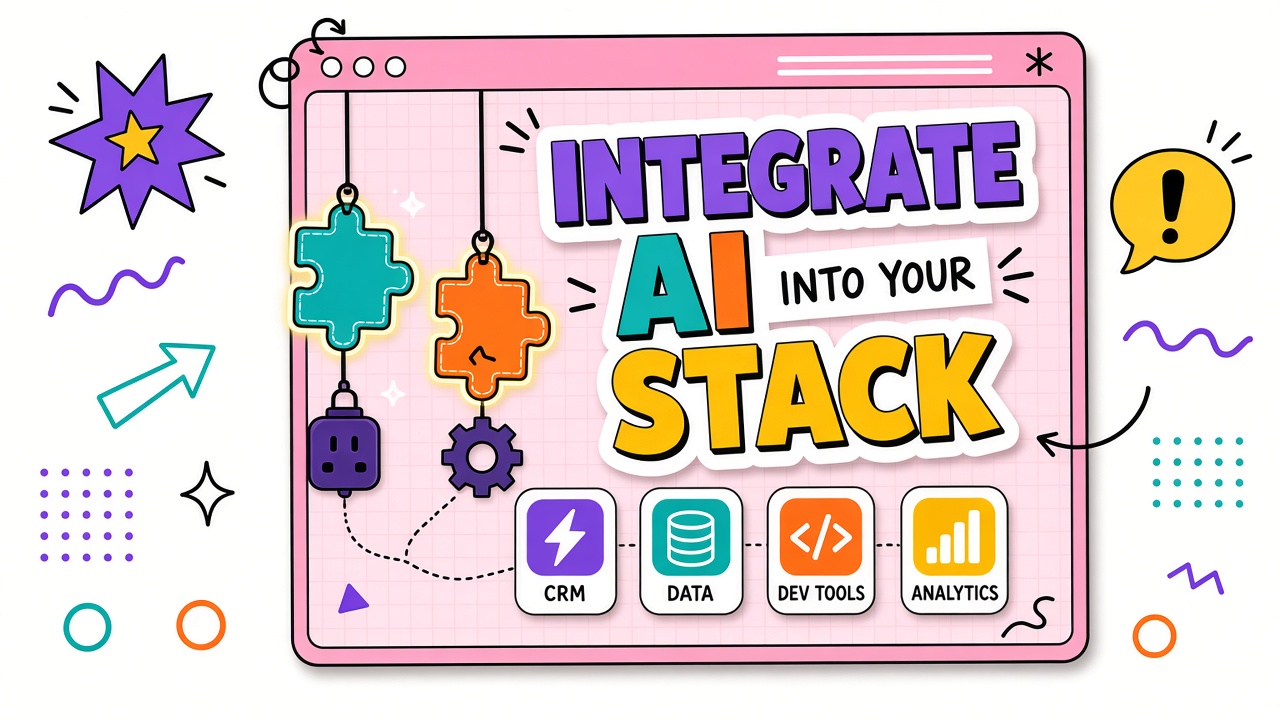
The best AI output in a standalone tab dies in copy-paste limbo. Teams abandon tools that do not connect to the CRM, helpdesk, docs, or repo where the next step lives. Integration is not always an engineering project. Sometimes a disciplined export format is enough. Sometimes you need an API.
Integrating AI into your existing software stack starts with inventory, then matches integration patterns to system type and data sensitivity. This guide covers native plugins, middleware, direct APIs, error handling, and pre-rollout testing. Compare options in AI automation and AI API tools after your stack map is complete.
Inventory Your Current Stack First
List systems that touch AI-assisted workflows: source of truth for customer data, document storage, ticketing, chat, design, code, and analytics. Note admin owner, API availability, SSO status, and data classification allowed per system.
- Systems of record: CRM, ERP, HRIS, product database
- Collaboration: Docs, wikis, project management, chat
- Customer-facing: Helpdesk, marketing automation, CMS
- Engineering: Git, CI, observability, feature flags
Native Integrations vs Middleware vs API
Native integrations ship inside products you already pay for (CRM AI sidebar, helpdesk suggested replies). Middleware tools like Zapier or Make connect apps without custom code. Direct API integration gives maximum control and highest build cost.
| Pattern | Best for | Tradeoffs |
|---|---|---|
| Copy-paste with templates | Low volume, few users, simple formats | Manual errors, no audit automation |
| Native plugin | Work happens inside one incumbent app | Vendor lock-in, feature limits |
| Middleware (Zapier, Make) | Standard connectors, medium volume | Per-task cost, retry logic basic |
| Direct API | High volume, custom QA, strict security | Build and maintain engineering time |
Integration decision matrix by data sensitivity
| Data class | Recommended pattern | Controls required |
|---|---|---|
| Public / marketing | Native or middleware | Brand review checkpoint |
| Internal confidential | SSO app or API with enterprise DPA | Access logs, no training clause |
| Customer PII | API or native inside CRM/helpdesk boundary | Redaction, retention limits, audit |
| Regulated / health / finance | Approved vendor only, often API on private terms | Legal sign-off, subprocessors review |
Data Flow and Permission Mapping
Draw arrows: which system sends data to the AI layer, which receives output, and who can trigger each step. Map permissions so integration service accounts have least privilege. Never pipe full customer exports through personal accounts.
- Identify fields that must be redacted before AI processing.
- Document retention: how long AI vendor stores inputs on your plan.
- Align SSO groups with who may run automated vs assisted-only flows.
- Log integration runs with correlation IDs for incident review.
Error Handling When Integrations Break
Integrations fail: rate limits, schema changes, expired OAuth tokens, model outages. Design fallbacks: queue and retry, notify owner, switch to manual template, never silent drop of customer-facing actions.
- Retry policy: Exponential backoff with max attempts and alert
- Dead letter queue: Failed jobs visible in admin UI or ticket
- Human fallback: Documented manual steps when automation is down
- Status page check: Link vendor status in runbooks
Testing Integrations Before Team Rollout
Test with production-like data in a sandbox tenant when possible. Run twenty representative jobs including edge cases: empty fields, long attachments, unicode, permission denied. Verify output lands in the correct field and triggers the next workflow step.
| Test case | Pass criteria |
|---|---|
| Happy path job | Output in correct record within SLA |
| Oversized input | Graceful error, no partial corrupt write |
| API rate limit | Retry succeeds or alert fires |
| Wrong permissions | Fail closed with clear log entry |
Frequently Asked Questions
What integration patterns work for CRM tools?
Native CRM AI features suit rep-assisted drafting inside records. Middleware suits syncing summaries to notes fields on closed deals. API suits high-volume enrichment with custom validation before write-back.
What about helpdesk and support tools?
Suggested replies and ticket summarization work best as native or API integrations inside the helpdesk so agents never paste customer PII into external tabs. Always keep human send confirmation for customer-visible text.
How do docs and wikis fit?
Export Markdown from AI tools into doc templates with a naming convention. For frequent updates, use middleware to create draft pages in a staging space, never auto-publish to production without review.
When is copy-paste actually fine?
When volume is under a few jobs per week per person, formats are simple, and mistakes are cheap to fix. Revisit integration when the same handoff happens daily or errors become customer-visible.
The Bottom Line
Integrate AI into your existing software stack by inventorying systems, matching patterns to sensitivity and volume, mapping data flows with least privilege, planning for failures, and testing before team rollout. The right integration is the lightest one that keeps output where work already lives.