What is 123apps?
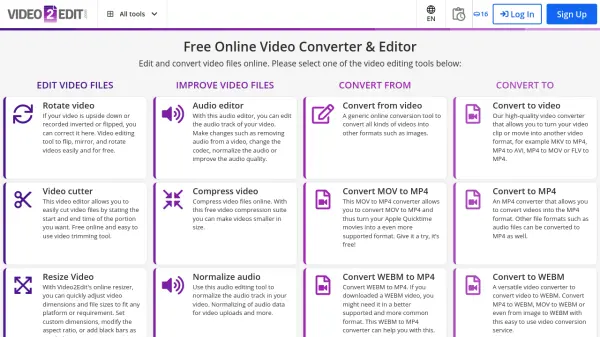
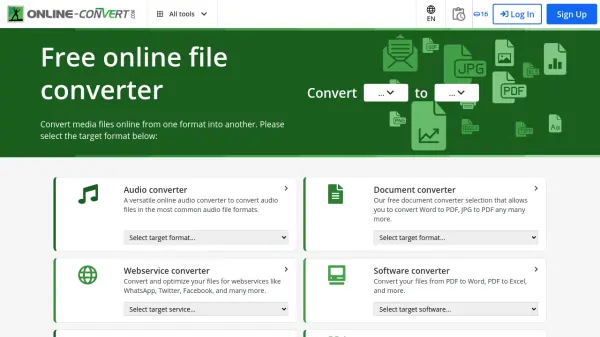
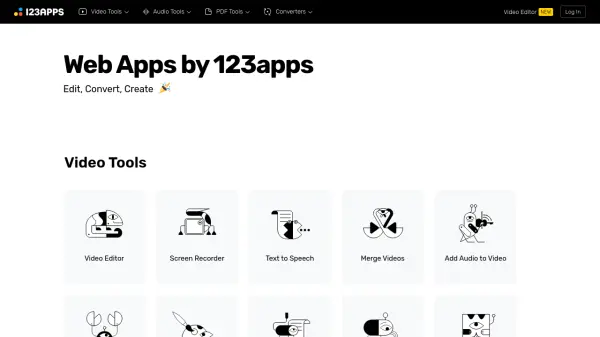
123apps provides a comprehensive collection of online applications designed for editing, converting, and creating various digital media formats directly within a web browser. The platform organizes its tools into distinct categories, including Video Tools, Audio Tools, PDF Tools, and various Converters, offering users a centralized place for common file manipulation tasks.
Users can perform operations such as video editing, trimming audio files, merging or splitting PDF documents, and converting between numerous file types like documents, images, audio, video, and archives. While the core tools are available for free with certain limitations on file size and daily usage, 123apps also offers a premium subscription. This paid plan unlocks features like increased file size limits (up to 10 GB according to popups, 4GB on pricing page), AI audio processing, unlimited file handling, faster processing speeds, and an ad-free interface.
Features
- Video Editor: Online tool for editing video files.
- Audio Tools: Includes trimming, volume adjustment, speed/pitch change, equalizer, reverse, and joining.
- PDF Tools: Features splitting, merging, compression, protection, rotation, and conversion (to/from Word, Excel, JPG, etc.).
- File Converters: Supports audio, video, image, document, font, archive, and ebook conversions.
- Text to Speech: Converts text into spoken audio.
- Screen Recorder: Captures screen activity.
- AI Audio Processing: Advanced audio enhancement available in premium subscription.
- Large File Support: Handles larger files for premium users.
Use Cases
- Editing videos for social media or presentations.
- Converting audio files to different formats.
- Trimming or merging audio tracks for projects.
- Managing PDF documents: merging reports, splitting chapters, compressing for email.
- Converting documents between formats (e.g., Word to PDF, PDF to JPG).
- Quickly resizing or cropping images or videos.
- Creating voiceovers using text-to-speech.
- Recording screen tutorials or demonstrations.