-

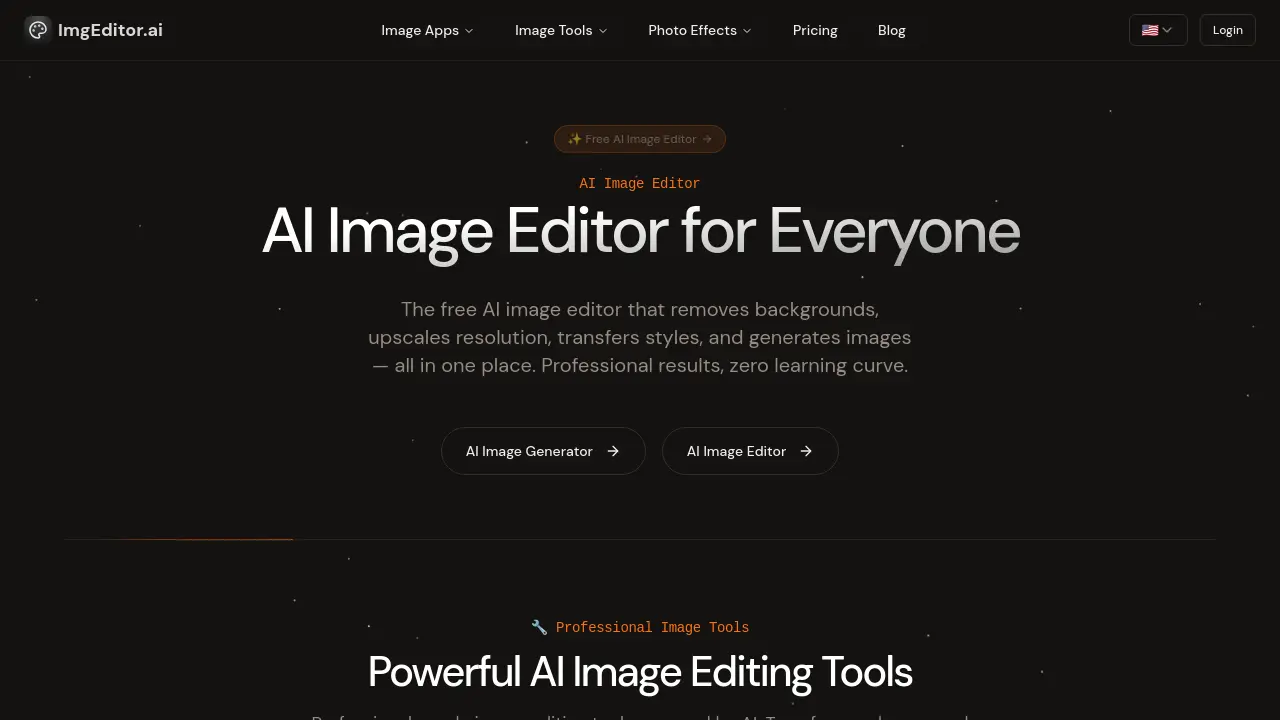
ImgEditor.ai
Professional AI Image Editor for Everyone
 FreemiumStarting at $7/month
ImgEditor.ai is a comprehensive AI-powered image editing platform that offers 15+ professional tools for background removal, image upscaling, style transfer, object removal, and AI image generation, delivering professional results in seconds with no technical skills required.
Key Features:
- AI-Powered Tools: 15+ professional editing tools including background removal, image upscaling, style transfer, and object removal
- Pixel-Perfect Precision: AI understands image context and composition for targeted edits while preserving important details
- Artistic Style Transfer: Transform photos into Ghibli anime, Pixar 3D, oil paintings, and other artistic styles with single-click application
- Fast Processing: Delivers professional-quality edits in under 30 seconds with real-time previews
- No Skills Required: Intuitive interface requires no design skills or software installation
- Privacy-First Processing: Images processed securely without storage unless permission is granted
- Browser-Based Platform: Works on desktop, tablet, and mobile devices without installation requirements
- High-Resolution Support: Output support up to 4K resolution for professional quality results
Use Cases:
- Remove backgrounds for e-commerce product listings
- Upscale low-resolution photos for print materials
- Transform personal photos into anime or cartoon styles
- Create professional headshots for business profiles
- Remove unwanted objects or people from photographs
- Enhance facial features and improve photo quality
- Change hair color, style, or length in portraits
- Apply artistic filters to create unique visual content
- Generate AI images from text prompts or existing photos
- Resize and reframe images with smart cropping
-

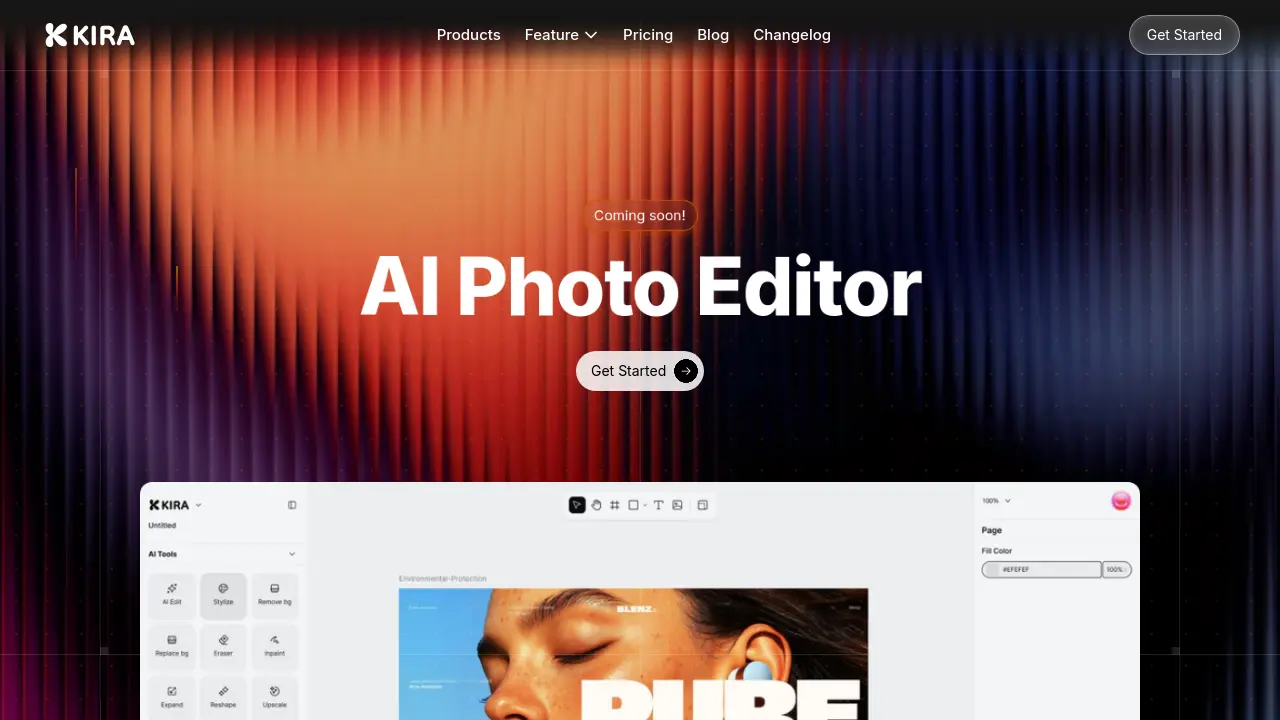
Kira Art
AI Photo Editor for Professional Design Without Distractions
 FreemiumStarting at $10/month
Kira Art is an AI-powered photo editing platform that combines advanced AI models with fully featured raster and vector workspaces for seamless image creation and editing through natural language commands.
Key Features:
- AI Image Generation: Generate any material needed through natural language chat with context memory and LLM understanding
- AI Expand: Extend materials with free typesetting capabilities
- AI Eraser: Clean images by eliminating design interference elements
- Upscale: Quickly and losslessly enhance image clarity
- Raster Workspace: Professional image editor with color adjustment, blend modes, masks, and lasso tools
- Vector Workspace: Pen and shape tools for vector design
- Web-Based Platform: No downloads required, accessible on any device or platform
- Live Mesh Warp: Apply non-destructive warp to match images with templates
Use Cases:
- Professional photo editing and retouching
- Creating marketing materials and visual content
- Generating custom images for websites and social media
- Removing unwanted elements from photographs
- Enhancing image resolution and clarity
- Vector graphic design and illustration
- Web-based collaborative design projects
- Rapid prototyping of visual concepts
-

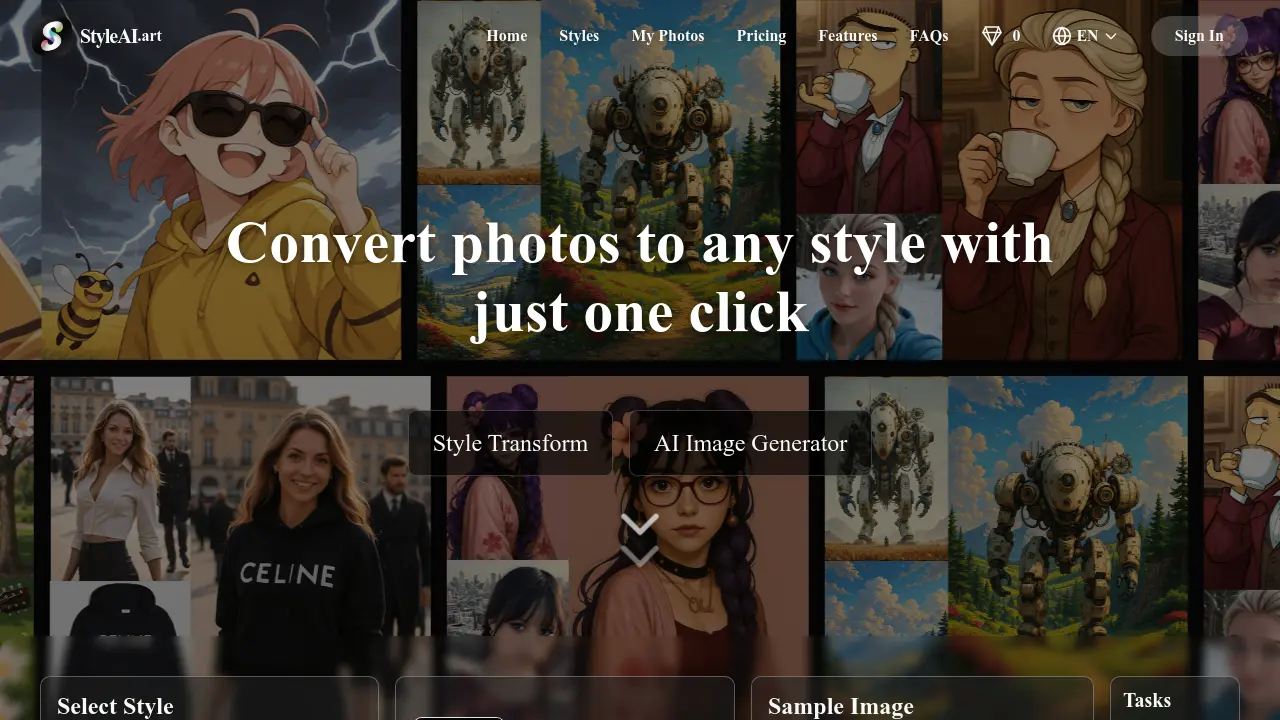
styleai.art
Instantly Transform Photos and Videos with Artistic AI Styles
 Free
Style AI is an advanced AI-driven tool for transforming photos and videos into a variety of artistic styles, generating images from text, and editing visuals using natural language commands.
Key Features:
- One-Click Style Transformation: Instantly convert photos into a wide range of artistic styles
- Natural Language Editing: Make image modifications using simple text-based instructions
- Photo Merging: Seamlessly blend multiple images into cohesive compositions
- Precision Control: Fine-tune specific image areas for professional-quality results
- Text-to-Image Generation: Create original images from written descriptions
- Video Creation & Transformation: Style and generate videos using images or text prompts
- Consistent Output: Ensures uniform lighting, perspective, and quality across edits
Use Cases:
- Transforming portraits into cartoon or fantasy styles
- Editing photos for social media marketing using natural language commands
- Generating unique digital artwork from text descriptions
- Creating virtual group photos by merging separate images
- Producing stylized promotional or explainer videos
- Developing product mockups or concept visuals for presentations
-

Phedra.ai
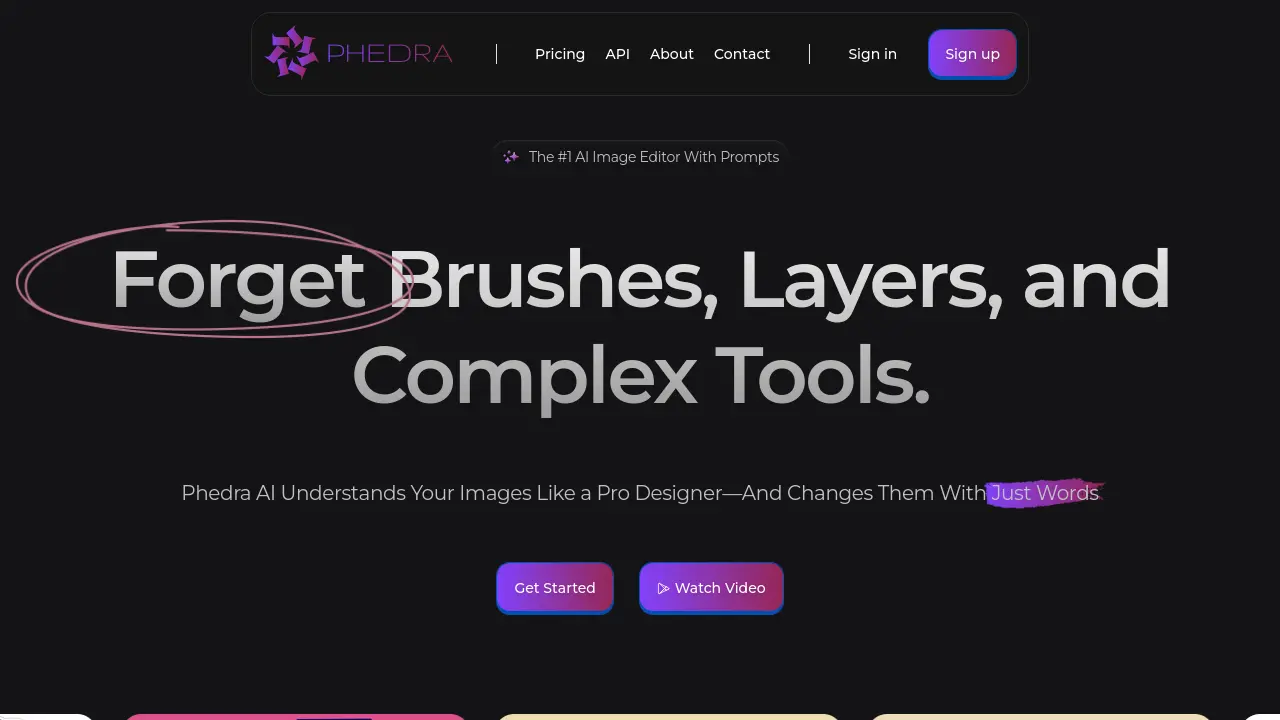
The #1 AI Image Editor With Prompts
 Freemium
Phedra.ai is an AI-powered image editor that understands image elements and transforms them based on simple text prompts, eliminating the need for complex editing tools.
Key Features:
- Perfect Precision: Analyzes images pixel by pixel and follows text commands accurately.
- Style Mastery: Offers prebuilt styles like pop art, oil painting, comics, etc.
- Smart Sizing: Resizes images to commonly used dimensions with one click.
- Version Control: Allows users to revert to previous design versions easily.
- Text-Based Editing: Transforms images using simple text prompts.
- Background Removal: Option to remove backgrounds from rendered images.
- Text Content Modification: Add or modify text within images.
- Image Upscaling: Upscale replicated images up to 4K resolution.
- Copyright-Free Output: Rendered images are completely free of copyright.
- Chrome Extension: Available as a web app and a Chrome extension for workflow integration.
Use Cases:
- Creating custom stickers
- Designing T-shirts
- Generating memes
- Making posters
- Designing logos
- Creating social media posts
- Designing book covers
- Making mobile wallpapers
- Designing mugs
- Creating custom cards
- Generating digital art
- Creating monograms
-

ImageEditor.AI
Edit or Make Images Using AI
 PaidStarting at $14/month
Enhance and create visual content effortlessly with AI-powered editing tools at ImageEditor.AI.
Key Features:
- AI-driven image editing: Make precise edits and adjustments to images using AI technology
- AI-powered image creation: Generate novel images based on user input and creative AI algorithms
Use Cases:
- Professional photo editing
- Marketing material creation
- Personal photo enhancements
- Creative design projects
-

imgart.app
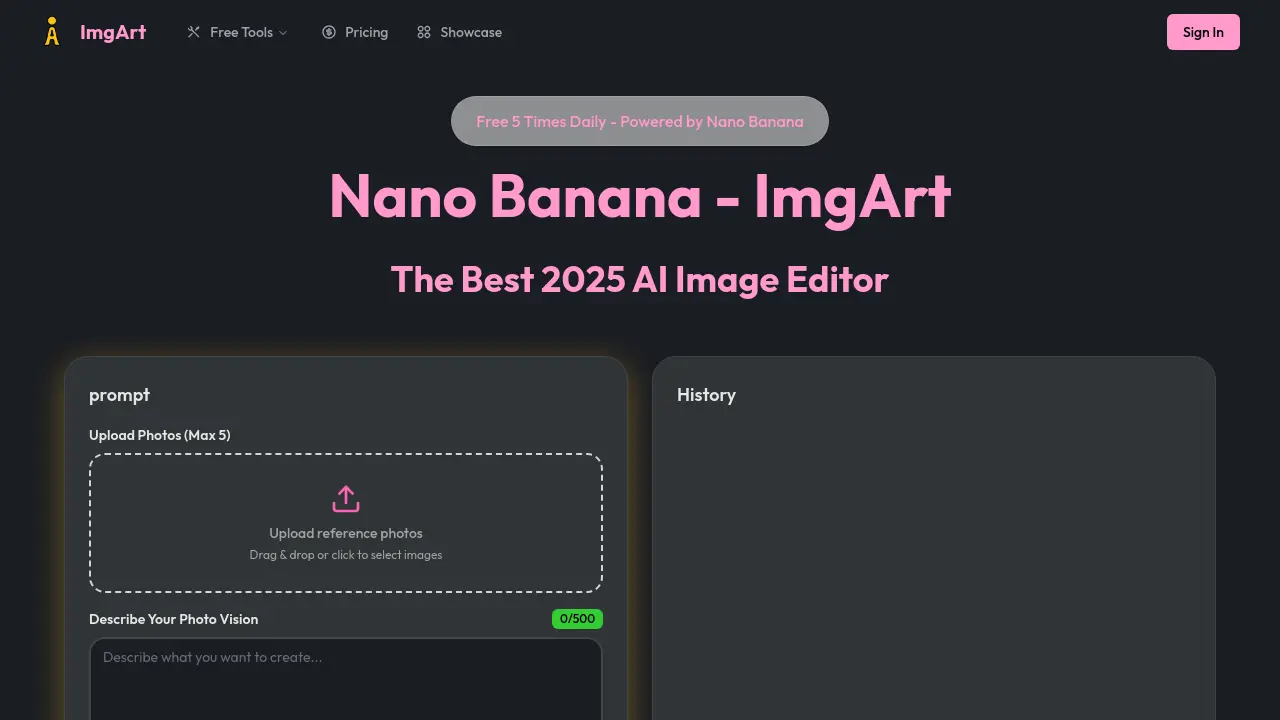
The Best 2025 AI Image Editor
 FreemiumStarting at $5/month
ImgArt is an AI-powered image editor that transforms photos into stunning visuals, videos, and 3D models. It offers tools like background removal, image compression, and prompt generation, with free daily usage and affordable paid plans powered by Nano Banana technology.
Key Features:
- Image to Everything: Transform any image into videos, 3D models, or stunning visuals.
- Background Remover: Remove backgrounds from images with AI precision.
- Image Compressor: Compress images without losing quality.
- Image to Prompt: Generate descriptive prompts from uploaded images.
- Free Daily Usage: Try all models for free, 5 times daily, with no watermarks on outputs.
- Commercial Rights: Paid members get full commercial rights for monetization and viral content creation.
Use Cases:
- Enhance product photos for e-commerce listings.
- Create engaging social media graphics and advertising visuals.
- Generate short video materials and viral content.
- Remove backgrounds from images for professional presentations.
- Compress images for faster website loading and email attachments.
- Convert images into 3D models for design projects.
-

Image Editor
Quick and precise image edits with AI
 Freemium
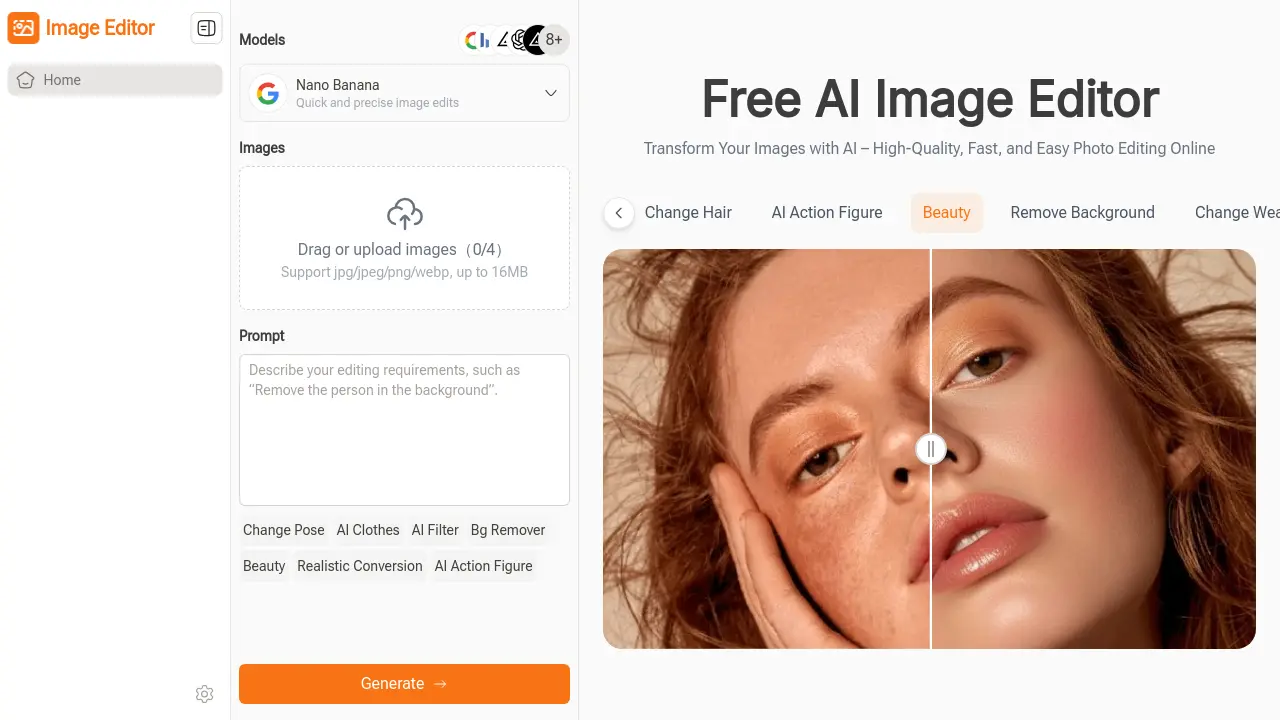
Image Editor is an AI-powered online photo editing tool that transforms images using natural language prompts, offering features like background removal, pose adjustment, and style transfer without requiring Photoshop skills.
Key Features:
- Natural Language Editing: Edit images using simple text descriptions
- Multiple AI Models: Access to Nano Banana, Flux Kontext, Seedream, and GPT models
- Pre-designed Templates: Hundreds of ready-to-use prompts and styles
- Continuous Editing: Multiple edits in one session without switching tools
- High-Resolution Output: Free high-quality image downloads
- Background Removal: AI-powered background elimination
- Style Transfer: Apply various artistic and creative styles
- No Installation Required: Fully browser-based operation
Use Cases:
- Social media content creation
- E-commerce product photography enhancement
- Educational material preparation
- Marketing visual content generation
- Blog post image editing
- Poster and banner design
- Personal photo enhancement
- Professional presentation visuals
-

ArtRoom AI
Unleash Your Creativity
 FreemiumStarting at $9/month
ArtRoom AI provides a cutting-edge AI art generating platform empowering users to harness the power of AI in creating, editing, and enhancing art.
Key Features:
- AI Art Creation: Harness the power of AI to generate original art, generate reference photos, or experiment with AI generated images.
- Full Service Painting with Layers: Take control of your AI generative process, adjust and customize to your preference.
- Unlimited Loras: Mix and match your favorite characters and styles using Loras, integrated with CivitAI for easy access.
- ControlNets: Provides more agency over creations by focusing the AI on specifics parts of the image. Maintain the pose, outline, or depth maps of images and let the AI show you variations.
Use Cases:
- Creating original AI generated art
- Generating reference photos for artists
- Editing and enhancing existing images
- Experiment with AI generative art creation
-

picsart.com
AI-Powered Creative Toolkit for Individuals and Teams
 Free TrialStarting at $5/month
Picsart is an AI-powered photo and video editing platform offering a comprehensive suite of tools and a vast content library for creators of all levels.
Key Features:
- Standard photo and video editing tools: Access basic and advanced editing capabilities.
- Generative AI tools: Utilize AI for image generation, style transfer, background removal, and more.
- Premium templates, fonts, and stickers: Access an extensive library of design elements.
- Stock photos and videos: Utilize a vast collection of royalty-free media, including Getty videos.
- Face retouching tools: Enhance portraits with specialized retouching features.
- 1-step background & object removers: Quickly remove unwanted elements from photos and videos.
- AI Enhance: Automatically improve image quality.
- Bulk edit: Process up to 50 images simultaneously.
- Cloud storage: Store projects and assets securely online.
Use Cases:
- Creating social media graphics and videos
- Designing marketing materials
- Editing photos and videos for personal projects
- Generating unique visuals with AI
- Collaborating on design projects with a team
- Developing brand assets
- Enhancing product photos for e-commerce
- Creating presentations
-

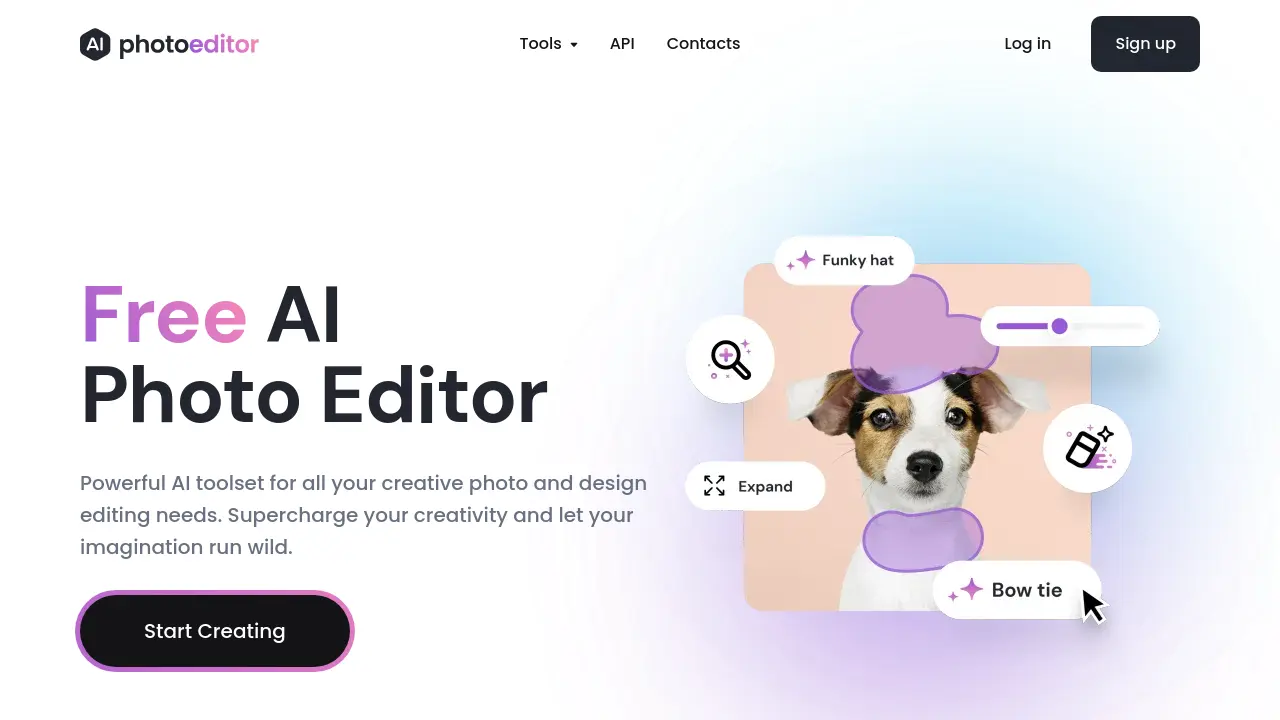
PhotoEditor.ai
Powerful AI toolset for all your creative photo and design editing needs.
 Freemium
PhotoEditor.ai is a free AI-powered platform that offers a suite of tools for enhancing, cleaning up, and modifying images. It leverages advanced AI for tasks like object removal, inpainting, and upscaling, accessible directly in your browser or on your smartphone.
Key Features:
- Image Generator: Transform text into AI images.
- Detailer: Add natural details, texture and depth to photos with creative upscaling.
- Expand: Uncrop photos by expanding the image to any size with generative expand feature.
- Inpaint: Draw anything, anywhere, or edit any part of photo with words using classic generative fill.
- Remove BG: Remove background from any image.
- Cleanup: Remove any object, text, people or watermarks from any photo.
- Enhance: Fix blurred or old photos, make them more crisp and vivid.
- Upscale: Increase image resolution up to 4K for prints and enhance the details.
Use Cases:
- Personal projects
- Creative agencies
- Real Estate
- e-Commerce
- Photography
- Logos/Watermark removal
-

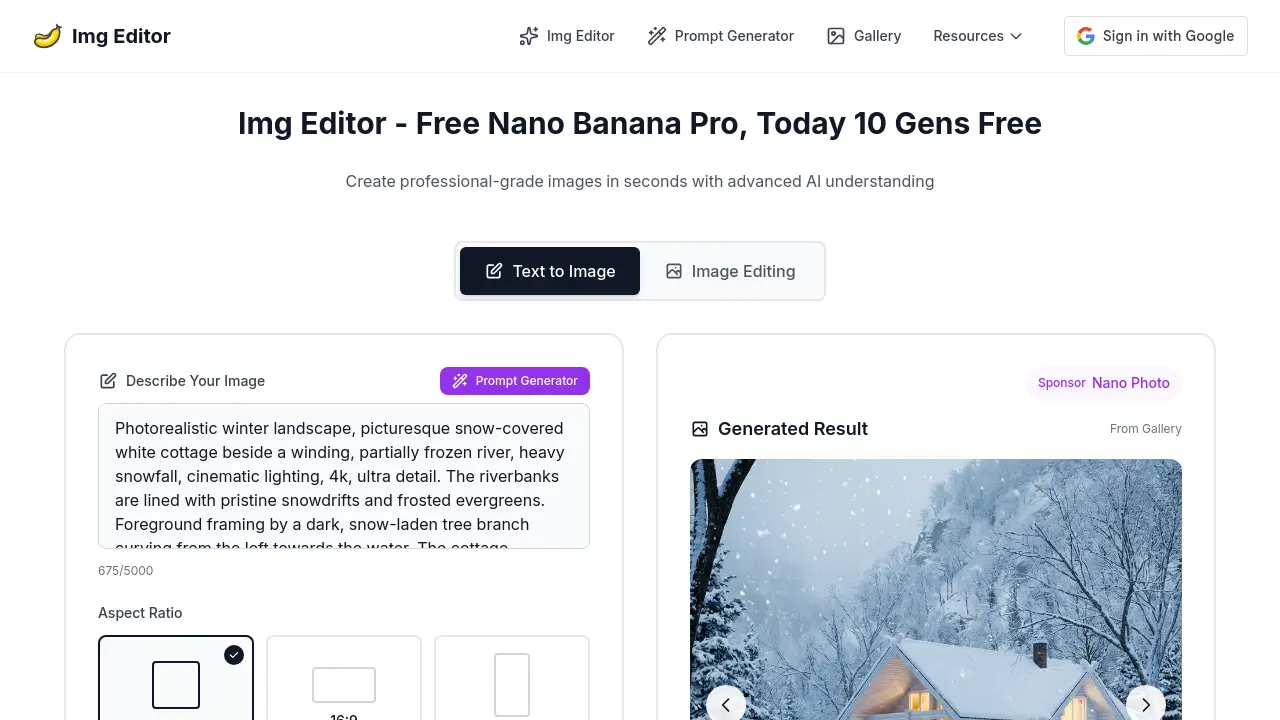
Img Editor
Turn your ideas into stunning AI-generated images with cutting-edge technology
 Free
Img Editor is a free AI image generator that transforms text prompts into high-quality, professional-grade images in seconds using advanced machine learning models.
Key Features:
- Text to Image Generation: Create images from detailed text descriptions with advanced AI understanding
- Image Quality Options: Generate images in 1K, 2K, and 4K resolutions with ultra-clear realism
- Style Customization: Choose from hundreds of artistic styles or create unique aesthetics with advanced controls
- Batch Processing: Generate multiple image variations simultaneously for efficient creative workflow
- Prompt Generator: Utilize built-in tools to create effective prompts for optimal image generation
Use Cases:
- Creating marketing visuals for campaigns and social media
- Generating concept art for games and entertainment projects
- Producing illustrations for books, articles, and publications
- Designing backgrounds and elements for websites and applications
- Developing portfolio pieces for artists and designers
-

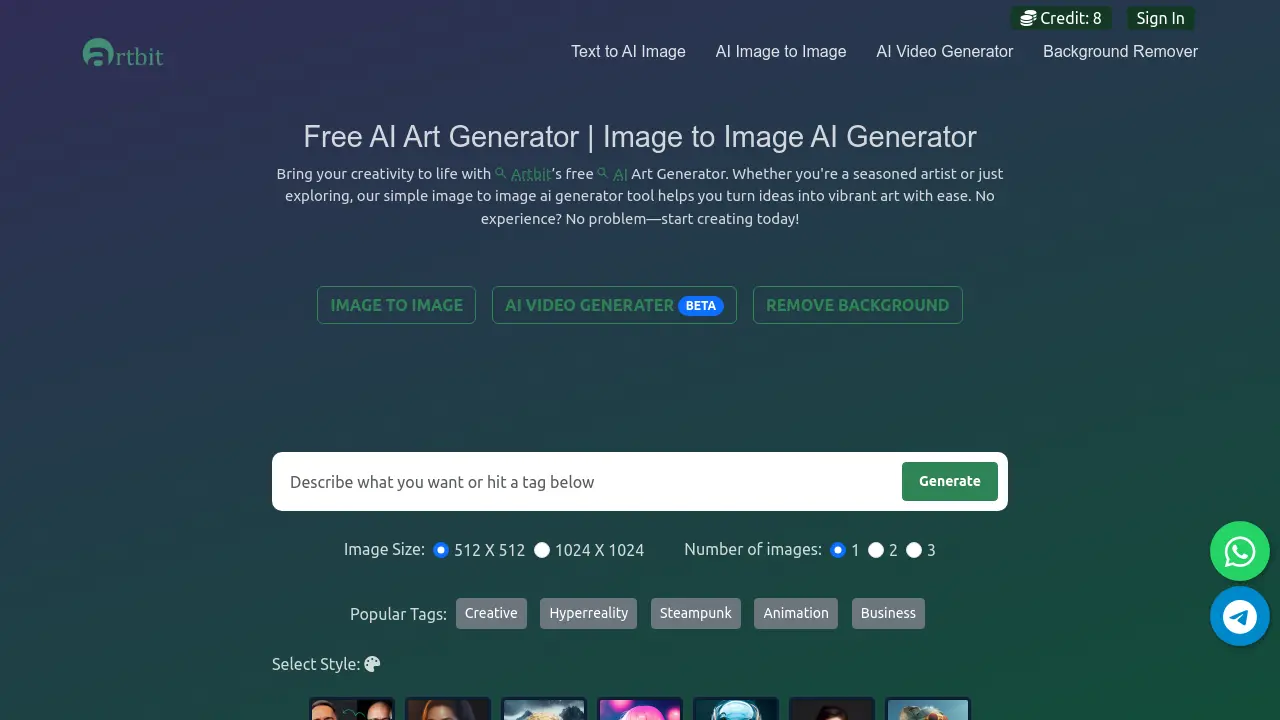
Artbit
Create Stunning AI-Generated Art with Ease
 Free
Artbit is a free AI art generator that allows users to create unique images and videos from text or images. It offers a variety of styles, easy-to-use tools, and daily free credits.
Key Features:
- Text to AI Image: Generate unique images from text descriptions.
- AI Image to Image: Transform existing images or sketches into new artwork.
- AI Video Generator: Create videos from text prompts using Sora AI.
- Background Remover: Easily remove backgrounds from images.
- Daily Free Credits: Receive free credits daily to generate artwork.
- Multilingual Support: Generate artwork in multiple languages.
- Hundreds of Art Styles: Choose from a vast library of artistic styles.
Use Cases:
- Creating unique digital art for personal projects.
- Generating copyright-free logos for businesses.
- Developing marketing materials with custom visuals.
- Transforming photos into different artistic styles.
- Experimenting with AI-powered art creation.
- Creating engaging videos for social media.
- Removing backgrounds from images for product photos.
-

ImgCreator.AI
Unleash Creativity with Advanced AI Image Generation
 Freemium
ImgCreator.AI is a leading AI-powered image generator enabling users to transform text descriptors into visually stunning images with ease.
Key Features:
- Text to Image Generation: Transform text prompts into detailed images.
- Image Editing Capabilities: Utilize AI to edit and erase parts of an image.
Use Cases:
- Creating digital artwork for commercial use
- Developing concept designs for projects
-

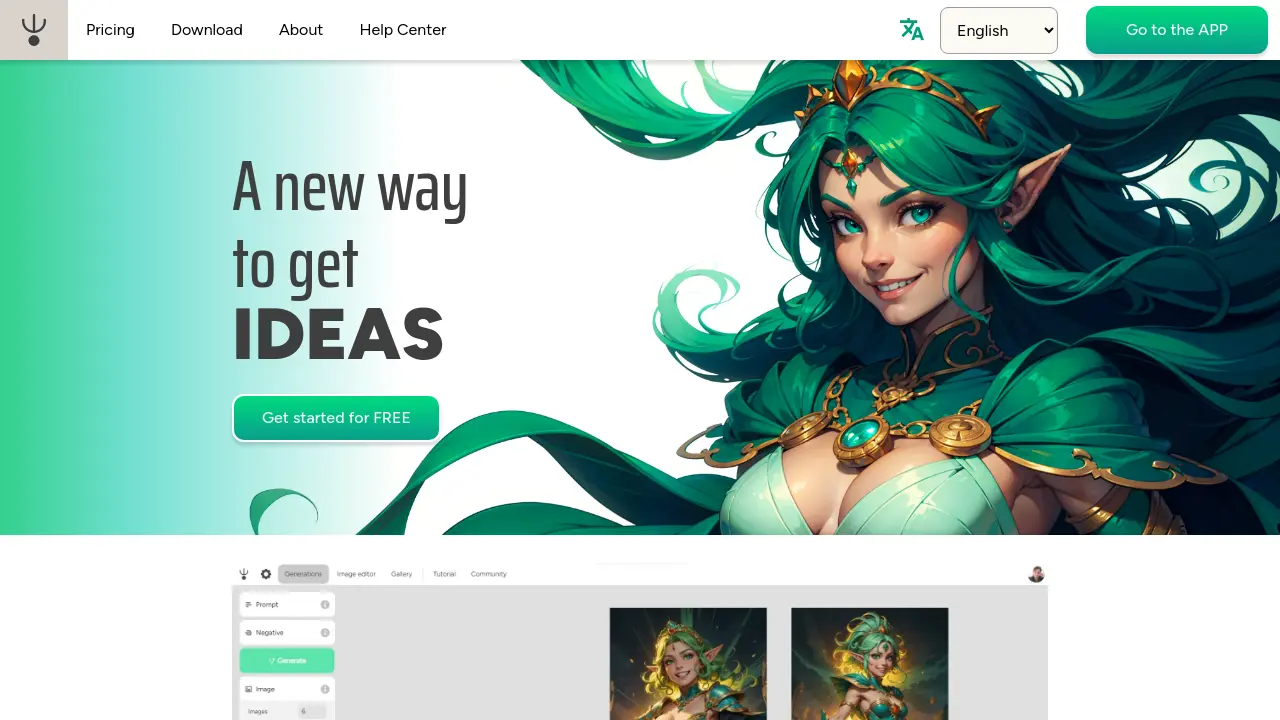
Arthemy
A new way to make art, take photos, and get ideas with AI
 FreemiumStarting at $12/month
Arthemy is an AI-powered image generation service that allows users to create diverse visual content from text descriptions, sketches, or imported images. It offers multiple fine-tuned AI models for different artistic styles and a unique image evolution process.
Key Features:
- Multiple Input Methods: Generate images from text descriptions, sketches, or imported pictures
- Style Variety: Choose between Real, Comics, and Logos fine-tuned AI models
- Deconstructed Prompts: Simplified prompt creation system for better focus on individual aspects
- Image Evolution: Track and explore multiple creative paths from each generation
- Cross-Platform Availability: Available as both browser-based and desktop applications
- Collaborative Features: Support for both individual artists and teams
Use Cases:
- Creating stock photo alternatives
- Designing fantasy characters and illustrations
- Generating minimal logos and vector illustrations
- Exploring creative concepts for architectural designs
- Developing visual inspiration for artistic projects
- Creating unique marketing visuals
- Prototyping design concepts
-

Pixlr
Free Online Photo Editor, AI Image Generator and AI Design tools
 FreemiumStarting at $2/month
Pixlr is a comprehensive suite of online photo editing, AI image generation, and design tools accessible through web browsers, mobile devices, and desktops.
Key Features:
- AI Image Generator: Convert text into visually captivating artwork
- AI Generative Fill: Quickly realize creative ideas and make complex edits
- AI Background Removal: One-click background remover using AI
- Photo Filters and Effects: Enhance images with various styles and moods
- Cross-Platform Accessibility: Available on web, mobile, and desktop devices
Use Cases:
- Creating AI-generated artwork from text descriptions
- Removing backgrounds from product images
- Enhancing and editing photos for social media
- Designing marketing materials and graphics
- Bulk editing photos for e-commerce platforms
-

airbrush.com
The Best AI-Powered Portrait Editor for Creators
 Freemium
AirBrush is an award-winning AI photo editor that offers professional-quality portrait retouching and image enhancement tools, available both as a mobile app and through online web tools.
Key Features:
- AI Portrait Retouching: Professional-grade enhancement for selfies and portraits
- Photo Eraser: Remove unwanted objects or people from images
- Background Remover: Easily extract subjects from their backgrounds
- Image Enhancer: AI-powered tool for overall image improvement
- AI Anime Generator: Convert photos into anime-style artwork
- Video Enhancement: AI tools for video editing and improvement
Use Cases:
- Portrait photography enhancement
- Social media content creation
- Professional photo editing
- Personal photo improvement
- Digital content creation
- Video content editing
-

Pixel-Art.ai
Create Vibrant Pixel Art Online For Free
 PaidStarting at $5/month
Pixel-Art.ai is an innovative AI tool designed for creating detailed and vibrant pixel art easily and efficiently online.
Key Features:
- Pixel-perfect precision: Create images with utmost accuracy.
- AI Inpainting: Modify specific areas of your art using AI-generated suggestions.
- Multi-canvas organization: Manage multiple projects easily.
- Export options: Save your creations as PNG files.
Use Cases:
- Creating unique pixel art for game graphics
- Designing digital art and character sprites
- Producing pixelated backgrounds for various multimedia uses
- Enhancing creative projects with AI-assisted design features