What is ImgEditor.ai?
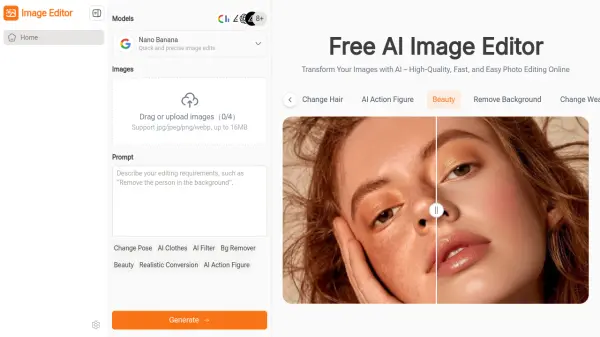
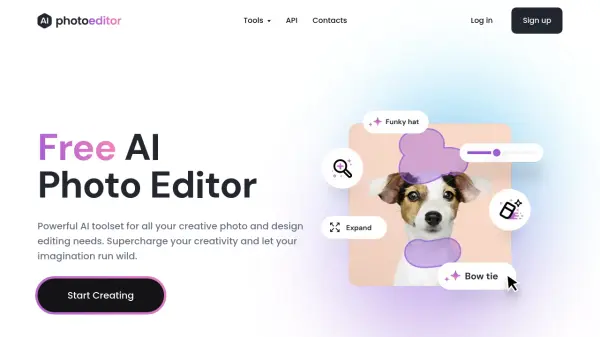
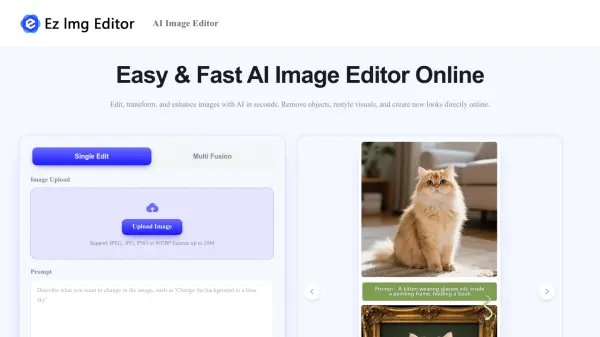
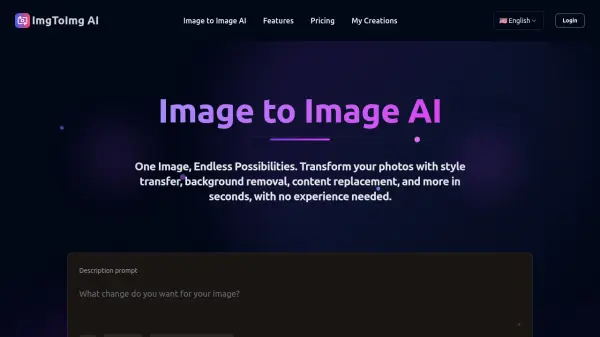
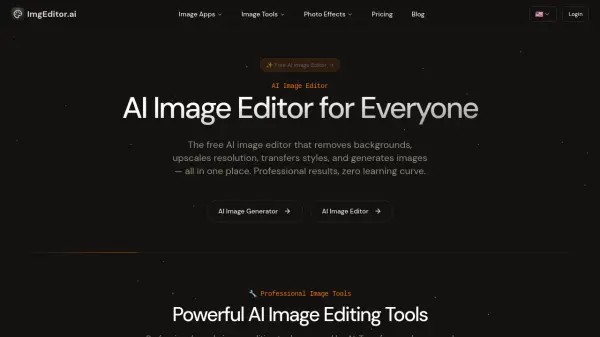
ImgEditor.ai provides a comprehensive suite of AI-powered image editing tools accessible through a browser-based platform. The editor utilizes advanced AI models including Flux, Stable Diffusion, and custom-trained networks to perform complex editing tasks automatically. It understands image context and composition, making targeted edits while preserving important details with pixel-perfect precision.
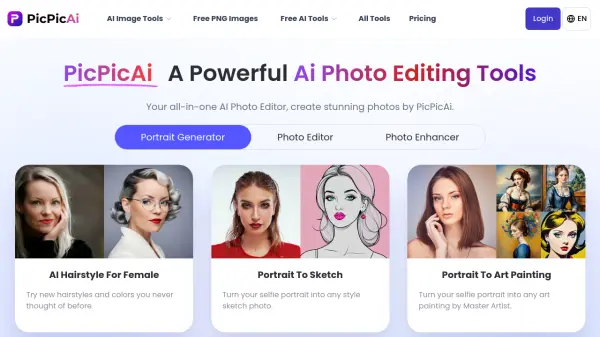
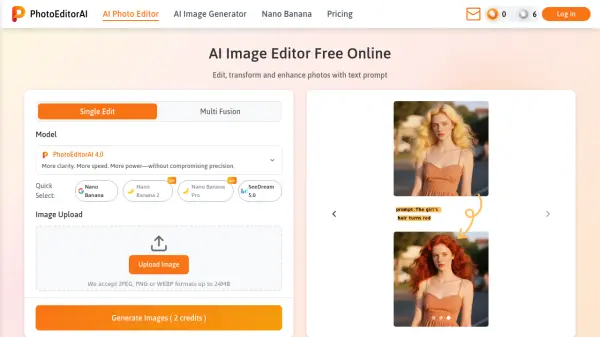
The platform offers specialized tools for background editing, enhancement, object editing, and creative photo effects. Users can transform photos into various artistic styles like Studio Ghibli anime or Pixar animation, enhance facial features, change hairstyles, and generate professional headshots. All processing occurs in under 30 seconds with real-time previews, supporting high-resolution output up to 4K while maintaining privacy-first processing that doesn't store images without permission.
Features
- AI-Powered Tools: 15+ professional editing tools including background removal, image upscaling, style transfer, and object removal
- Pixel-Perfect Precision: AI understands image context and composition for targeted edits while preserving important details
- Artistic Style Transfer: Transform photos into Ghibli anime, Pixar 3D, oil paintings, and other artistic styles with single-click application
- Fast Processing: Delivers professional-quality edits in under 30 seconds with real-time previews
- No Skills Required: Intuitive interface requires no design skills or software installation
- Privacy-First Processing: Images processed securely without storage unless permission is granted
- Browser-Based Platform: Works on desktop, tablet, and mobile devices without installation requirements
- High-Resolution Support: Output support up to 4K resolution for professional quality results
Use Cases
- Remove backgrounds for e-commerce product listings
- Upscale low-resolution photos for print materials
- Transform personal photos into anime or cartoon styles
- Create professional headshots for business profiles
- Remove unwanted objects or people from photographs
- Enhance facial features and improve photo quality
- Change hair color, style, or length in portraits
- Apply artistic filters to create unique visual content
- Generate AI images from text prompts or existing photos
- Resize and reframe images with smart cropping
FAQs
-
What image formats does AI Image Editor support?
AI Image Editor supports JPG, PNG, and WebP formats for upload and download. -
How accurate are the AI editing tools?
The AI editing tools provide professional-grade accuracy by understanding image context and composition, making targeted edits while preserving important details with pixel-perfect precision. -
What types of edits can I make with AI Image Editor?
You can perform background removal, image upscaling, style transfer, object removal, image enhancement, resizing, cropping, face enhancement, hairstyle changes, and AI image generation. -
Do I need to install any software?
No, AI Image Editor is fully browser-based and works on desktop, tablet, and mobile devices without requiring any software installation. -
Can I use the edited images commercially?
Yes, edited images come with a commercial license that allows for commercial use.