What is ZOOK Software?
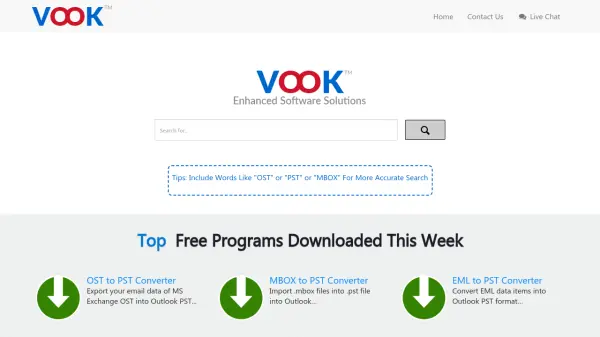
ZOOK Software offers a suite of specialized tools designed for email management and data recovery. Their solutions include email backup software that supports over 85 email sources, allowing users to export emails to more than 30 file formats while maintaining folder hierarchy and formatting. The platform also provides conversion tools for OST and MBOX files to PST format, preserving attachments and metadata without requiring Outlook installation.
Additionally, ZOOK Software features data recovery capabilities for retrieving deleted, formatted, or damaged data from various devices. The tools emphasize data fidelity, security, and user convenience with multilingual support and simple interfaces. These solutions cater to professionals needing reliable email migration, backup, and recovery processes across different platforms and devices.
Features
- Email Backup: Supports backup from 85+ email sources to 30+ file formats with folder hierarchy retention
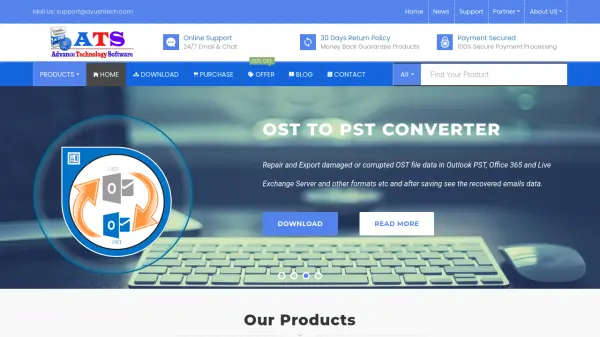
- OST to PST Conversion: Converts offline OST files to PST format with attachments and metadata preservation
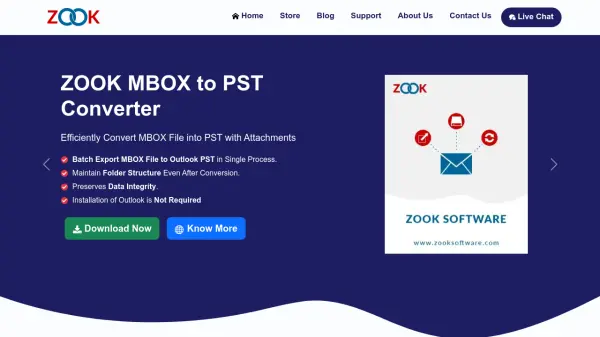
- MBOX to PST Conversion: Efficiently converts MBOX files to PST format while maintaining data integrity
- Data Recovery: Recovers deleted, formatted, or damaged data from various devices with 4 recovery modes
- Advanced Filtering: Extracts required emails from various email applications using filter options
- Multilingual Support: Provides multiple language options for user convenience
Use Cases
- Migrating email data between different email platforms
- Backing up important business emails to local storage
- Converting email files for compatibility with Outlook
- Recovering accidentally deleted emails or files
- Extracting specific emails from large email archives
- Managing email data during organizational transitions