What is WriteXO?
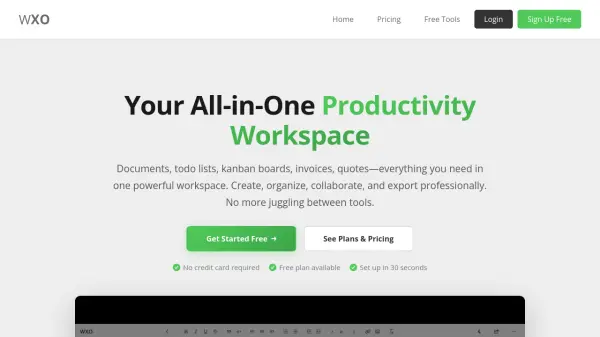
WriteXO provides a comprehensive productivity workspace that integrates multiple essential tools into a single platform. Users can create professional documents with rich text formatting, manage tasks with todo lists, visualize workflows using kanban boards, and generate invoices and quotes directly within the application. The platform offers secure sharing options with edit and view permissions, password protection for sensitive documents, and automatic backup to prevent data loss.
With plans ranging from free to premium tiers, WriteXO caters to various user needs by offering features like file attachments, export capabilities to multiple formats, version history, and voice dictation. The tool is designed to streamline workflows for freelancers, consultants, and small business owners by consolidating their productivity tools into one efficient workspace.
Features
- Rich Text Documents: Create professional documents with formatting, tables, code blocks, and instant autosave
- Todo Lists: Track tasks and stay organized with built-in todo lists synchronized with your workspace
- Kanban Boards: Visualize workflows with drag-and-drop kanban boards for project organization
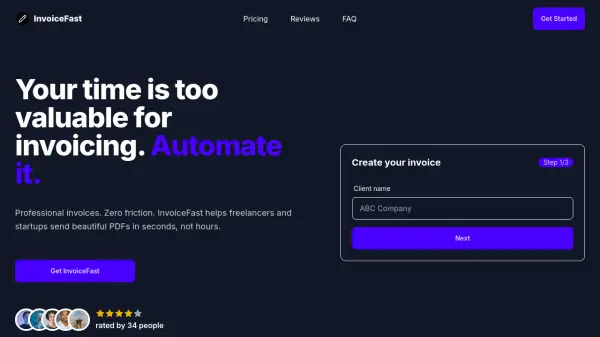
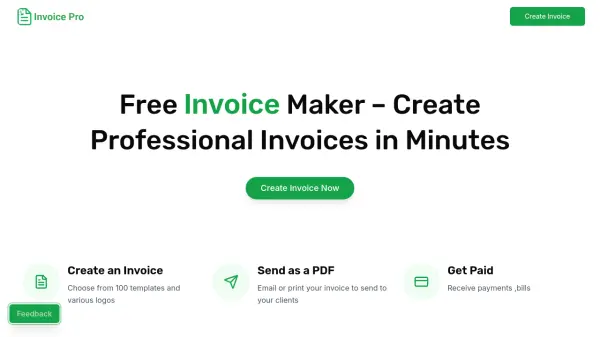
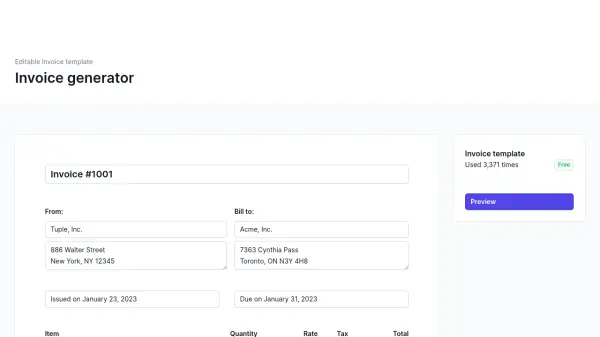
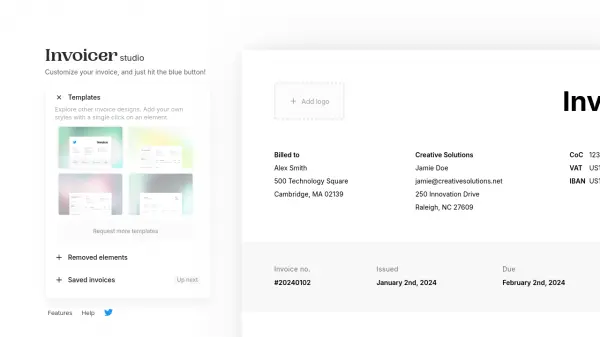
- Invoice & Quote Generator: Generate professional invoices and quotes without separate billing software
- File Attachments: Upload and manage various file types like images, PDFs, and spreadsheets within projects
- Password Protection: Secure sensitive documents with password protection and separate edit/view links
Use Cases
- Creating professional documents and reports for client presentations
- Managing project workflows and task assignments using kanban boards
- Generating invoices and quotes for freelance or small business billing
- Organizing personal or team tasks with synchronized todo lists
- Collaborating on documents with secure sharing and permission controls
FAQs
-
What security measures does WriteXO implement for user data?
WriteXO uses industry-standard encryption for all stored documents, projects, invoices, and data, with automatic backups to prevent data loss. The platform is compliant with GDPR and PIPEDA regulations, and users can add password protection to documents for enhanced security. -
How does document sharing work on WriteXO?
Each document, kanban board, and project has a unique share link that can be sent to others. Users can set items as view-only or allow collaborative editing, with optional password protection to control access to shared content. -
What export formats are available for documents?
Premium and Pro users can export documents to PDF, Word (DOCX), Markdown, or HTML formats with one click, enabling professional sharing and use in other applications.