
What is WriteFastAI?
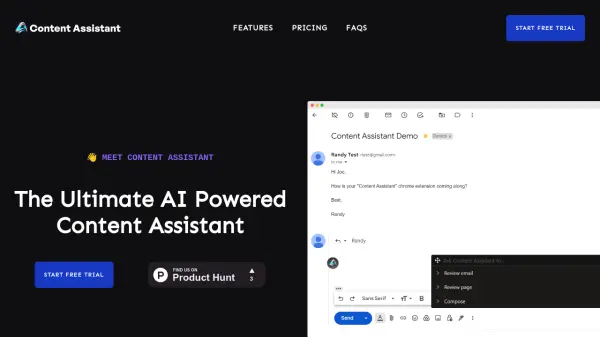
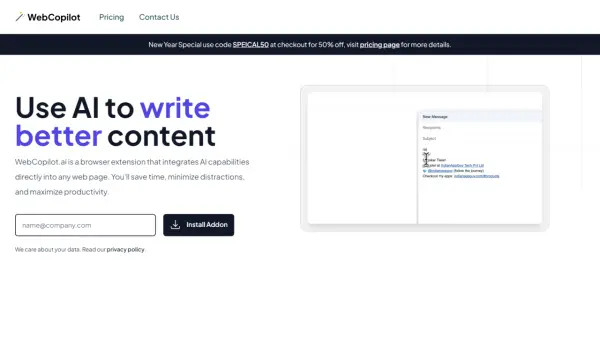
WriteFastAI integrates directly into your Chrome browser to assist with everyday tasks. It enhances productivity by providing AI-powered tools for commenting, rewording, replying, summarizing, explaining, and crafting content.
This extension is like having a smart assistant that gives ChatGPT-like capabilities across all the websites you use. It helps streamline your workflow making interactions more efficient and professional.
Features
- Replies: Generate professional, error-free replies to customer inquiries, complaints, or colleague questions.
- Comments: Craft insightful and relevant comments on social media platforms like LinkedIn, Twitter, and Facebook.
- Reword Text: Transform casual or mistake-ridden text into polished, professional messages with a single click.
- Summaries: Convert long texts into clear, concise summaries.
- Explanations: Simplify complex information, paragraphs, or words.
- Content Creation: Generate engaging copy for social media posts, ads, or sales emails.
Use Cases
- Responding to customer inquiries and complaints
- Engaging on social media platforms
- Rewording emails and messages for clarity and professionalism
- Summarizing lengthy articles or reports
- Simplifying complex information for easier understanding
- Creating engaging copy for marketing and sales
FAQs
-
How can I get support for WriteFastAI?
If you need assistance or have questions, you can reach out to our support team at [email protected]. -
Can I change the prompts used by WriteFastAI?
Yes, you have the ability to customize prompts to tailor the AI-generated content to your specific needs and desired tone. -
Do I need to provide my own OpenAI API key?
Yes, users are required to provide their own OpenAI API key to use WriteFastAI’s AI capabilities. -
Is user data stored by WriteFastAI?
No, WriteFastAI does not store any user data. Everything is processed in the user’s browser, ensuring 100% privacy. -
What licensing options are available for WriteFastAI?
WriteFastAI offers two types of licenses: a single-install license and a 5-install license, providing flexibility based on your requirements.