What is Workona?
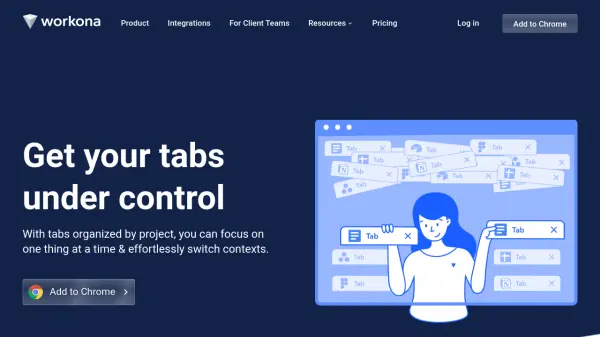
Workona provides a browser extension solution for managing tabs by organizing them into dedicated spaces for each project. This approach allows users to focus on one task at a time while maintaining easy access to all relevant tabs. The tool automatically saves every session, enabling users to restore tabs after browser crashes or interruptions.
It syncs tabs across multiple devices, ensuring work is accessible from any computer. To optimize browser performance, Workona includes tab suspension features that reduce memory usage while maintaining fast loading times. The universal search functionality helps users quickly find tabs and spaces from anywhere in the browser.
Features
- Tab Organization: Organize browser tabs into dedicated spaces for each project
- Session Autosaving: Automatically save every tab in a space to prevent data loss
- Cross-Device Sync: Synchronize tabs between multiple computers and devices
- Tab Suspension: Suspend inactive tabs to reduce browser memory usage and improve performance
- Universal Search: Search across all tabs and spaces from anywhere in the browser
Use Cases
- Managing multiple projects with separate browser tab collections
- Preventing tab overload and browser slowdowns
- Recovering work after browser crashes or computer restarts
- Working across multiple devices while maintaining tab consistency
- Organizing research materials for different topics or clients
FAQs
-
What browsers does Workona support?
Workona is available for Chrome, Firefox, and Edge browsers. -
How does Workona help with browser crashes?
Workona automatically saves every tab in a space, allowing users to restore their tabs after browser crashes or other disruptions. -
Can I use Workona on multiple devices?
Yes, Workona syncs tabs between computers so you can access your work from any device. -
How does tab suspension work?
Workona suspends inactive tabs to reduce memory usage and improve browser performance, while maintaining fast loading when tabs are needed.