What is Skipper?
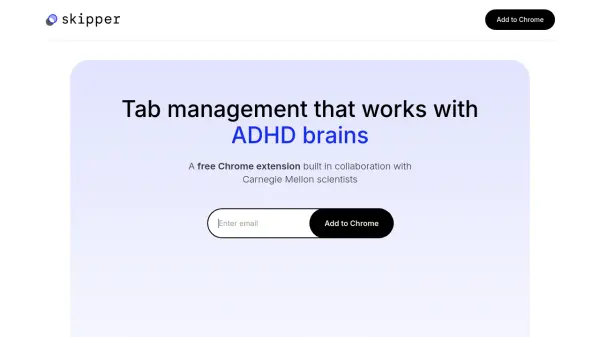
Skipper is a Chrome extension built in collaboration with Carnegie Mellon scientists to provide intelligent tab management tailored for neurodivergent users but beneficial for anyone overwhelmed by open browser tabs. It leverages smart automation to monitor tab activity, automatically saving and closing inactive tabs and preserving them for future access so users never lose track of important content. Skipper further enhances organization by automatically grouping related tabs into sessions, enabling users to seamlessly switch contexts and return to ongoing tasks with ease.
With effortless switching between different projects and the ability to share organized tab collections as folders, Skipper aims to reduce 'tab anxiety,' declutter digital workspaces, and empower users to focus on tasks that matter most. Syncing across browsers and simple sharing features make collaborative work and personal productivity more manageable and less chaotic.
Features
- Automatic Tab Management: Saves and closes inactive browser tabs automatically to declutter workspace.
- Smart Organization: Groups related tabs into sessions for easy management and retrieval.
- Effortless Switching: Allows smooth transitions between different projects and workflows.
- Session Sharing: Saves sessions as folders and enables one-click sharing with teams.
- Cross-Browser Syncing: Syncs tab sessions and organization across multiple browsers.
Use Cases
- Maintaining a tidy workspace for users with ADHD or neurodivergence.
- Automating tab saving to prevent losing important articles or research.
- Organizing browser sessions by project or activity for easier retrieval.
- Seamless context switching between client work, meetings, and personal tasks.
- Sharing curated resource folders with colleagues or collaborators.
FAQs
-
Does Skipper help with organizing tabs for different projects?
Yes, Skipper automatically groups related tabs into sessions, making it easy to manage and switch between different projects. -
Can I share my organized tabs with colleagues?
You can save your session as a folder and share it with your team in one click, granting them instant and organized access. -
Is syncing across multiple browsers supported?
Yes, Skipper provides syncing of tab sessions and organization across all supported browsers. -
Is Skipper free to use?
Skipper offers a free plan with core features and a Pro version with advanced collaboration options available for waitlist sign-up.