Wintive favicon

Wintive
Your Best IT Partner for Microsoft 365 Solutions

What is Wintive?

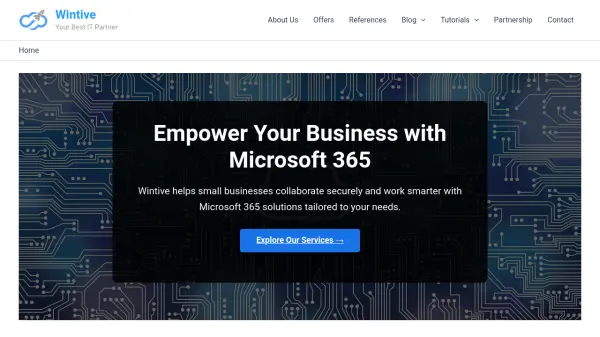
Wintive specializes in implementing Microsoft 365 solutions designed to enhance business collaboration and security. The company offers service packages that include branded email, cloud access, file organization, and secure team collaboration tools like Microsoft Teams and SharePoint.

For regulated industries and businesses with sensitive data, Wintive provides advanced data protection features through Microsoft Defender, compliance rules, encryption, and conditional access policies. These solutions aim to bring structure and clarity to cloud collaboration while ensuring data security.

Features

  • Microsoft 365 Setup: Includes branded email and cloud access with migration support
  • Secure Collaboration: Offers Microsoft Teams and SharePoint for team organization and file sharing
  • Data Protection: Implements Microsoft Defender, encryption, and compliance rules for sensitive data

Use Cases

  • Setting up Microsoft 365 for small business operations
  • Enhancing remote team collaboration with structured tools
  • Securing sensitive data in regulated industries

Related Tools:

Blogs:

  • AI tools for video voice overs

    AI tools for video voice overs

    Discover the next level of video production with AI-powered voiceover tools. Enhance your content effortlessly, ensuring professional-quality narration for your videos.

  • Top AI tools for Teachers

    Top AI tools for Teachers

    Explore the top AI tools designed for teachers, revolutionizing the education landscape. These innovative tools leverage artificial intelligence to enhance teaching efficiency, personalize learning experiences, automate administrative tasks, and provide valuable insights, empowering educators to create engaging and effective educational environments.

  • Top 6 AI note-taking tools for 2026: in-person, online, and hybrid use cases

    Top 6 AI note-taking tools for 2026: in-person, online, and hybrid use cases

    Most AI note-taking lists are really lists of meeting bots, which join your video call and transcribe it. That's useful, but it's half the picture. Decisions happen in hallway conversations, client dinners, on-site visits, and hybrid rooms where nobody is on a video link. This guide covers different parts of the note-taking workflow: hardware capture for in-person settings, platform-native tools for online calls, and AI layers for organizing and synthesizing what you've captured. It compares six tools by capture context, workflow fit, pricing, and limitations.

Didn't find tool you were looking for?

Be as detailed as possible for better results