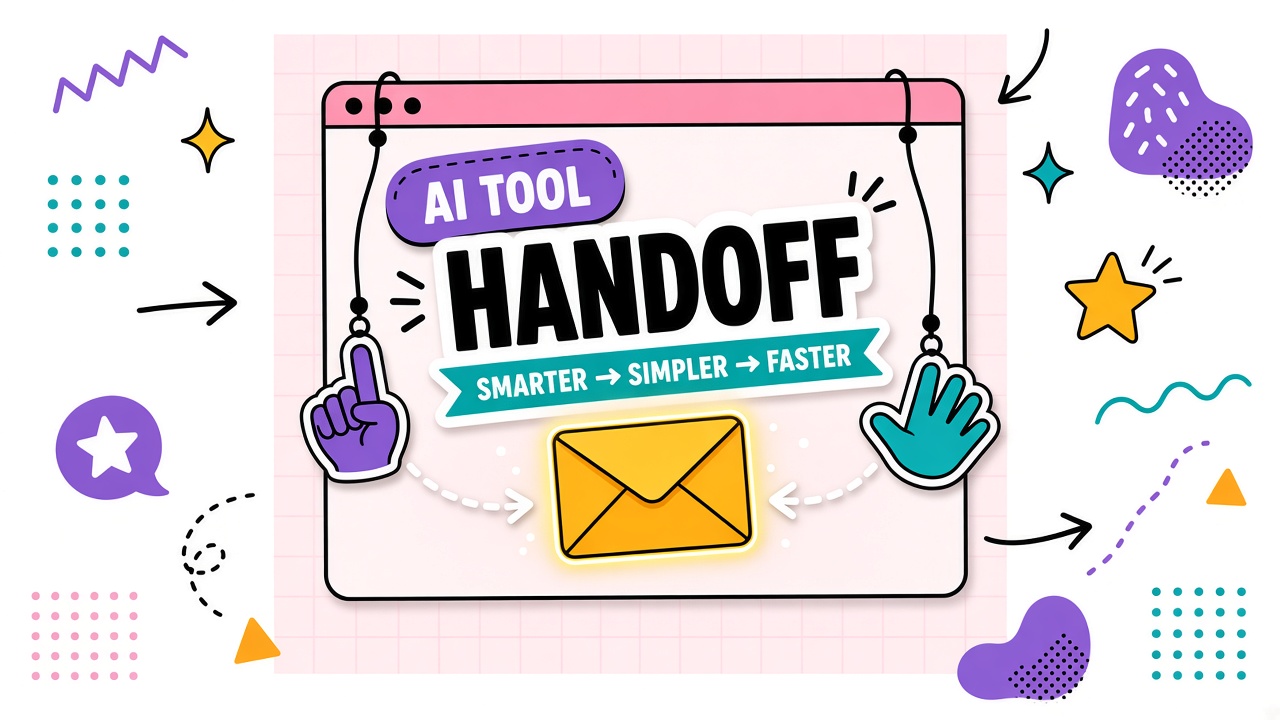
AI-assisted work breaks when it lives inside one person's chat history. A teammate opens the project, cannot reproduce the draft, and either starts over or borrows a shared password. Both paths destroy audit trails and consistency.
AI tool handoffs between team members rely on exportable artifacts: prompts, outputs, context notes, and naming conventions. This guide covers why shared accounts fail, what to pass at each handoff, and how remote teams hand off async. Browse AI productivity tools and AI writing tools with your handoff checklist ready.
Why Shared Accounts Create Risk
Shared logins break attribution, violate vendor terms on many plans, and prevent per-user audit logs. Security teams cannot revoke one person without resetting everyone. Compliance reviews flag shared credentials as a control failure.
- No clear owner when AI output causes a customer incident
- Prompt experiments overwrite production templates in the same thread
- Offboarding leaves active sessions on a communal account
- License counts hide true headcount and spend
Handoff Artifacts: Prompts, Outputs, Context Notes
Every handoff should include four artifacts stored outside the vendor chat when possible:
- Prompt version: Link or file with version ID and change note
- Inputs used: Source docs, data snapshots, or links with access confirmed
- Raw output export: Markdown, PDF, or JSON as appropriate
- Context note: What was tried, what failed, what the next owner should verify
| Artifact | Minimum content | Storage location |
|---|---|---|
| Prompt | Version, owner, last tested date | Team prompt library or repo |
| Output | Unedited export plus edited final if different | Project folder with naming convention |
| Context note | Decisions, open questions, reviewer comments | Ticket or doc linked from output |
| QA status | Pass, minor edit, major rewrite, blocked | Same ticket as context note |
Template Libraries and Naming Conventions
Centralize prompts in a library with read access for practitioners and write access for owners.
Naming convention example: workflow-role-v3-2026-03 (workflow, role, version, last review month).
Template example structure
- Purpose: One sentence on which job this prompt serves
- Inputs required: Bullet list with format expectations
- Prompt body: Full text with placeholder tokens
- Acceptance checklist: What reviewer verifies
- Changelog: Date, author, what changed and why
Version Control for Prompt Changes
Treat prompt changes like code: version bump, author, diff summary, and rollback path. Never edit the production prompt in place without a version ID. Practitioners should know which version produced a given export.
Async Handoff in Remote Teams
Remote handoffs fail when context lives in a video call recording nobody watches. Use a ticket or doc with artifacts linked, @mention the next owner, and set explicit QA status. Timezone gaps need written context, not "ping me if questions."
- Create handoff ticket when AI draft is ready for review.
- Attach exports and prompt version link.
- Tag next owner with deadline and QA checklist.
- Close ticket only when final output is in the destination system.
Frequently Asked Questions
How do handoffs work for client deliverables?
Store client-facing exports in the client project folder with prompt version noted in metadata. Never rely on vendor chat history for deliverable provenance. Confirm IP and confidentiality terms allow the storage location you use.
Who owns AI-assisted output?
Ownership follows your employment contract, client agreement, and vendor terms. Document that human reviewers remain accountable for shipped work. AI output is a draft input, not an anonymous author.
Can we hand off without everyone having the same AI seat?
Yes. The reviewer needs the export and checklist, not necessarily the generator seat. Limit seats to roles that must run prompts; others review exports in shared project tools.
What about urgent same-day handoffs?
Use a lightweight template: prompt version, export link, three-line context, QA status. Speed without artifacts creates tomorrow's rework.
The Bottom Line
AI tool handoffs stay consistent when teams ban shared accounts, standardize four artifacts per handoff, version prompts, and close async loops with written context. The chat thread is not the system of record. Your library and project folder are.