What is WayStation?
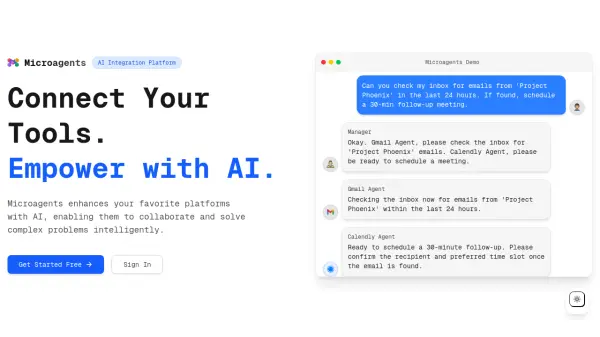
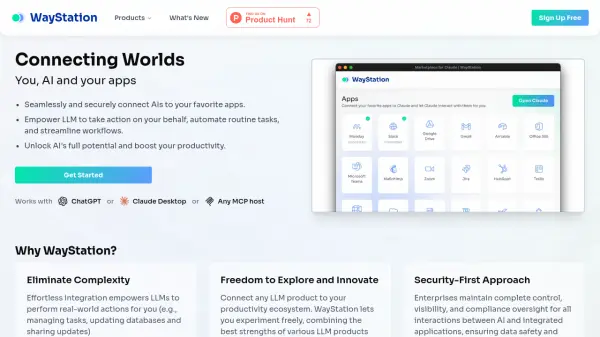
WayStation provides a platform designed to seamlessly integrate Artificial Intelligence, specifically Large Language Models (LLMs), with various productivity and business applications. It allows users to empower LLMs such as ChatGPT or Claude Desktop to interact directly with tools like Notion, Slack, Google Drive, Asana, and many others. This connection enables the AI to perform actions on the user's behalf, such as managing tasks, updating databases, sending messages, or managing files within these connected applications.
The service emphasizes ease of use, aiming to eliminate the complexity often associated with integrating different software systems. It promotes flexibility, allowing users to connect different LLMs to their app ecosystem without vendor lock-in. Security is a core component, offering enterprises control, visibility, and compliance oversight over the interactions between AI and their applications, ensuring data safety and organizational trust.
Features
- LLM Integration: Connects LLMs like ChatGPT or Claude Desktop to various apps.
- App Connectivity: Seamlessly integrates with popular productivity tools (Notion, Slack, Asana, Google Drive, Microsoft 365, etc.).
- Workflow Automation: Empowers AI to take actions and automate tasks across connected applications.
- Complexity Elimination: Simplifies the process of connecting AI to real-world applications.
- Vendor Flexibility: Allows combining strengths of various LLM products without lock-in.
- Security-First Approach: Provides control, visibility, and compliance oversight for AI-app interactions.
Use Cases
- Automating task management in project tools (Asana, Jira, Trello) based on communications (Slack, Teams, Email).
- Updating database entries (Notion, Airtable, Google Sheets) using information processed by an LLM.
- Sending automated updates or messages via Slack or Teams based on project progress.
- Managing files and documents in Google Drive or Office 365 through AI commands.
- Streamlining customer relationship management (Salesforce, HubSpot) by automating data entry or follow-ups.
- Scheduling meetings (Zoom, Google Meet) based on conversations or calendar analysis.