What is Video Notebook?
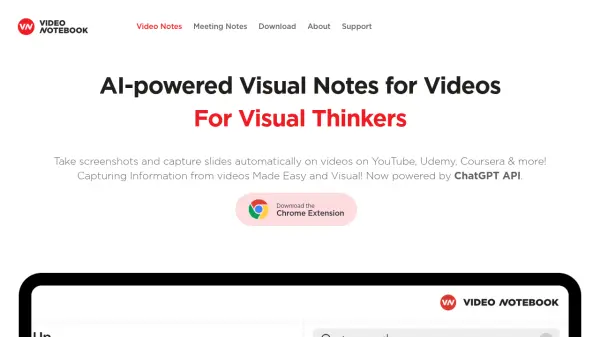
Video Notebook revolutionizes video learning through its innovative AI-powered browser extension that seamlessly integrates with popular platforms like YouTube, Udemy, and Coursera. The tool automatically captures presentation slides, generates smart notes using ChatGPT API, and creates interactive timestamps for easy video navigation.
The platform offers comprehensive features including automatic slide capture, transcript search capabilities, and organized notebook systems for managing video content. Users can annotate screenshots, add custom notes, and share their compiled notes through generated web pages, making it an invaluable tool for online learning and video content management.
Features
- AI Note Generation: Automatic note creation using ChatGPT API for important moments
- Automatic Slide Capture: AI-powered system recognizes and saves presentation slides
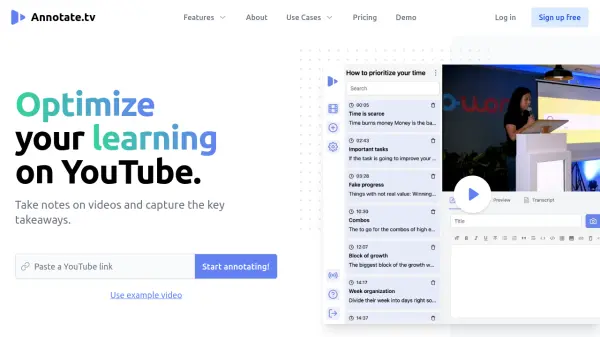
- Interactive Timestamps: Every note and screenshot links directly to specific video moments
- Global Search: Search across all notes and video transcripts
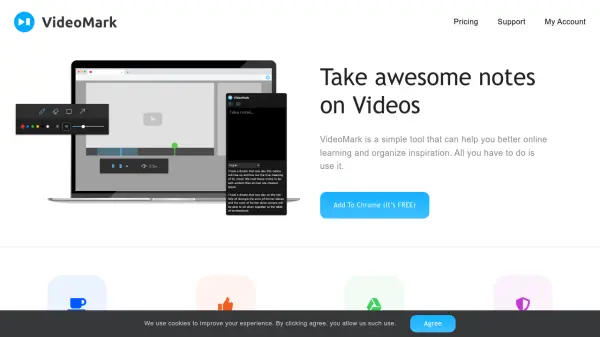
- Screenshot Annotation: Markup tools for highlighting and drawing on captured images
- Notebook Organization: Create and manage collections of video notes and content
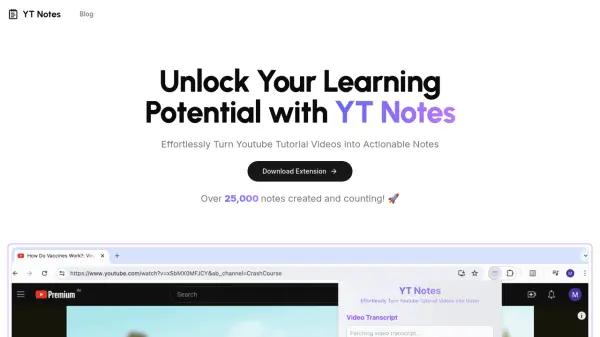
- Auto-Transcription: Automatic transcript saving from supported platforms
- Note Sharing: Generate shareable links for notes and timestamps
Use Cases
- Online course note-taking
- Educational video content management
- Professional development and training
- Research and study organization
- Meeting documentation
- Tutorial video learning
- Course material organization
- Knowledge sharing and collaboration
FAQs
-
How is the pricing calculated?
You pay $5 per video hour for videos in Essential notebooks and $10 per video hour for videos in Premium notebooks. The first month is free for up to 10 video hours. -
Which video platforms are supported?
The tool works with YouTube, Udemy, Coursera, Panopto, and Google Meet, with more platforms coming soon. -
Can I share my notes with others?
Yes, you can generate a shareable link to your notes that creates an automatic web page with all your timestamped screenshots, notes, and bookmarks.