What is Venmon?
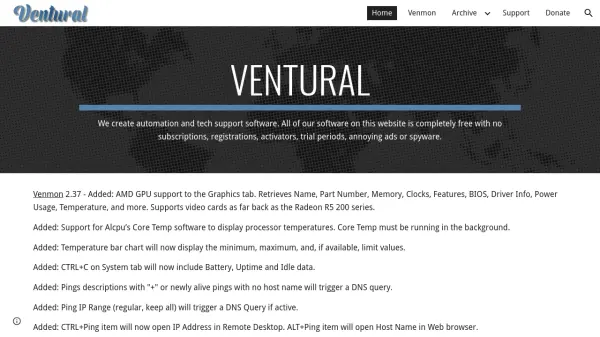
Venmon is a comprehensive system monitoring software developed by Ventural that provides detailed hardware diagnostics and network analysis for Windows operating systems. The tool offers real-time monitoring of system components including processors, graphics cards, storage devices, network connections, and battery status. It features multiple tabs for specialized monitoring areas such as System, Processors, Storage, Network, Graphics, and Events, with customizable display options and data logging capabilities.
The software includes advanced functionality like automated ping testing with timeline visualization, Windows Event Log viewing, temperature monitoring for CPUs and GPUs, and detailed reporting for disk errors and network events. Venmon operates in both installed and portable modes, supports high DPI displays, and offers extensive customization through keyboard shortcuts and configuration settings. All features are available completely free without subscriptions, registrations, trial periods, or advertisements.
Features
- Hardware Monitoring: Real-time tracking of processors, graphics cards, storage devices, and battery status
- Network Analysis: Automated ping testing with timeline visualization and network connection monitoring
- Event Logging: Windows Event Log viewing and system event tracking with filtering capabilities
- Temperature Monitoring: CPU and GPU temperature tracking with bar chart visualization
- Customizable Interface: Adjustable window sizes, font scaling, and display options with keyboard shortcuts
Use Cases
- System administrators monitoring server performance and hardware health
- IT professionals diagnosing network connectivity issues and latency problems
- PC enthusiasts tracking hardware temperatures and performance metrics
- Technical support personnel analyzing system logs and event histories
- Developers testing network applications with automated ping tools