What is Core Temp?
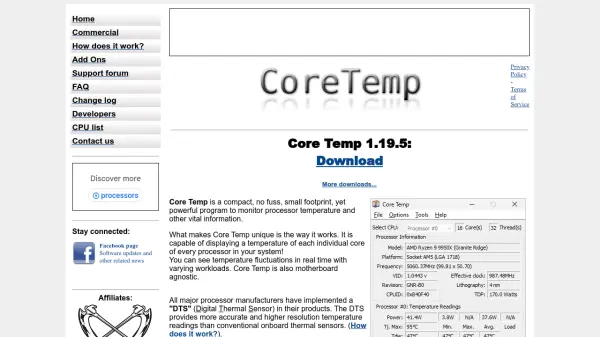
Core Temp provides real-time monitoring of CPU temperature and technical specifications through a compact interface. It supports a wide range of processors from Intel and AMD, delivering accurate temperature readings for each individual core. The tool displays essential information including processor model, frequency, and load percentage alongside temperature data.
Users can customize alerts for temperature thresholds and access detailed processor specifications. Core Temp integrates with system tray notifications and supports logging features for temperature tracking over time. It operates with minimal system resource usage while maintaining compatibility with various Windows operating systems.
Features
- Real-time Monitoring: Displays current CPU temperature for each core
- Processor Specifications: Shows detailed technical information about the CPU
- Temperature Alerts: Customizable notifications for temperature thresholds
- System Tray Integration: Provides monitoring access through system tray
- Logging Capabilities: Records temperature data over time for analysis
Use Cases
- Monitoring CPU temperature during gaming sessions
- Tracking processor performance under heavy workloads
- Preventing system overheating during intensive tasks
- Analyzing CPU specifications and technical details
- Maintaining optimal system temperature for hardware longevity